You can get support in Unity through two separate links:
- The ? link in the upper-right-hand corner next to the profile icon
- The Support link on the left-hand side menu
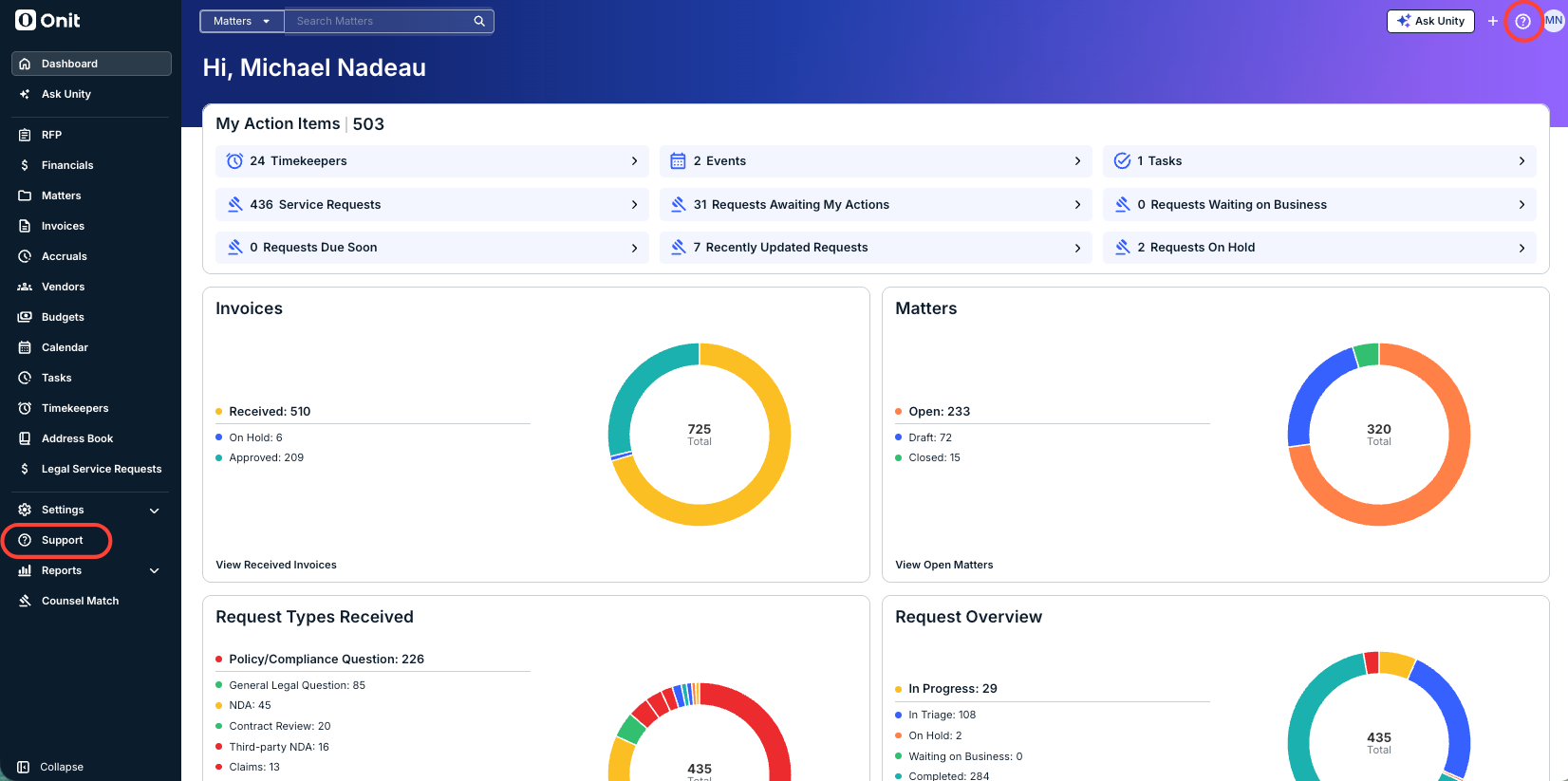
Either one will open the Onit Support Assistant.
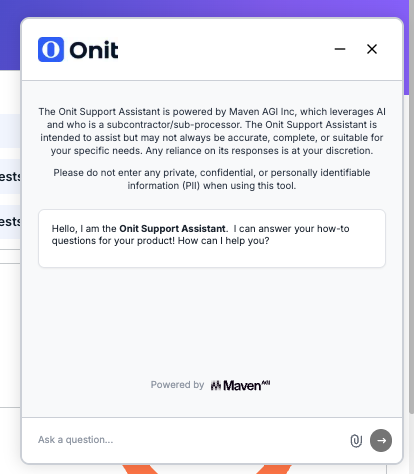
Onit's Support Assistant provides users with AI-powered chat support. This support chat quickly answers basic how-to questions about Unity; it supports multiple languages, allowing users to receive support in their preferred language.
Here, we'll show you how to use the Onit Support Assistant within Unity.
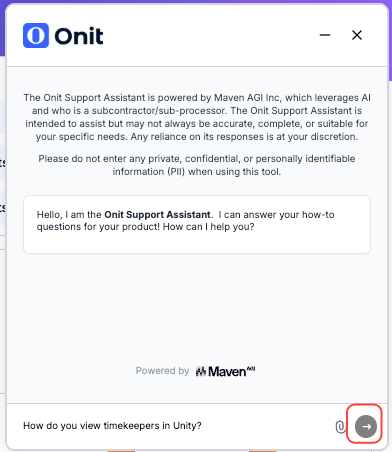
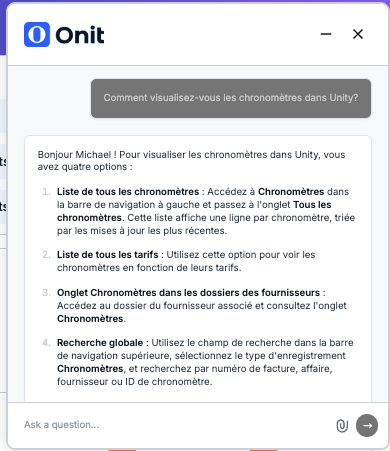
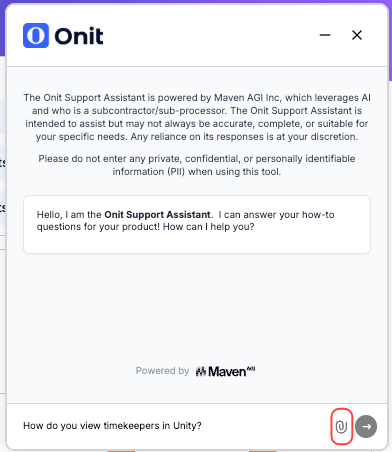
- The support assistant will appear on the screen. Type in your query in the bottom "Ask a question" field and click the Next button.
- The Support Assistant will pull an answer from the uploaded knowledge base.
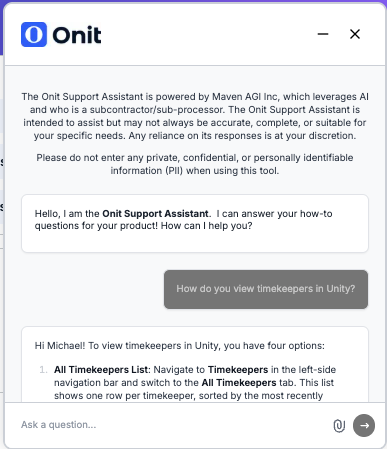
Reminder: the Support Assistant supports multiple languages; ask a question in your preferred language, and you'll get an answer back in that language.
You can also click on the paperclip icon to upload a file to the Support Assistant.
NOTE: If the Support Assistant in Unity cannot answer your questions, it will create a support ticket for additional assistance.