Unity offers several different options for reporting and data analysis:
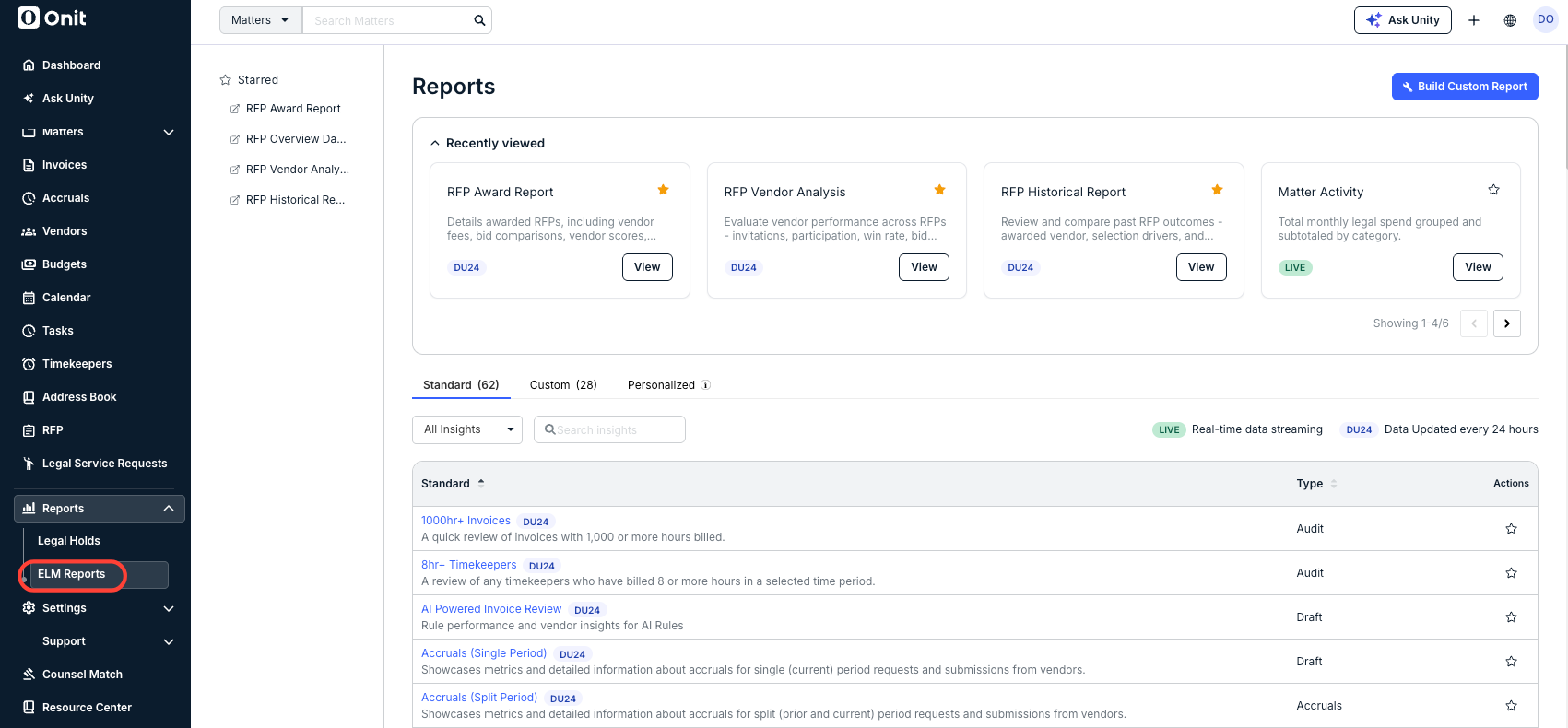
- Standard Reports: Pre-built reports available out of the box to all reporting users.
- Custom Reports: User-created reports that allow users to build their own charts and dashboards using the datasets available to them.
- Personalized Reports: Paid, add-on reports designed and built by Onit Services based on a customer’s specific requirements.
Note that there are two different versions of Reports: Standard and Enhanced.
To access the Reports function, click on Reports on the left-side navigation bar men and then on ELM Reports.
To learn more about working with reports, you can view these user guides: