You can use the Reports function to see a list of invoices by status.
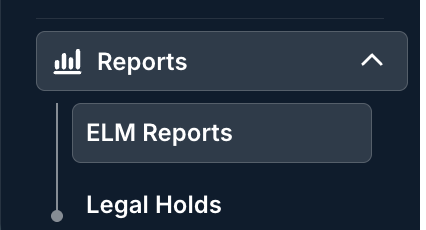
To use Unity reports, go to the ELM Reports section of Unity. Learn more about Reporting in Unity ELM.
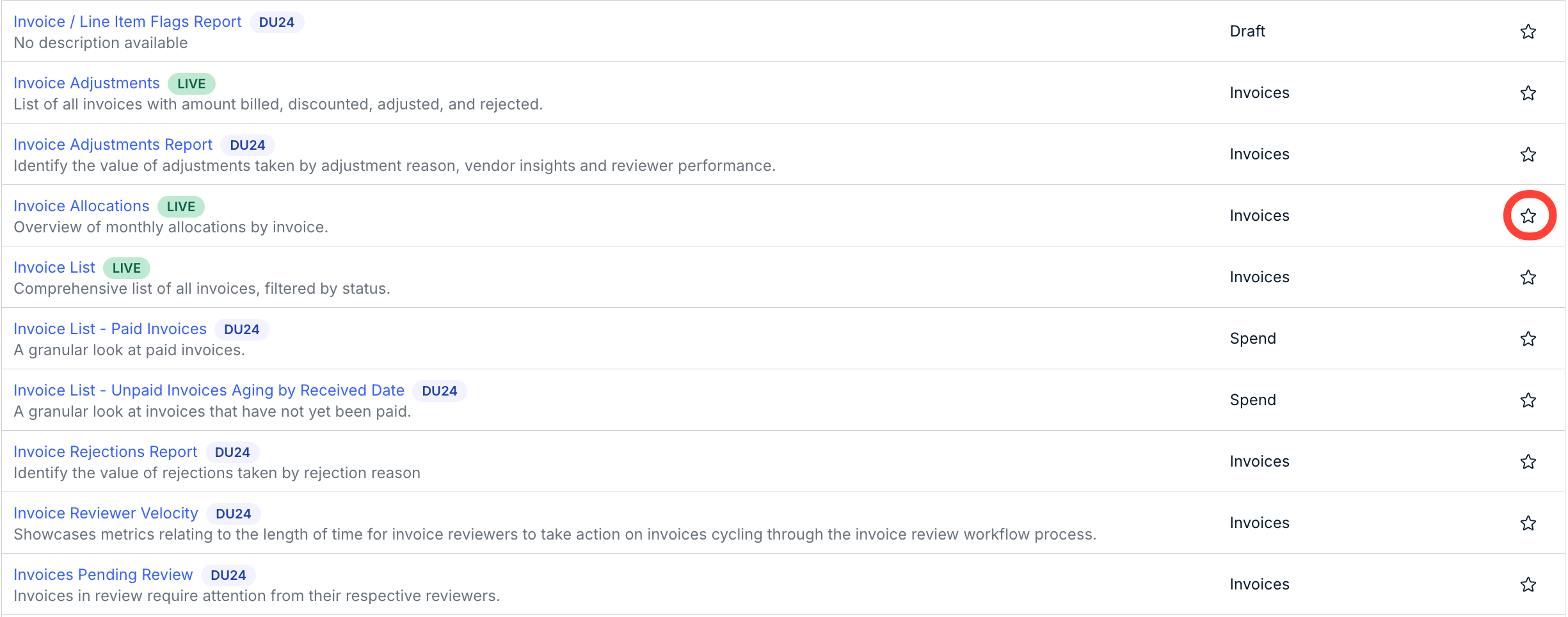
Under Reports, you can scroll down to see all reports specifically dealing with invoices. Click the Star icon next to each one to add it to your favorites.
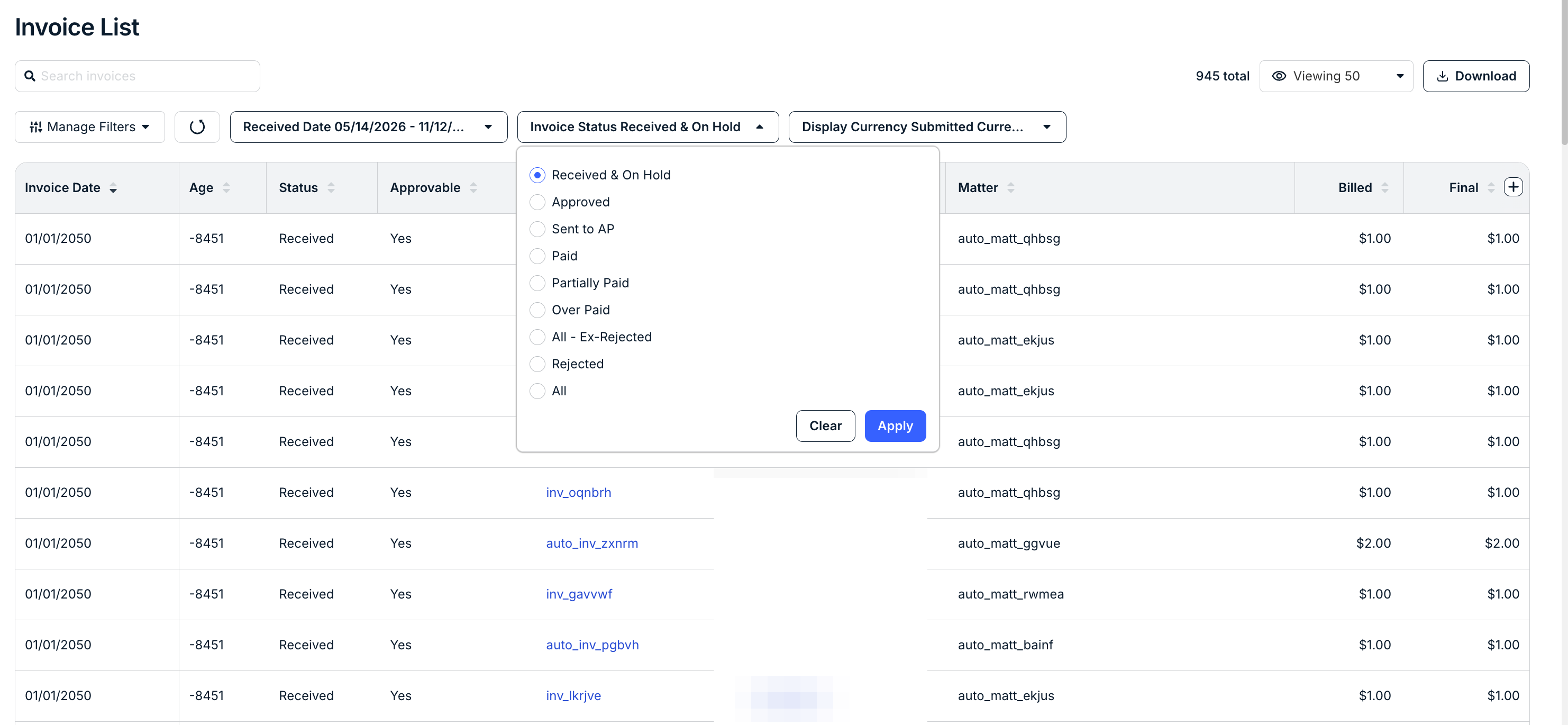
Use the Invoice List report to get a list of all invoices, filtered by status. Use the top drop-down menu to filter by status.
You can also use these other invoice reporting tools:
- Invoice Adjustments: List of all invoices with amount billed, discounted, adjusted, and rejected.
- Invoice Adjustments Report: Identify the value of adjustments taken by adjustment reason, vendor insights and reviewer performance.
- Invoice Allocations: Overview of monthly allocations by invoice.
- Invoice List - Paid Invoices: A granular look at paid invoices.
- Invoice List - Unpaid Invoices Aging by Received Date: A granular look at invoices that have not yet been paid.
- Invoice Rejections Report: Identify the value of rejections taken by rejection reason.
- Invoice Reviewer Velocity: Shows how long invoice reviewers take to act on invoices moving through the review workflow.
- Invoices Pending Review: Invoices awaiting action from their reviewers.