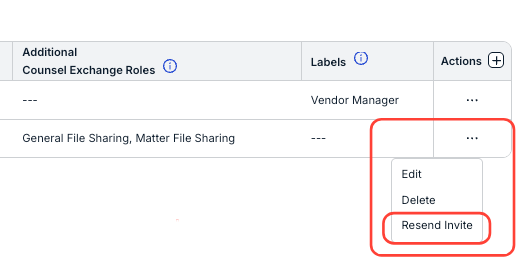
This article explains how to resend an invite to a vendor user.
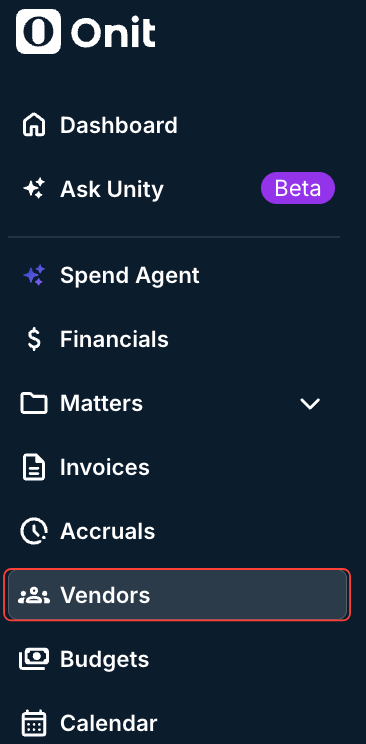
Go to "Vendors" on the left-hand menu.
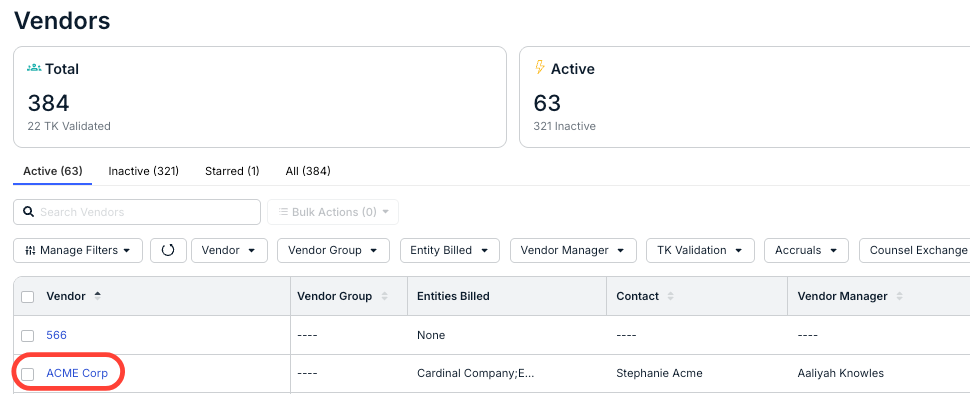
Click the name of the vendor the contact belongs to.
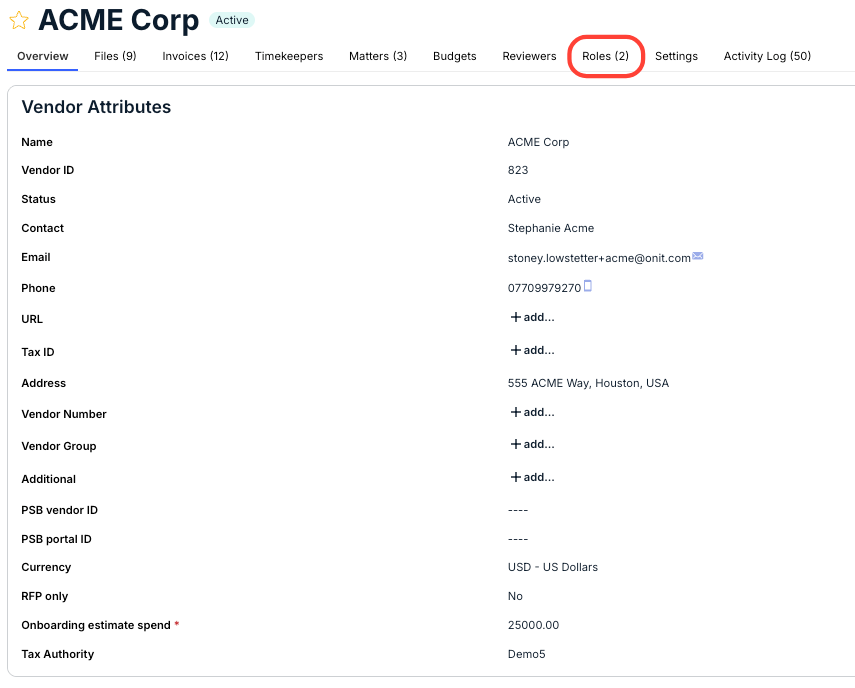
On the Vendor Details page, click the "Roles" tab.
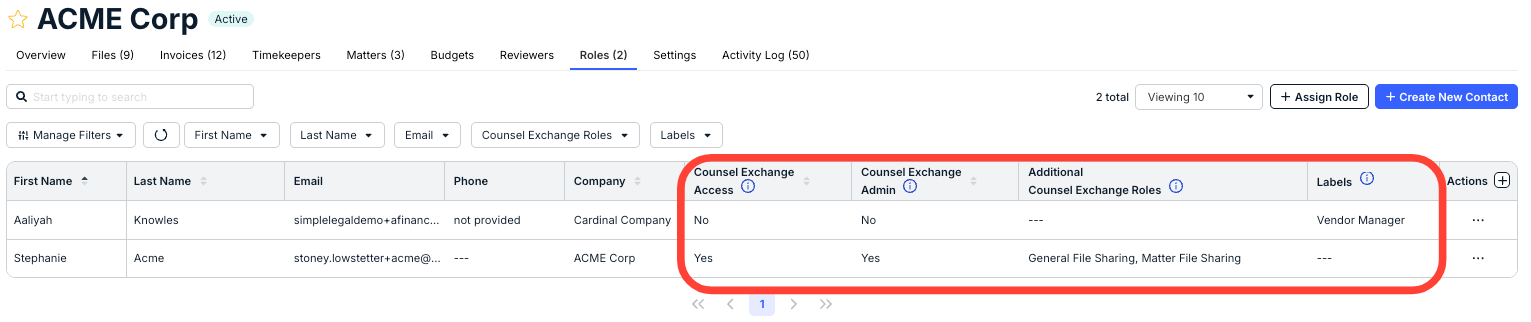
The list of vendor users will appear.
On this page, you'll see each user's roles, including Counsel Exchange Access (Yes/No), Counsel Exchange Admin (Yes/No), Additional Counsel Exchange Roles, and Labels.
Click the three-dot "Actions" menu, then select "Resend Invite."
docs.onit.com contains proprietary and confidential information owned by Onit, Inc. that is subject to copyright. Onit presents it exclusively to you for your sole use in conjunction with using Onit products. No portion of the materials contained herein may be used for any other purpose. No portion of the materials contained herein may be shared with third parties or reproduced in any form.