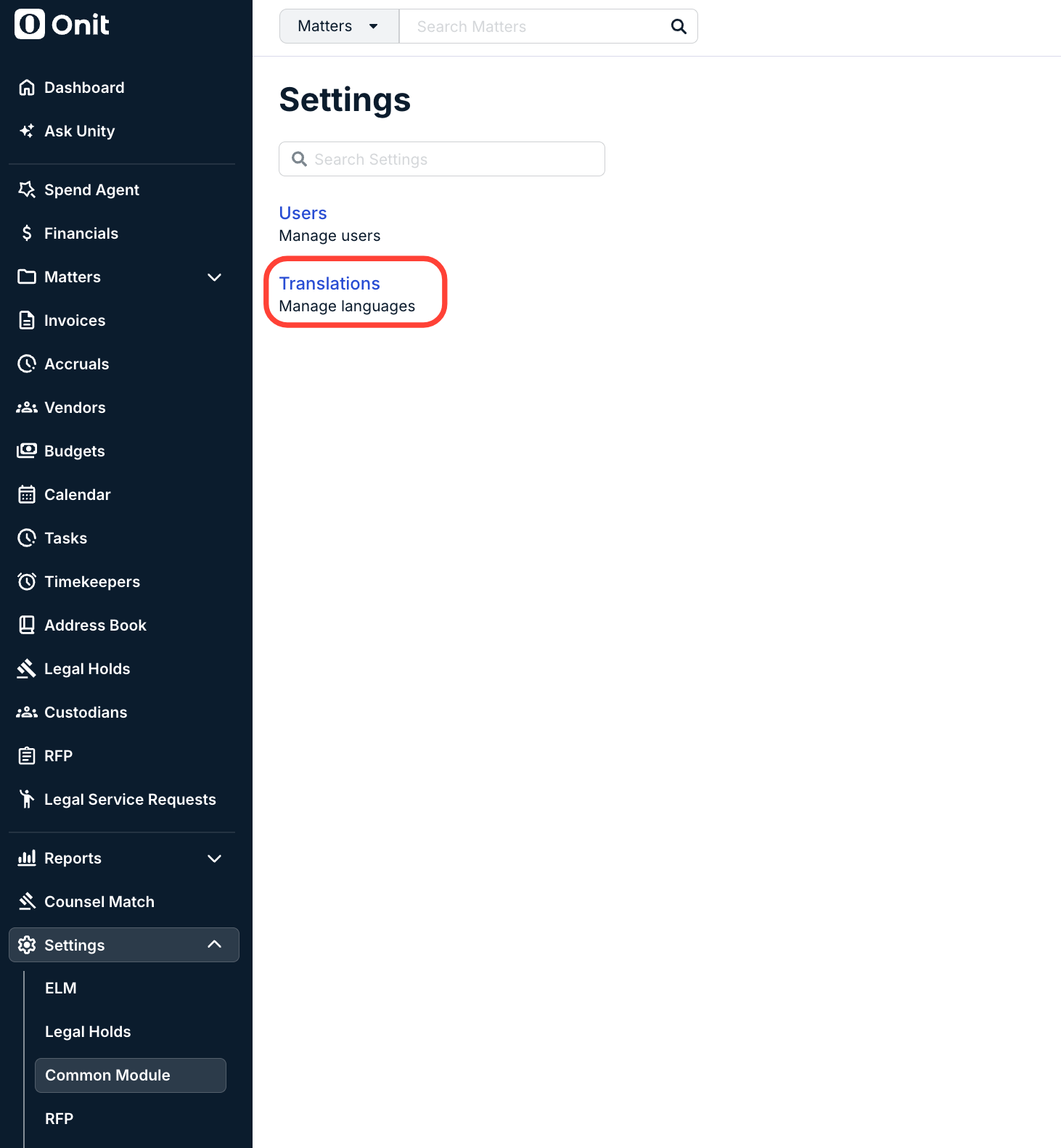
To work in your preferred language within Unity, go to Settings, then Common Module. Click Translations to manage languages throughout Unity.
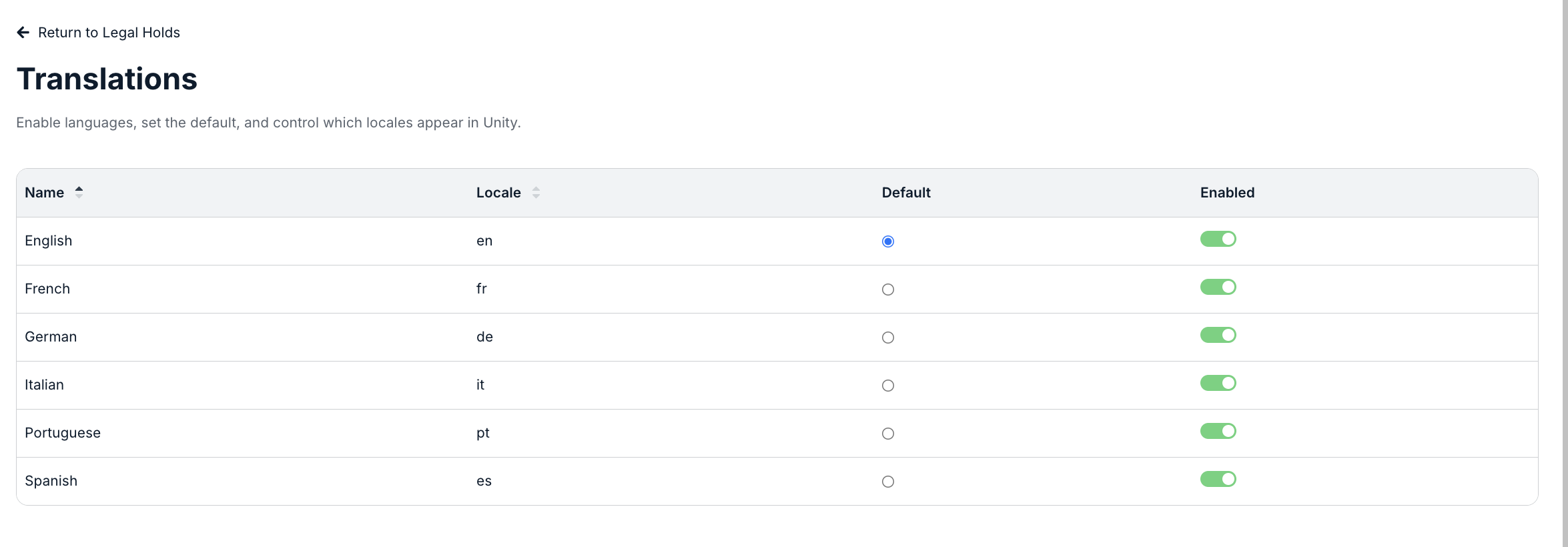
The Translations menu appears. Use the up and down arrows next to each heading to sort by that column. To set the default language, select the radio button in the Default column. To enable or disable a language, use the Enabled toggle.
docs.onit.com contains proprietary and confidential information owned by Onit, Inc. that is subject to copyright. Onit presents it exclusively to you for your sole use in conjunction with using Onit products. No portion of the materials contained herein may be used for any other purpose. No portion of the materials contained herein may be shared with third parties or reproduced in any form.