Outside counsel and/or firms that complete and bill for work on legal matters are added as vendors in Unity for invoicing, activity tracking, and reporting.
It is the responsibility of our customers to add the vendor records and ensure relevant settings are enabled. This includes the following:
- Enabling features for invoicing via Counsel Exchange
- Enabling Timekeeper Rate Validation settings if rates should be used for invoice validation
- If Spend Agent is enabled for invoice verification, ensuring a default Outside Counsel Guidelines file is assigned
- Adding the relevant data points and information for tracking/reporting
There are two ways to add a new vendor:
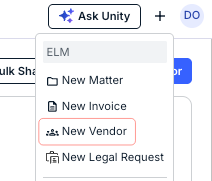
- Click the + (Quick Add) button from the top navigation bar and select New Vendor.
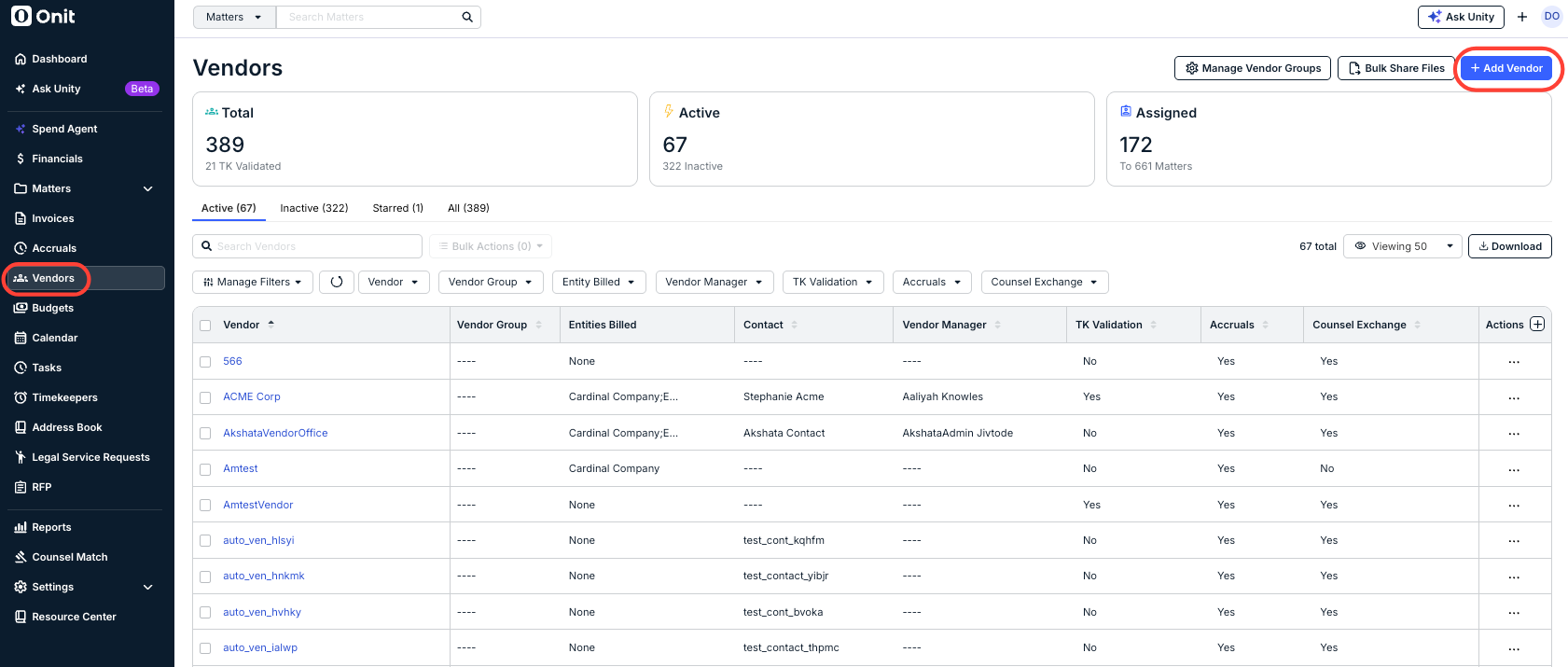
2. Go to Vendors from the left-side navigation bar and click + Add Vendor in the top-right corner.
The Add Vendor screen will appear.
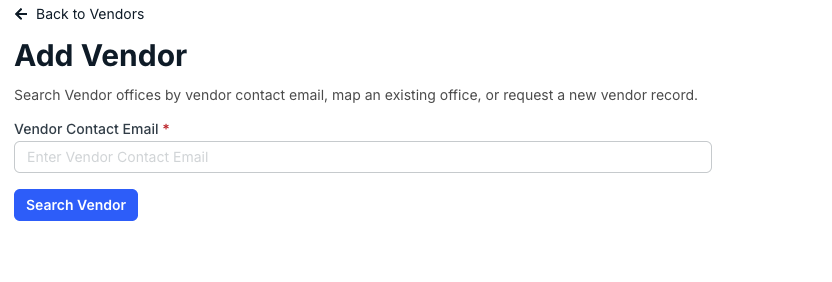
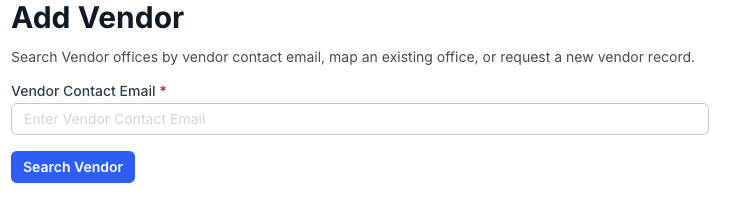
Start typing in the Vendor Contact Email and click on Search Vendor.
The system will search for any duplicates of the email address in the record; for example, searching for this email address returns an existing vendor office. You can see key vendor office information displayed on the screen of any potential duplicates, including Vendor office, City, Country, or Currency.
If you still want to create a new vendor at this step after reviewing potential duplicates, click Create New Vendor.
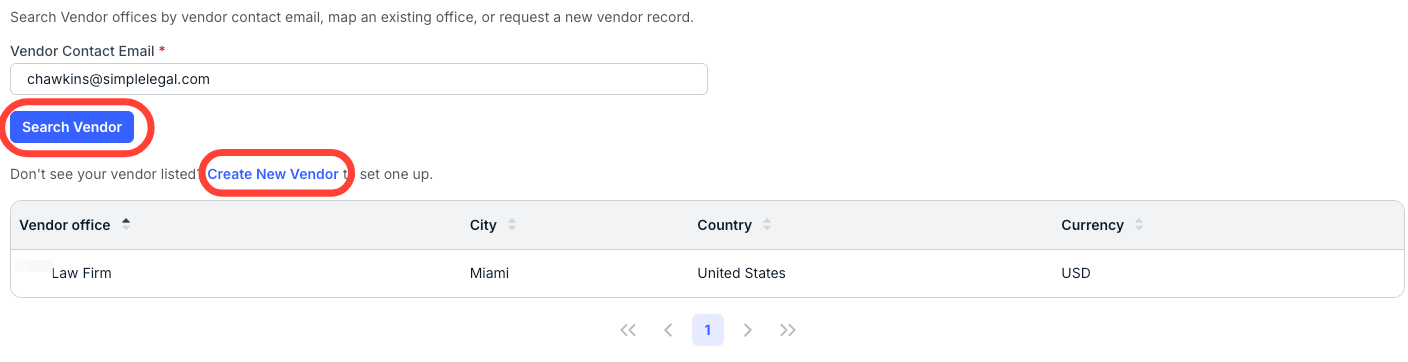
If you don't see any records come up in the search results, you can click on Create New Vendor to set up a new vendor.
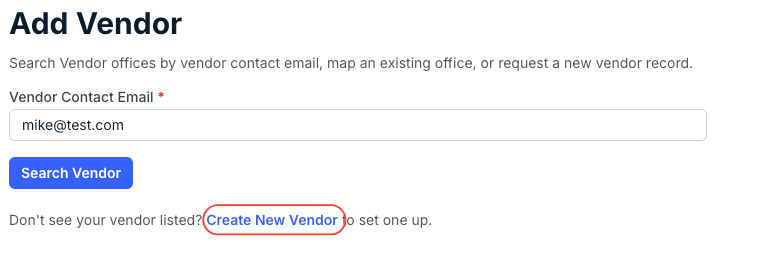
Once you hit Create New Vendor, the Request New Vendor screen will appear.
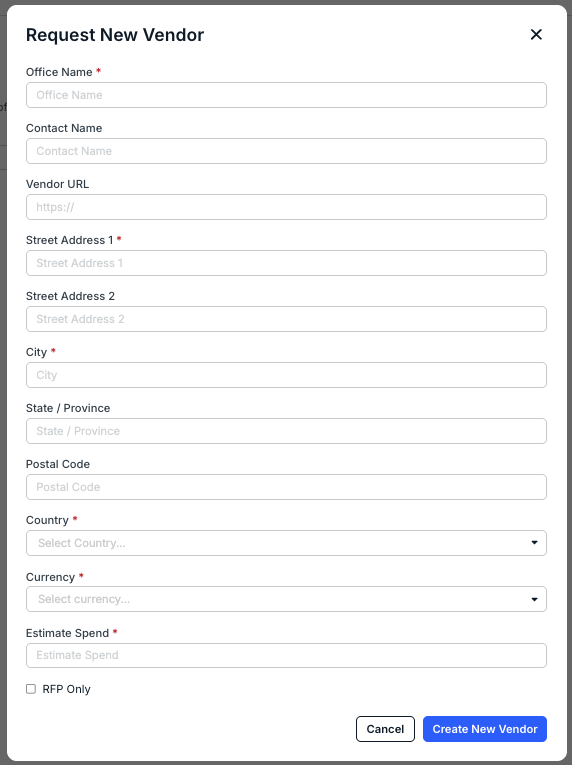
You'll have to fill out the:
| Office Name | Legal name of the firm as it will appear in lists of values where a vendor can be assigned (e.g., matter records). |
| Contact Name | First and last name of the firm’s main point of contact for your organization. |
| Vendor URL | Firm’s website URL, if applicable. |
| Street Address 1/2 | Firm's street address (Required for Street Address 1) |
| City | Phone number of the main vendor contact. |
| State / Province | Firm's state or province |
| Postal Code | Firm's postal code |
| Country | Firm's country |
| Currency | Firm's currency (drop-down menu) |
| Estimate Spend | Estimate spend for the firm |
| RFP Only checkbox | Check this box if the vendor will be limited to RFP responses. |
Click Create New Record to create the new record or Cancel to back out.
Once added, the record can be found and managed from the vendors list page. Open the vendor record to fill in additional details, manage settings (e.g., accruals, timekeeper rate validation, etc.), grant Counsel Exchange access, and more.