Onit Documentation

Vendor Settings for Accruals

by Sigmarie Soto Updated on

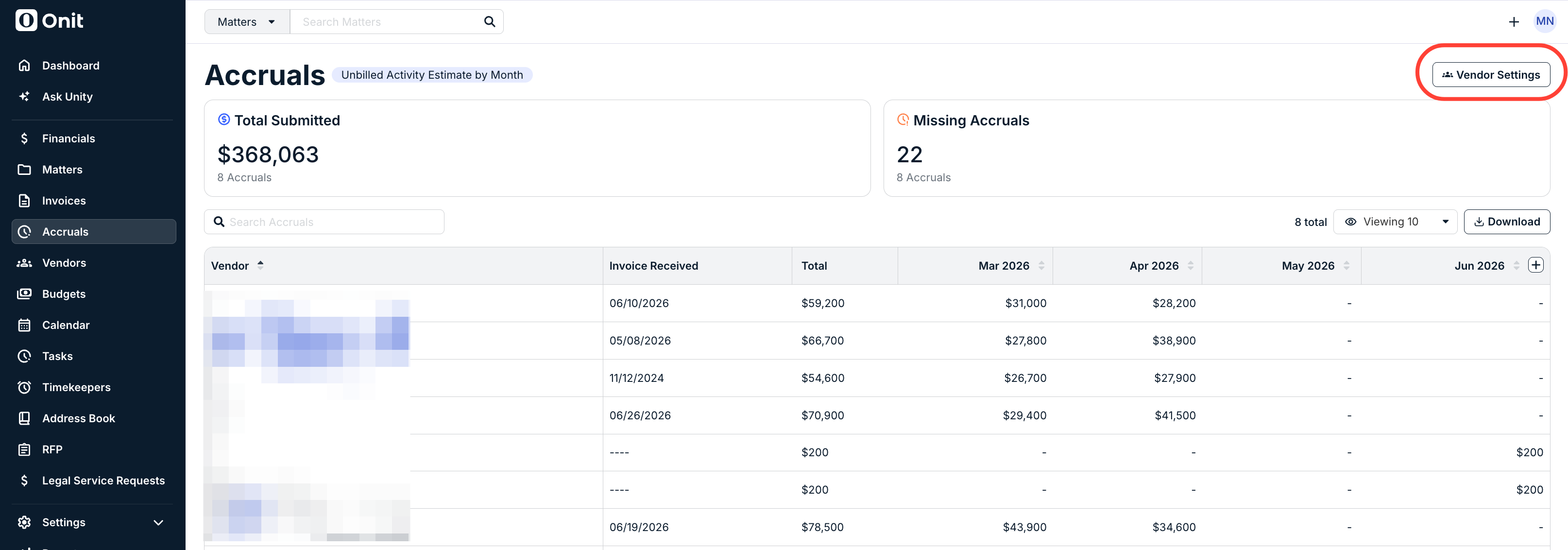
Go to Accruals from the left-side navigation bar and click on Vendor Settings to manage accrual settings at the vendor level. This includes disabling accrual requests from being sent to specific vendors, manually resending a request, or editing the expiration date. 
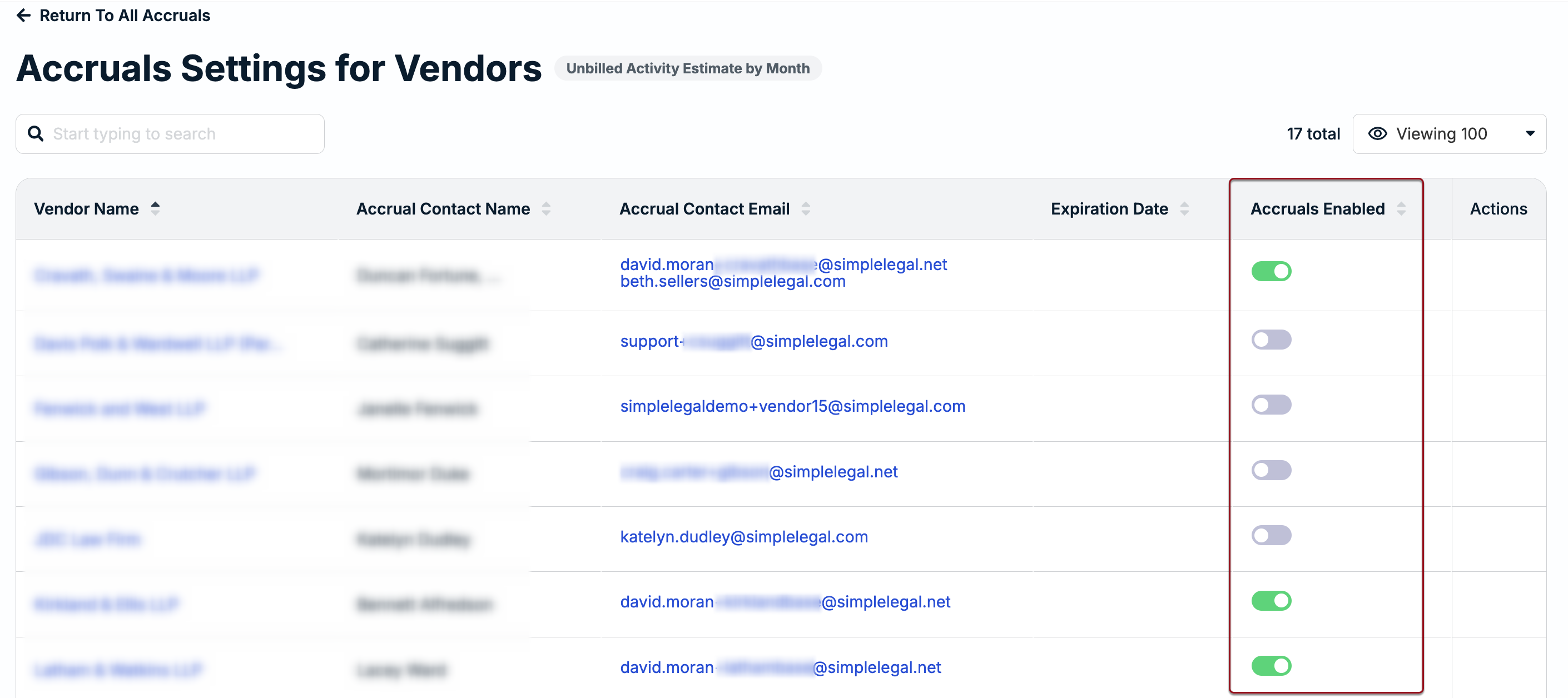
To disable accruals for a specific vendor, click on the toggle under the Accruals Enabled column. 
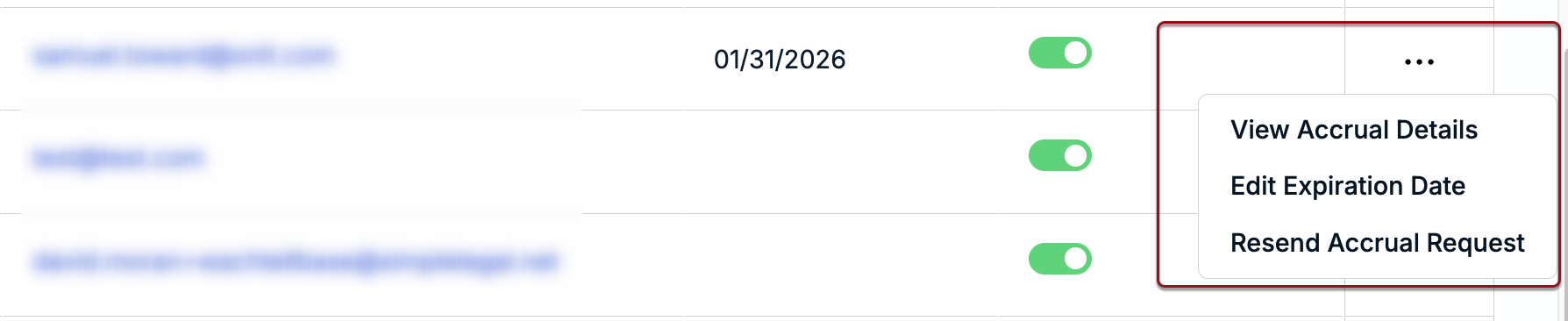
Click on the ... (more) option under the Actions column to do any of the following: View Accrual Details, Edit Expiration Date, and Resend Accrual Request. 
Previous Article Viewing Submitted Accruals
Next Article Adding a New Vendor

© 2025 Onit, Inc.

docs.onit.com contains proprietary and confidential information owned by Onit, Inc. that is subject to copyright. Onit presents it exclusively to you for your sole use in conjunction with using Onit products. No portion of the materials contained herein may be used for any other purpose. No portion of the materials contained herein may be shared with third parties or reproduced in any form.