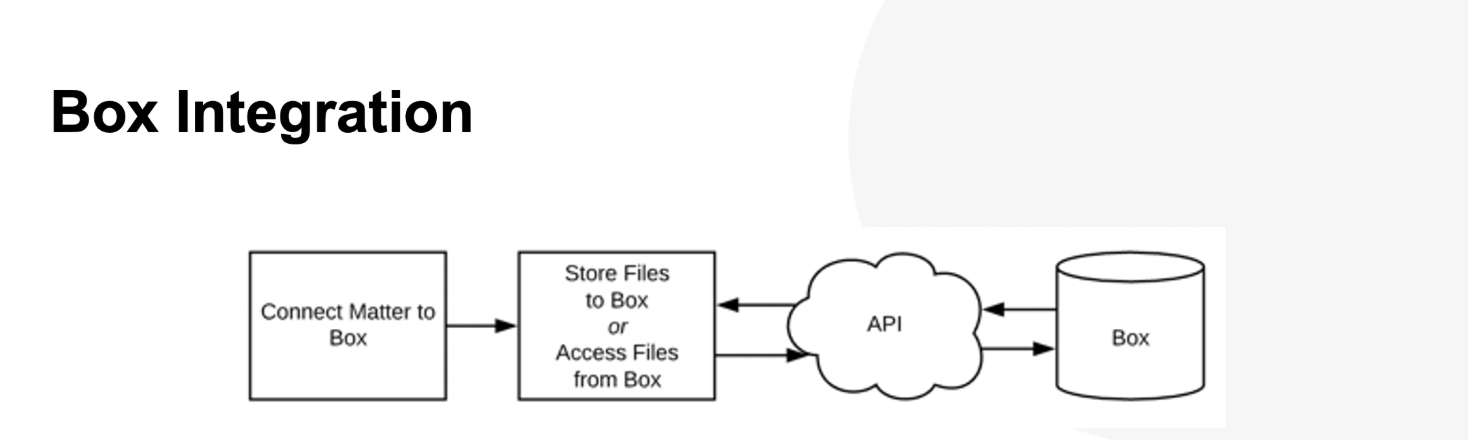
Customers using Box for document management can integrate Box folders with Unity. This article covers the setup requirements for connecting Box with Unity.
Setting up Onit's Box Integration
To get started, contact Onit support to enable external document management in your environment. Once enabled, Unity can be connected to Box using the Box API. The following information is also required to complete this setup:
- Box Domain (i.e., for users to upload documents)
- Default Box Folder ID (i.e., uploaded documents will be sent to this folder)
Box Integration Visual Overview