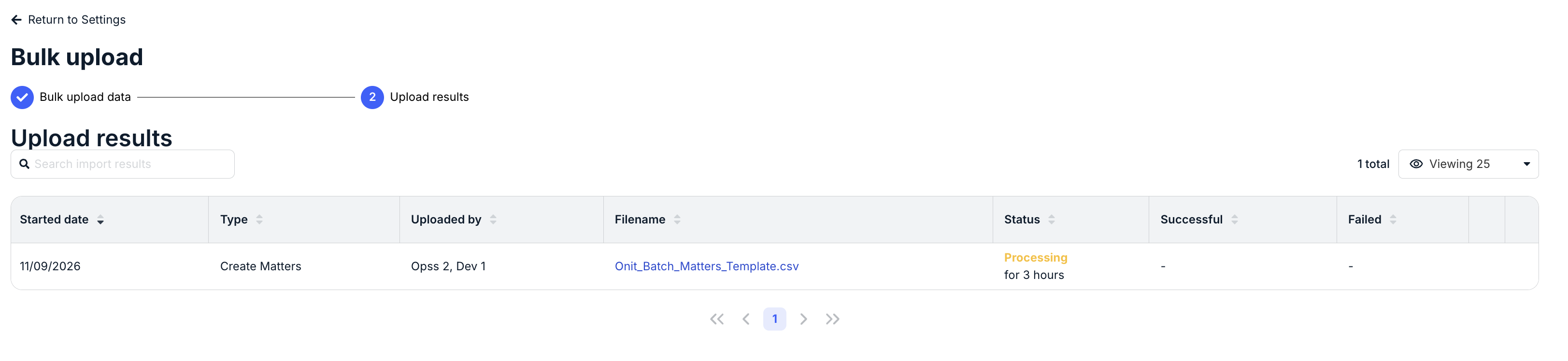
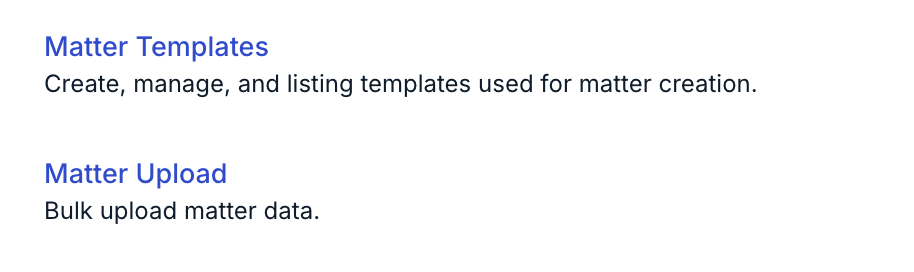
Use the Matter Upload setting to bulk upload matter data.
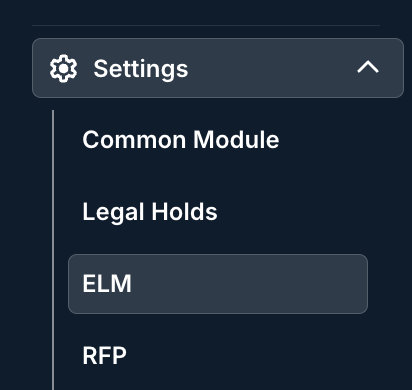
To access Matter Upload, go to Settings > ELM and click Matter Upload.
Select the Upload Type, then upload your file. Note that matter definition uploads must be in CSV format. Use this template as a starting point, or click Download template to get a fresh copy.
Client Matter ID is required to update matters. Matter Name is required to create matters. All other fields are optional.
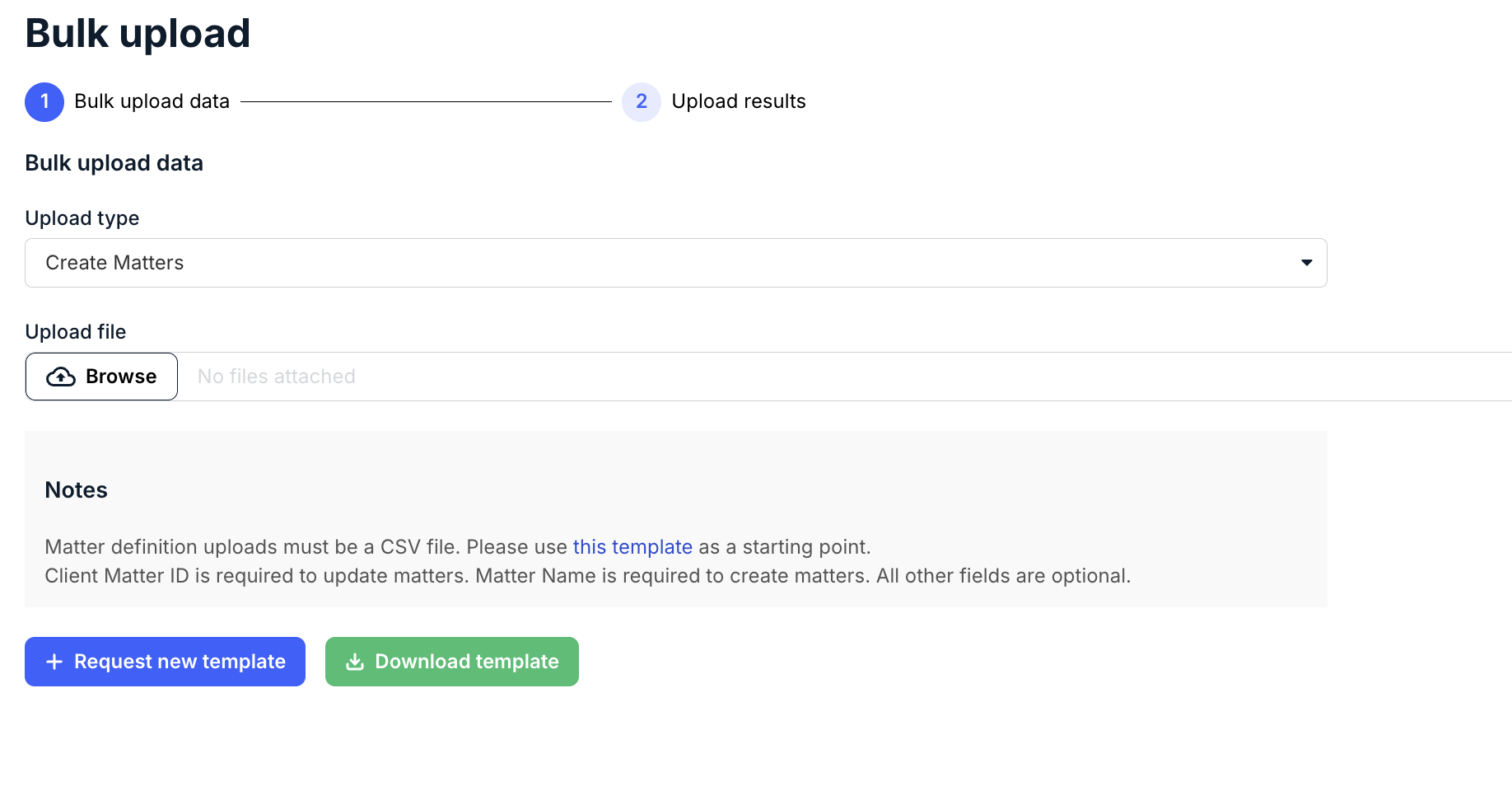
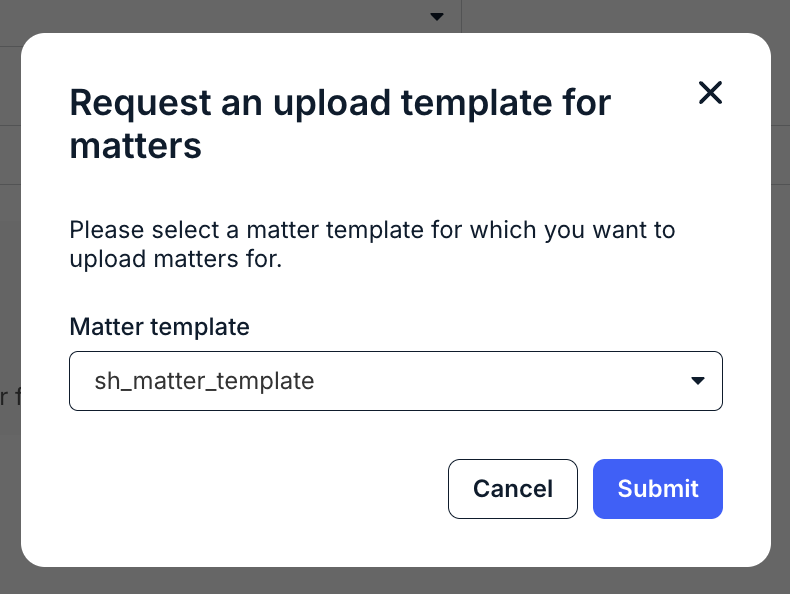
Click Request new template to request an upload template for matters, then select the matter template from the drop-down menu. Click Submit to send the request or Cancel to close the window.
Once uploaded, you'll see the Upload results. The page shows the Started date, Type, Uploaded by, Filename, Status, Successful, and Failed columns. Use the Search import results field to find specific records. Click the up/down arrows at the top of any column to sort by it. Use the Viewing drop-down menu to choose how many records to display.