Here's how to download invoice information within Counsel Exchange.
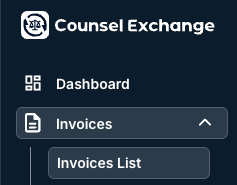
- After choosing your client, go into "Invoices" and then "Invoices List" on the left-hand side column.
- Click the "Download" button on the right-hand side of the screen.
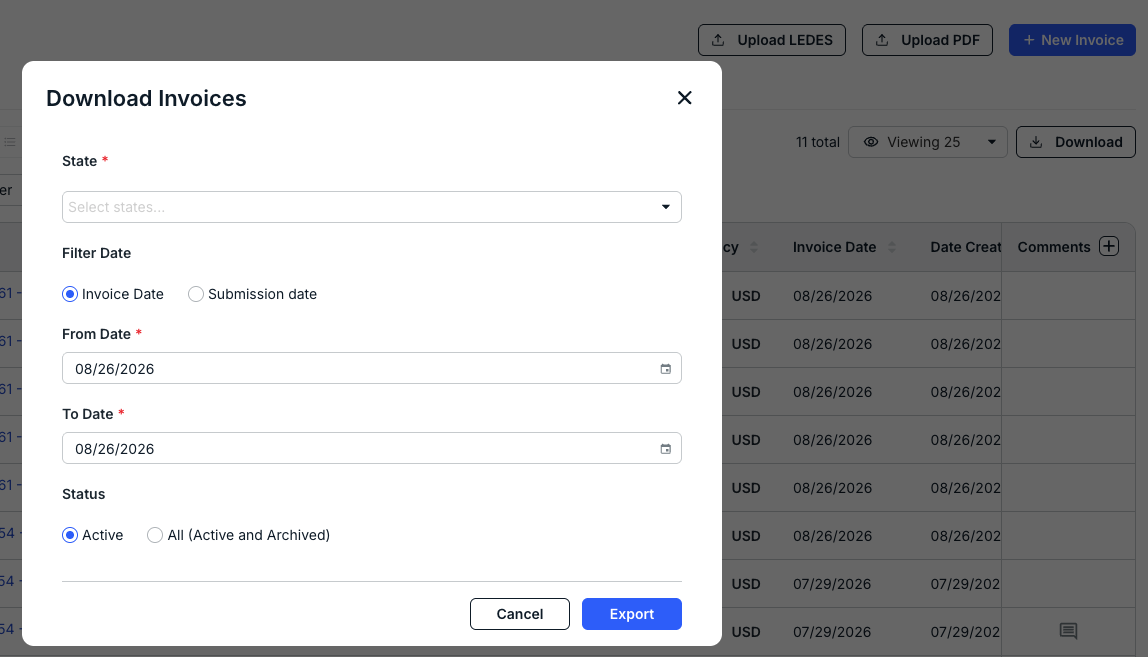
The Download Invoices screen will appear for you to customize the information you want to download; you can filter by:
- State (drop-down menu)
- Invoice or Submission Date, with the From and To Date parameters
- Status, either Active or All (Active and Archived)
Click Export to export the data as an Excel file.