Here's how to view the Client Spot Rates within Counsel Exchange:
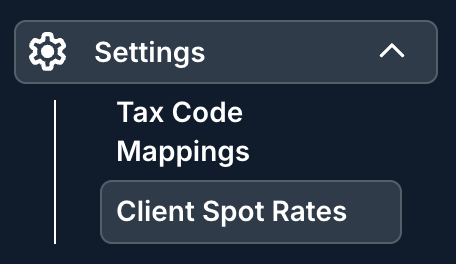
- Click on the "Settings" section on the left-hand-side menu and then on the "Client Spot Rates" option from the drop-down menu.
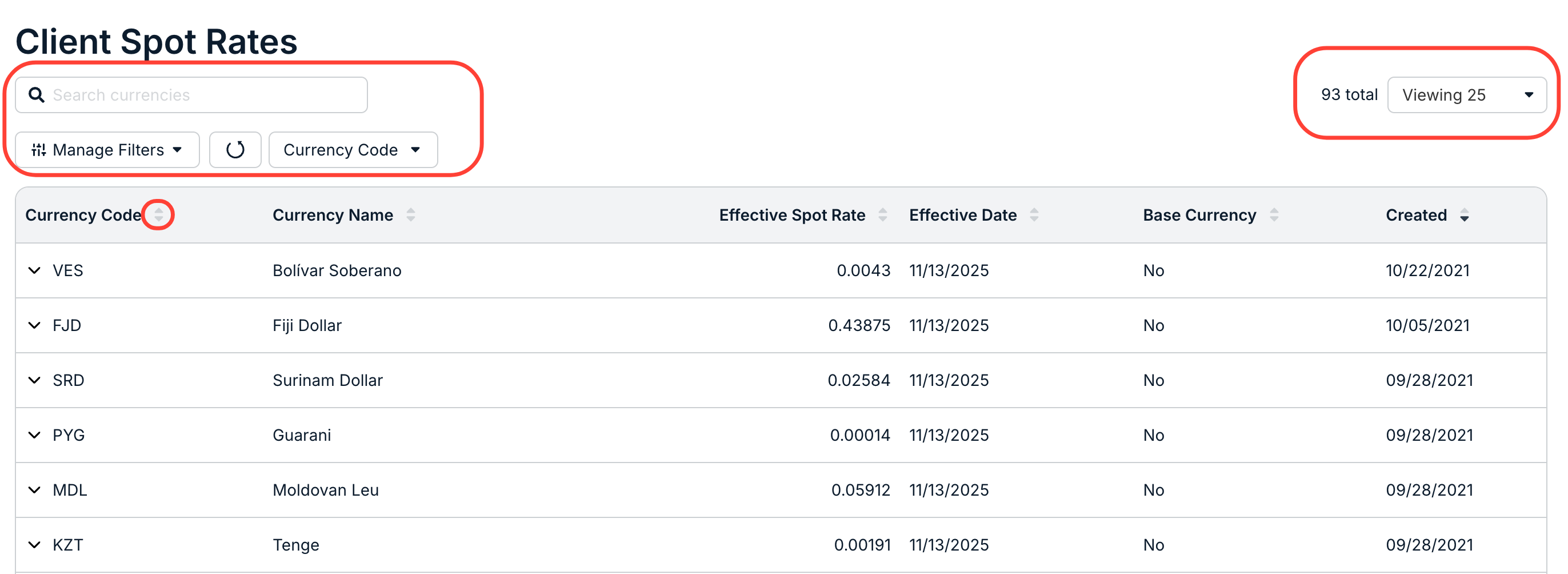
- Within the Client Spot Rates page, you'll see a list of all the spot rates the client has uploaded.
Information displayed includes the Currency Code, Currency Name, Effective Spot Rate date, Effective Date, Base Currency, and Created date.
Click the up/down arrow next to each column to sort by that column. Use the search bar to search for a specific spot rate. You can also use the Manage Filters and Currency Code drop-down filter, along with the Viewing drop-down menu, to customize exactly what you want to see on the screen.
- Click on the up/down arrow next to the currency code to see more information.
This includes the full spot rate history.
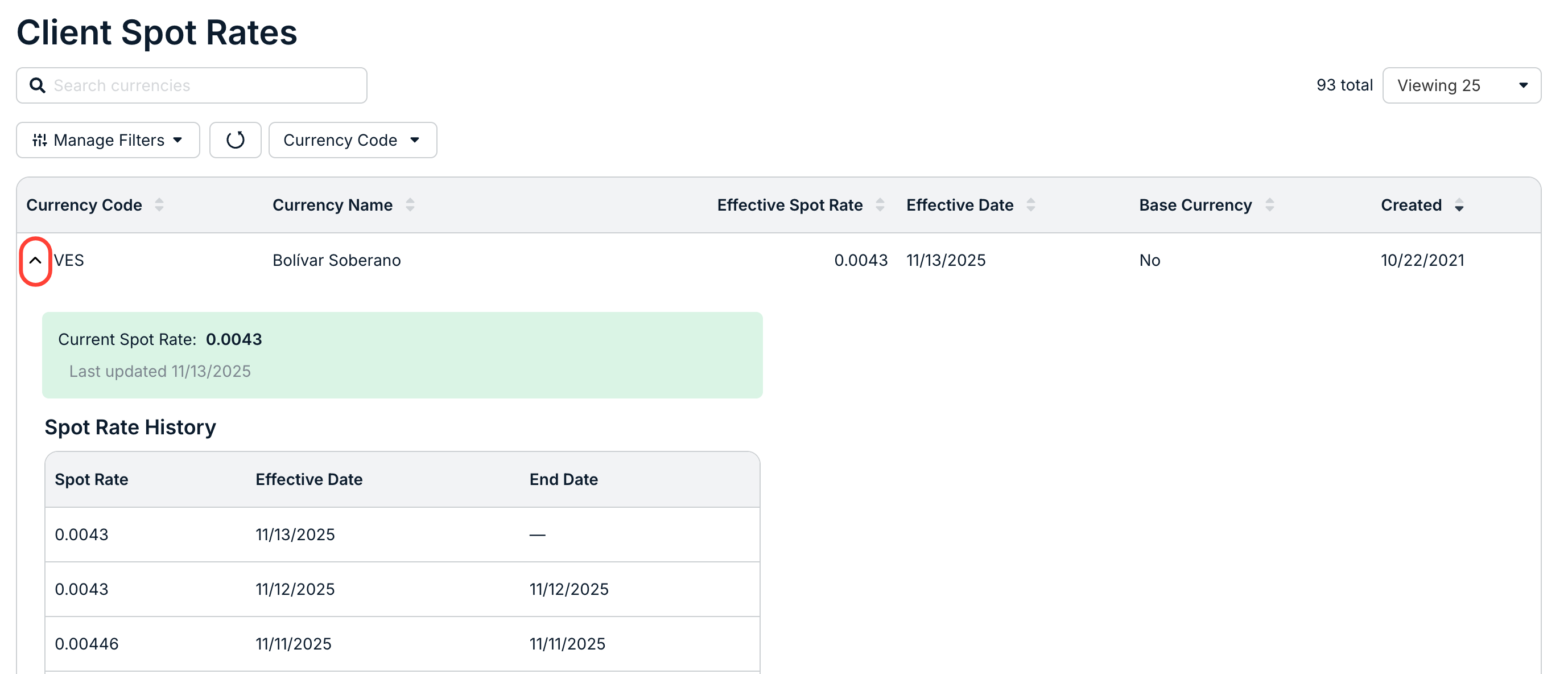
- Click on the up/down arrow next to the currency code to see more information.