There are 2 ways you can view and edit existing timekeeper profiles in Counsel Exchange. For instructions within Master Settings refer to the help article here. Within the context of a client:
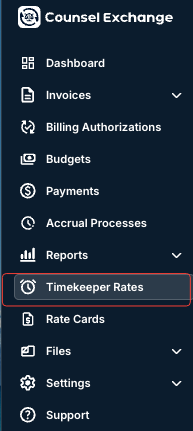
- Click on the "Timekeeper Rates" option on the left-hand side menu of Counsel Exchange.
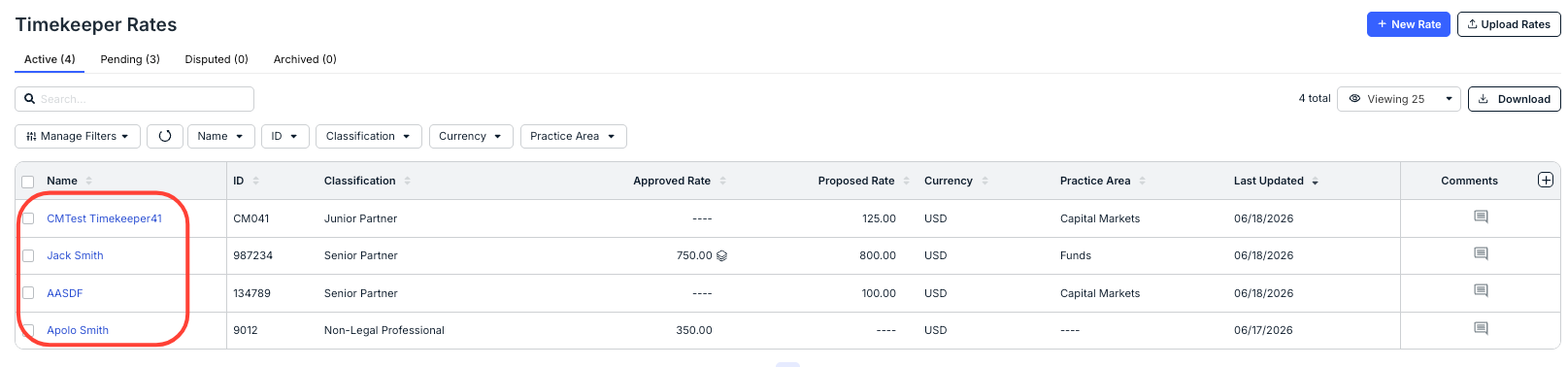
- The list of existing Timekeeper Rates will appear.
Click on the timekeeper rate you want to view or edit.
- The Timekeeper profile will appear.
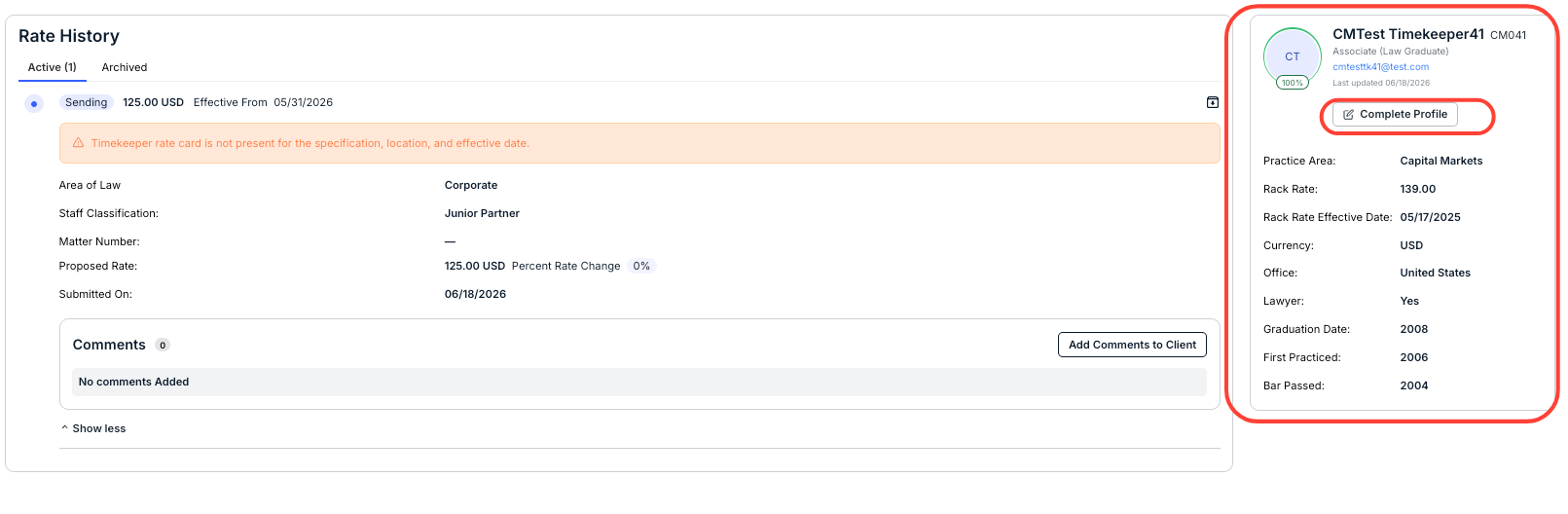
Here, you can see the Rate History. You can also click between the Active and Archived tabs.
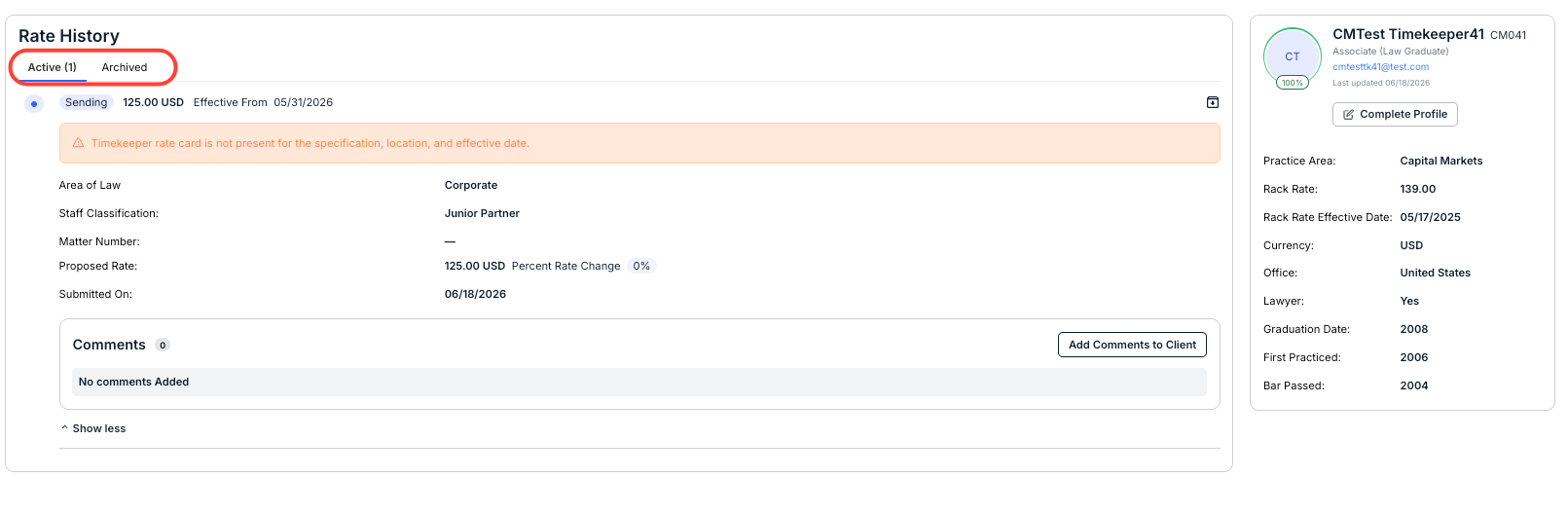
On the right-hand side of the screen are the Timekeeper Profile details. Click on Complete Profile to update their information.
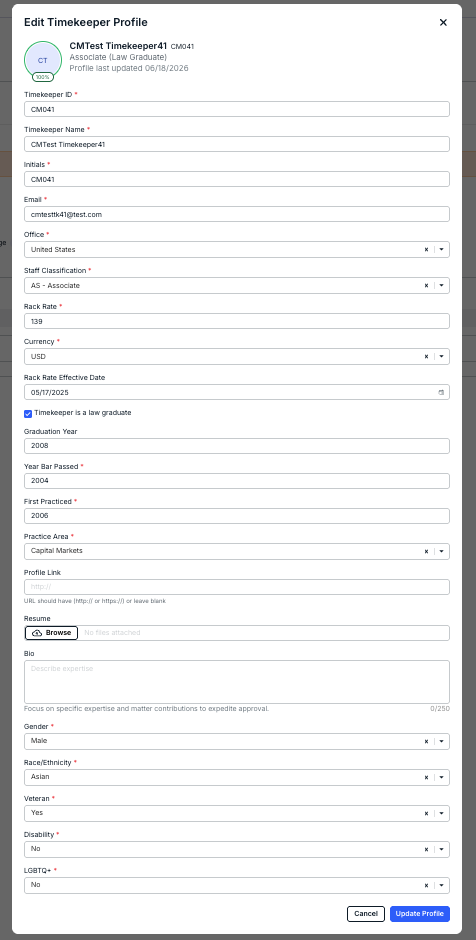
The Edit Timekeeper Profile screen will appear. Make any necessary edits or changes and click Update Profile or Cancel to back out.