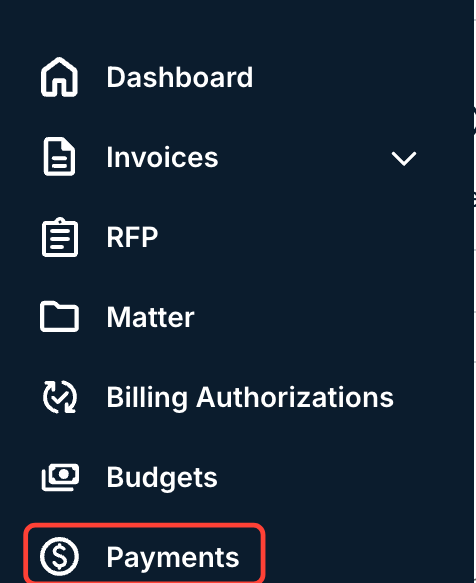
Here's how to locate a listing of invoice payments within Counsel Exchange:
After selecting your client, go to the Payments option on the left-hand-side menu.
The Payments screen will display key invoice payment information.
Information displayed includes the Invoice #, Type, Reference #, Date, and Amount. Click the up/down arrow at the top of each column to sort by that column. Use the search bar to search for a specific invoice.
Click the links in the Invoice column to open that invoice screen.
docs.onit.com contains proprietary and confidential information owned by Onit, Inc. that is subject to copyright. Onit presents it exclusively to you for your sole use in conjunction with using Onit products. No portion of the materials contained herein may be used for any other purpose. No portion of the materials contained herein may be shared with third parties or reproduced in any form.