Here's how to bulk upload timekeeper rate cards in Counsel Exchange:
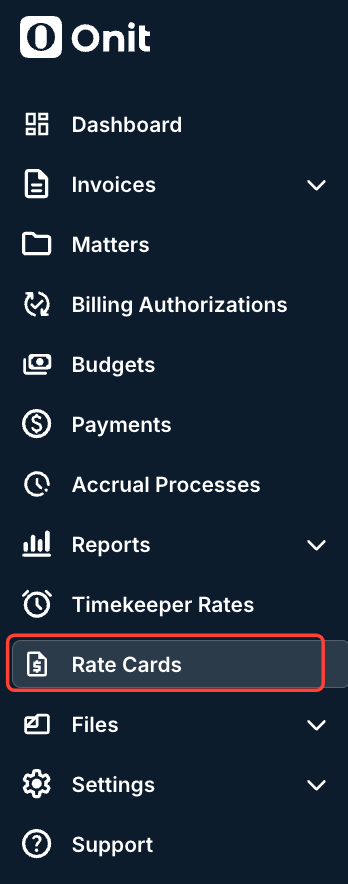
- In Counsel Exchange, go to the left-hand side menu and open up "Rate Cards."
- The Rate Cards screen will appear.
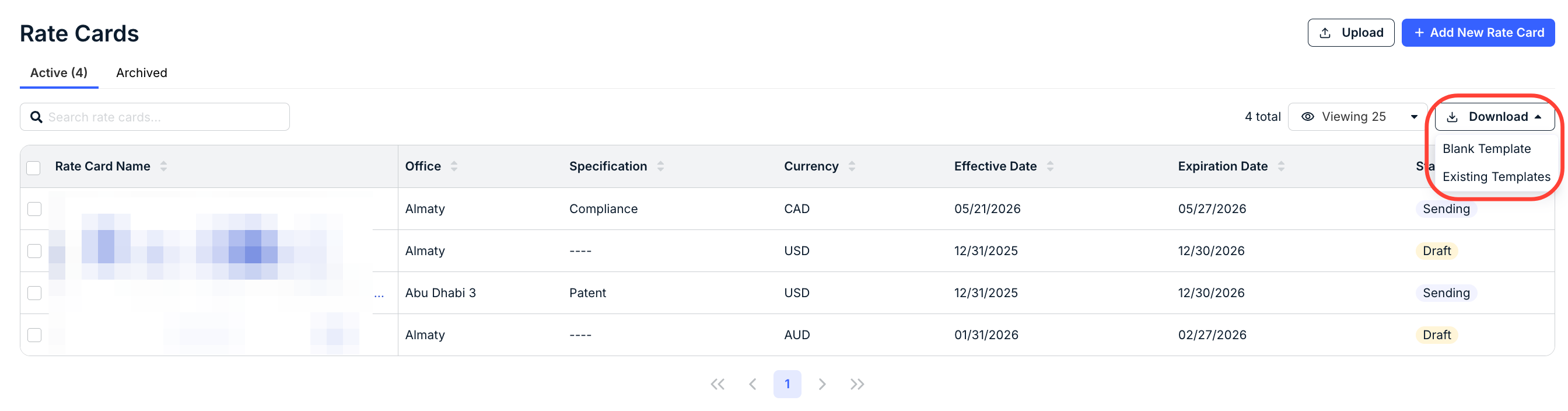
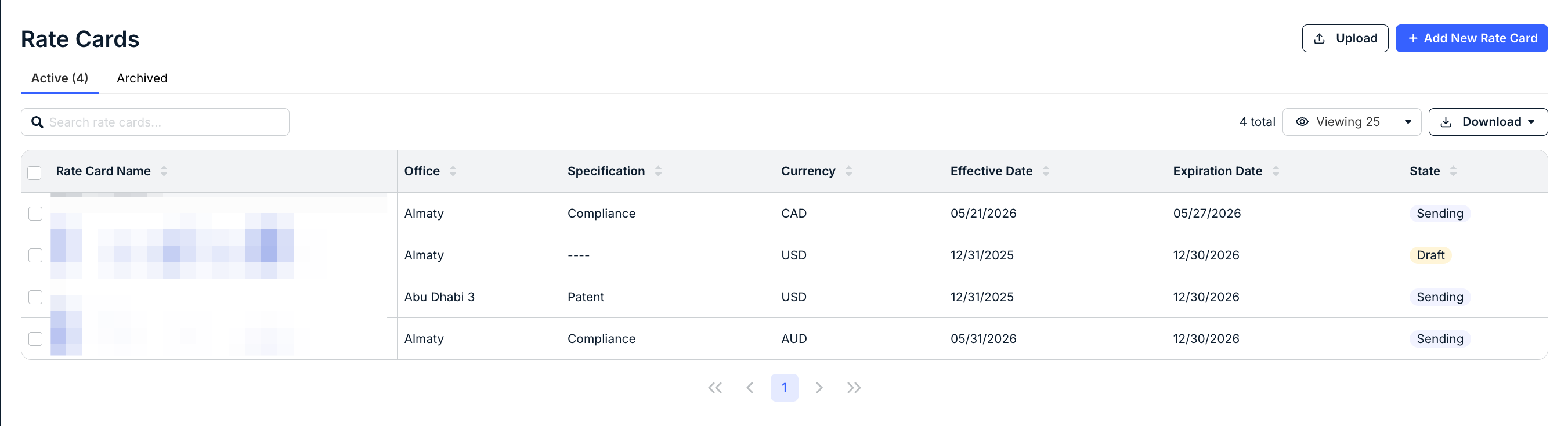
You'll see the existing rate cards with key details, including Rate Card Name, Office, Specification, Currency, Effective Date, Expiration Date, and State. Click the up/down arrow at the top of each column to sort by that column. Use the search bar to search for a specific rate card. Use the Viewing drop-down menu to customize the number of rate cards you see on the screen. You can also switch between the Active and Archived tabs.
Click on Download to download either blank or existing templates. The blank or existing templates will download to your system
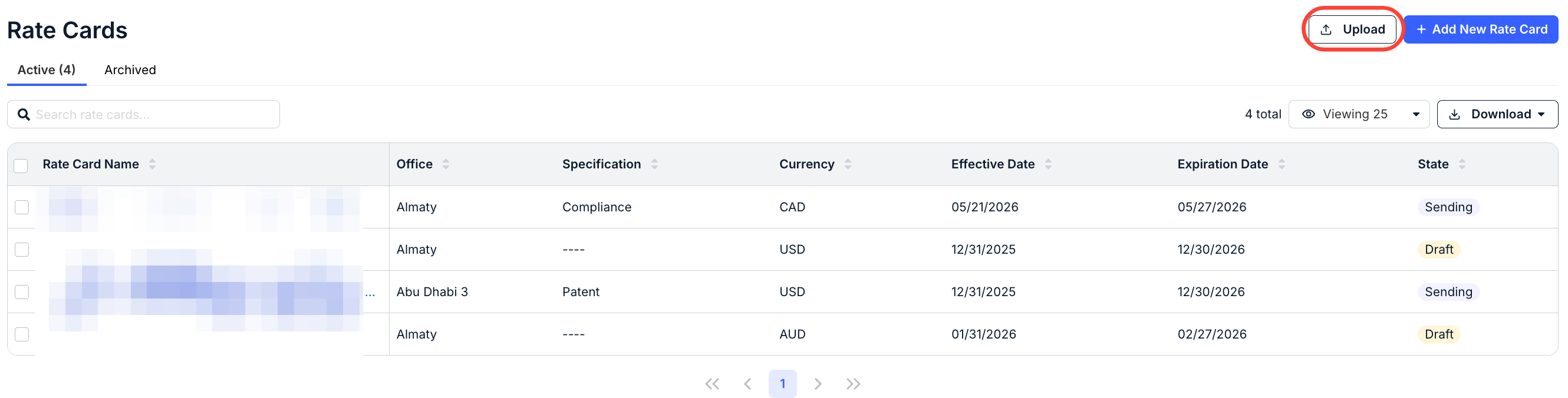
- Fill out your template and click on "Upload" to upload the rate cards.
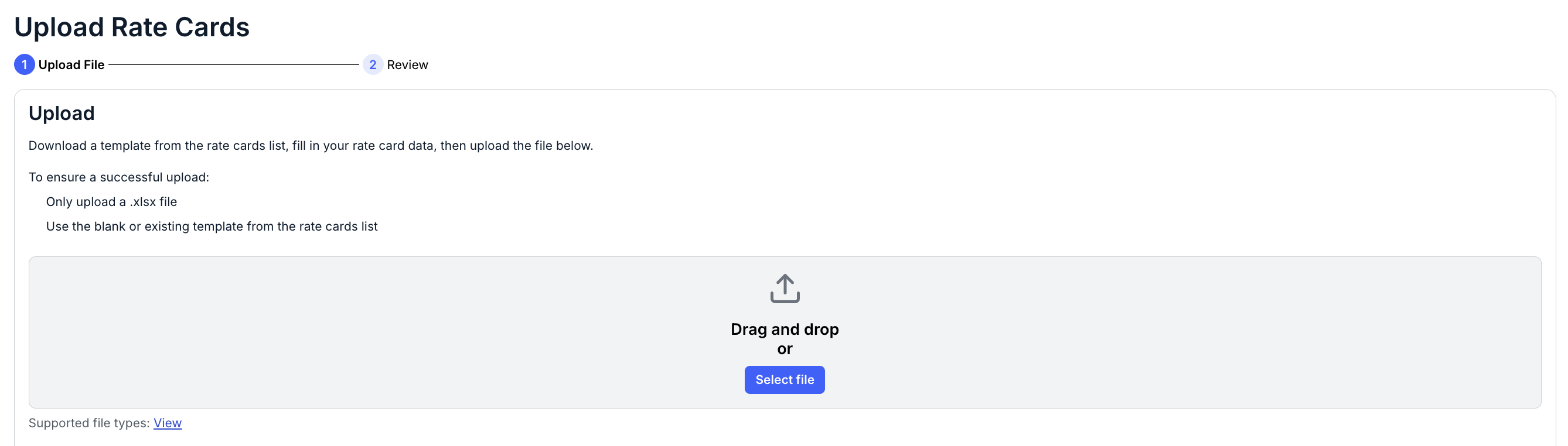
- The Upload Rate Card screen will appear.
Drag and drop the file onto the screen or click on Select File to find the file to upload.
Any errors in the Excel file will appear below the Attached Files section. Toggle Show Details to display the error details.
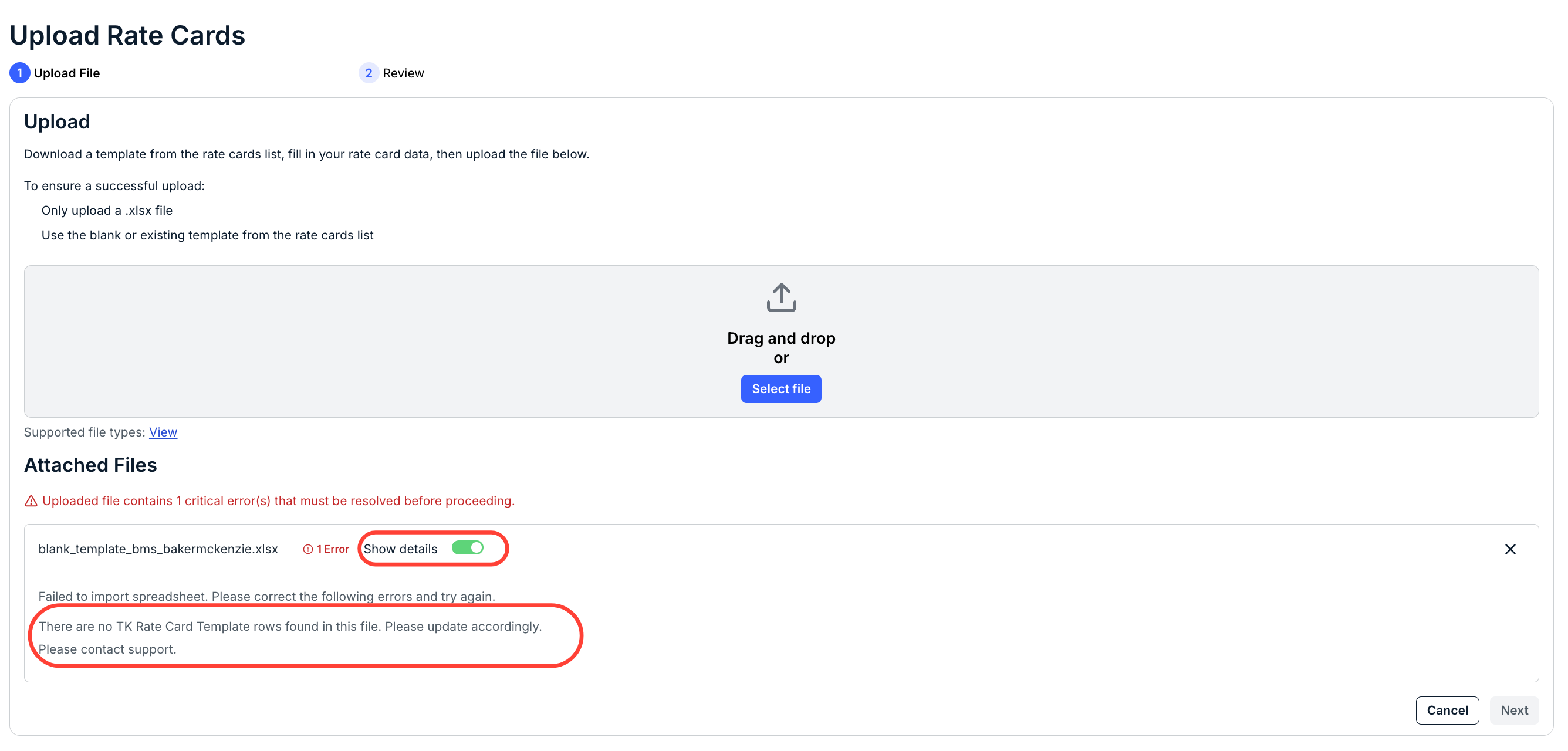
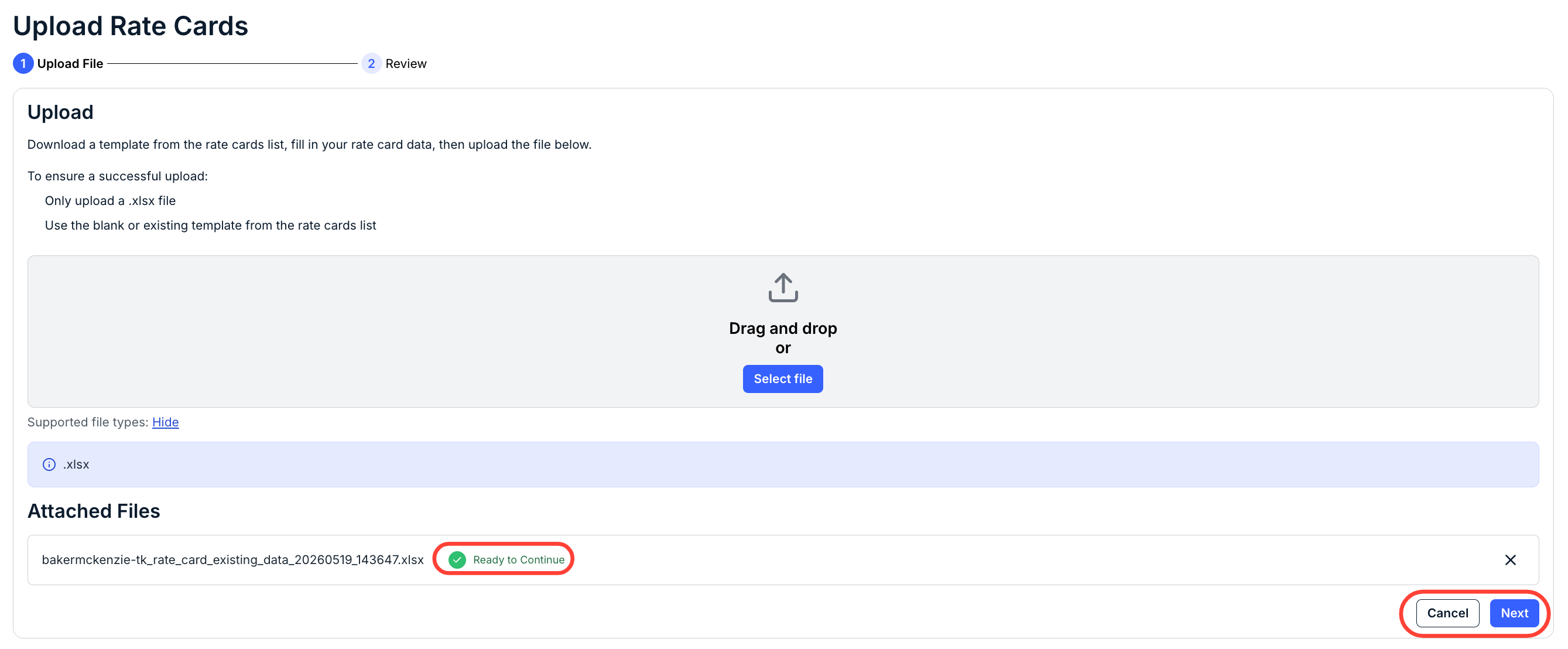
Fix the errors in the spreadsheet and re-upload. Once successful, you'll see a green Ready to Continue message. Click Next to move on to the next screen or Cancel to back out.
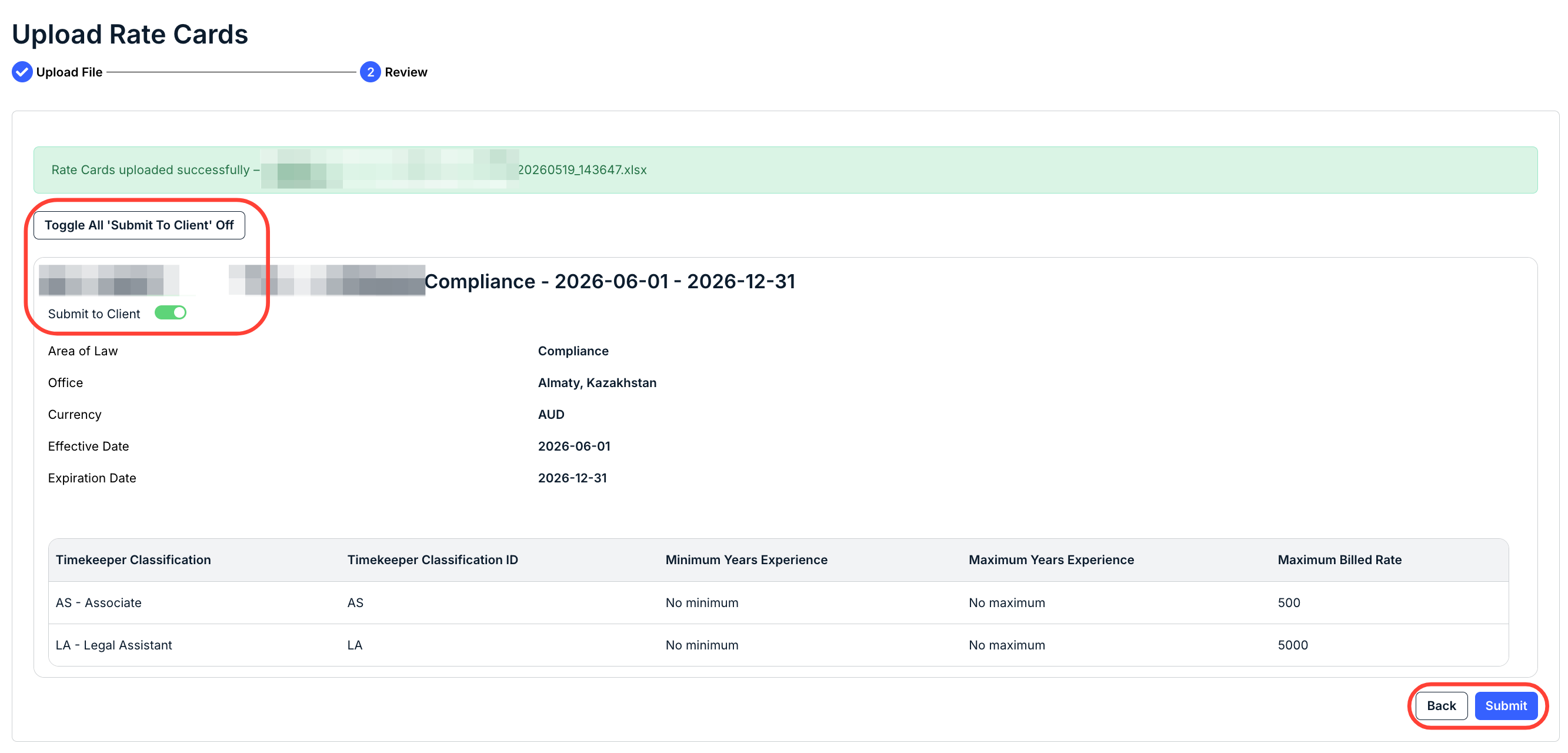
- Review the uploaded Rate Card and submit.
Click Submit to send in. If you have to make any changes, click Back and edit.
You can also toggle the Submit to Client option at the top of the screen and click Toggle All 'Submit to Client' to Off or On.
The new rate card will appear in the Rate Card directory.
- The Upload Rate Card screen will appear.