Here's how to set up Fixed Fee invoicing for Counsel Exchange in OnitX:
- To submit a Fixed Fee invoice, the matter should be set up with a Fixed Fee arrangement (for most clients).
This is visible when you go to the Billing Authorizations tab and click the matter number. If the matter is not assigned as a Fixed Fee, please contact your client directly to have this changed.
- A “None” timekeeper is also required within your account to submit a Fixed Fee line invoice.
To do this, go to the Timekeepers page in Master Settings.

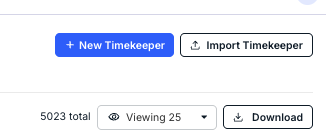
- Click "New Timekeeper" to create the new timekeeper.
- Fill out the form as shown and save the new timekeeper
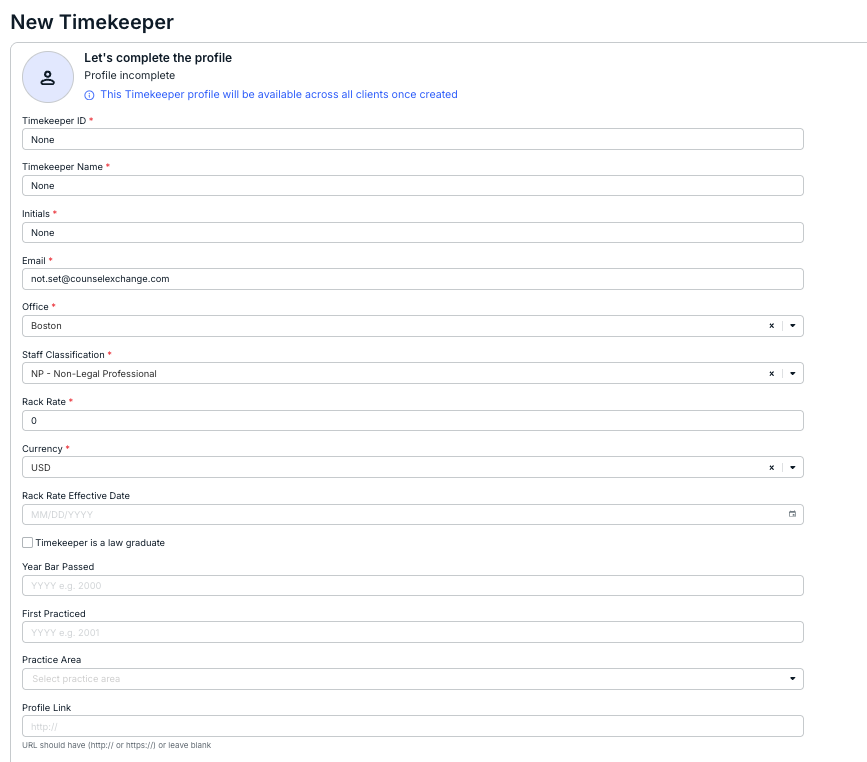
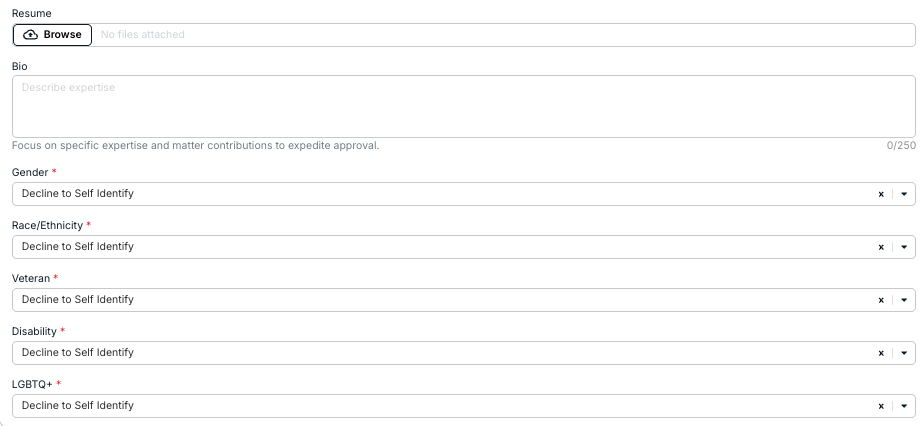
- Click "New Timekeeper" to create the new timekeeper.
- If you're not using a LEDES file, start the Manual Invoice Creation process.
You can find more detail on this process here.
- Complete the required fields in the invoice header.
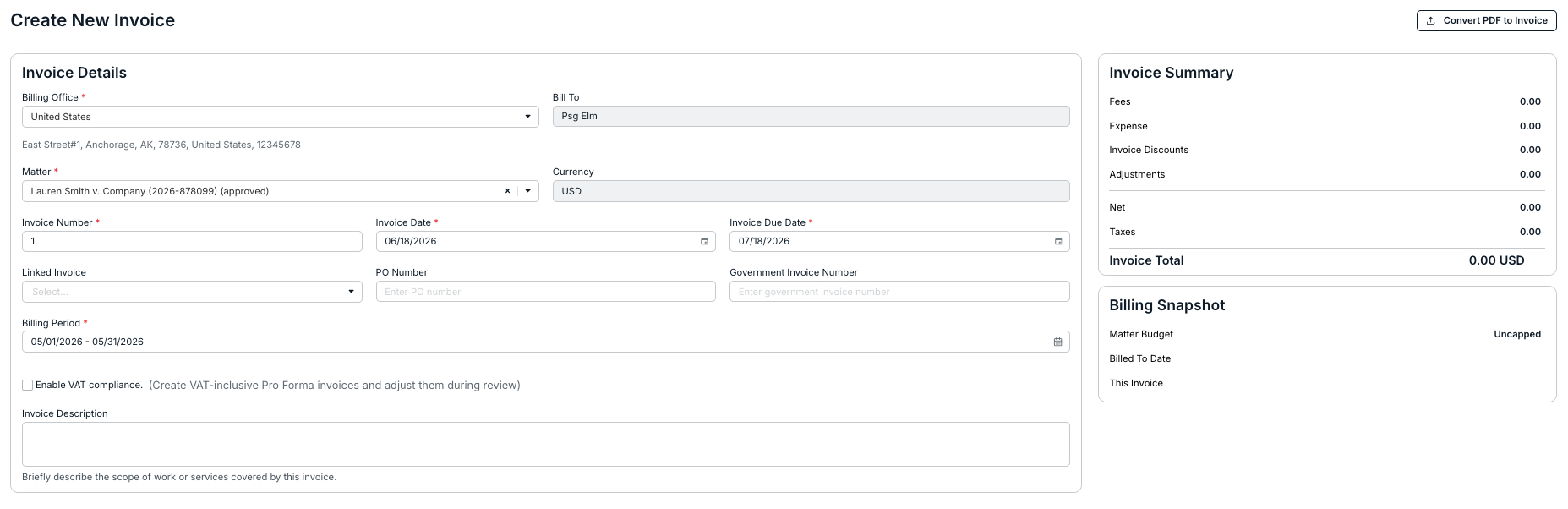
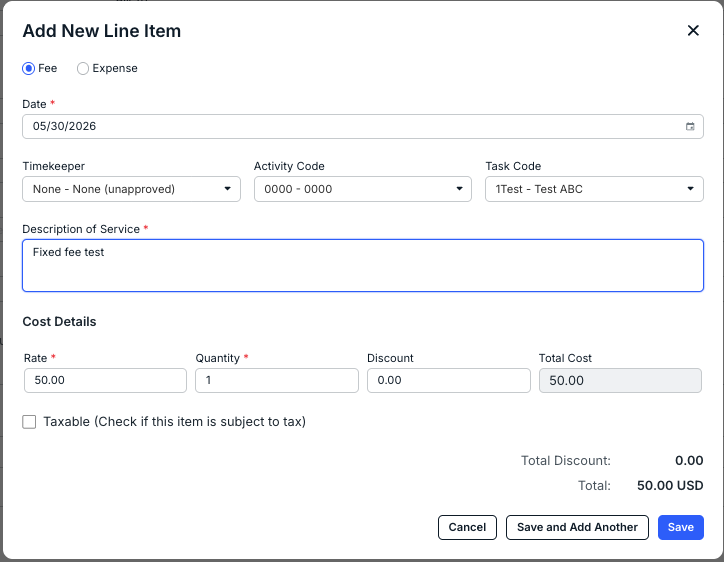
- Add one fee line item and select the timekeeper "None" from the dropdown as the timekeeper for the line item. The cost should be the amount of your fixed fee, and the quantity should be 1.
Click Save when you're finished or Cancel to back out.
- Fill out the rest of your invoice and click Submit to Client or Save Invoice to send later.
- Complete the required fields in the invoice header.