Checking a Fee Arrangement on a Matter
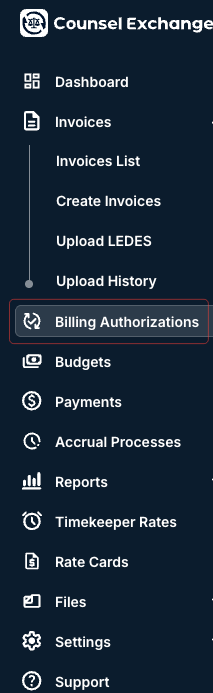
To check the fee arrangement on a matter, log in to Counsel Exchange and click the Billing Authorizations link in the left-hand side menu.
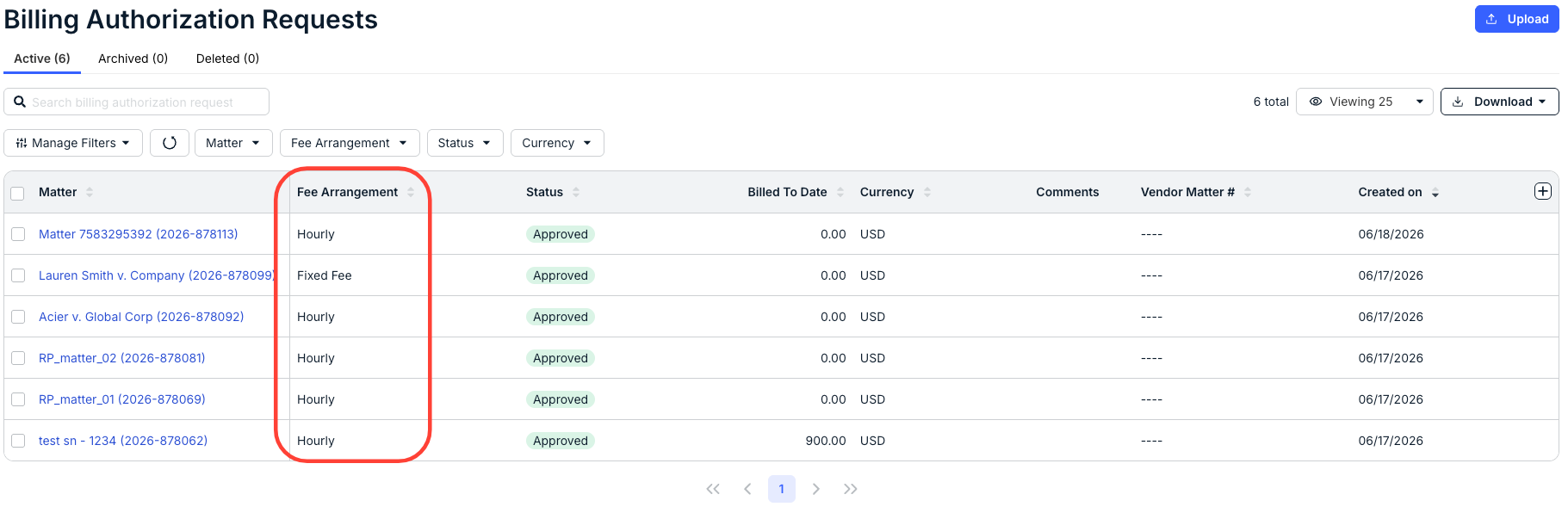
The Billing Authorization Requests screen will appear. You can see the Fee Arrangement for the matter under its own column; click the up/down arrow at the top of the column to sort by the arrangement type.
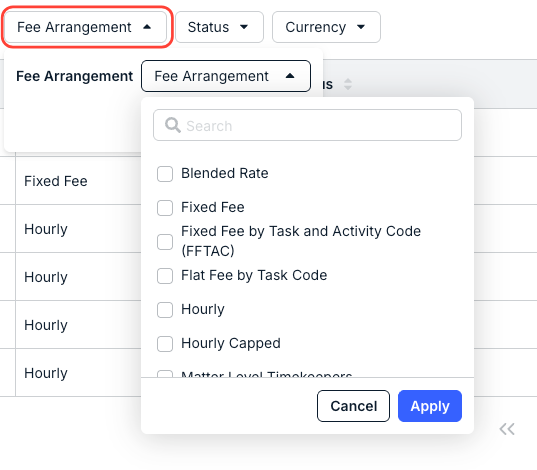
You can also use the Fee Arrangement drop-down menu to display only the matters with those specific types of arrangements.
FAQ
Can you change the fee arrangement on a matter?
No. Vendors do not update fee arrangements on matters. Fee Arrangements are set by the customer and not the vendor. If a fee arrangement needs to be updated, the vendor must request an update from the customer, and the customer must take the necessary actions.