Here's how to find the Billing Guidelines within Counsel Exchange:
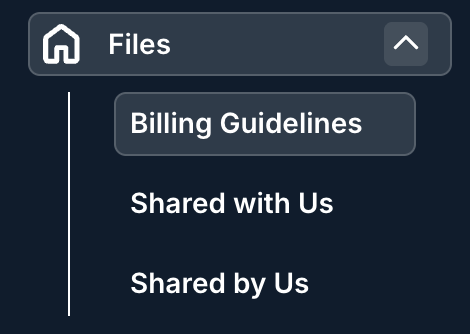
- Within the Standard Client View, go to the Files selection on the left-hand-side menu and click on "Billing Guidelines."
That will take you to the Billing Guidelines screen. There, you can see the Billing Guidelines Document Name, Document Type, Date Last Updated, Name, and Actions. You can use the up/down arrows on each column to sort by that column. Use the search bar to search for specific guidelines. You can also use the Viewing drop-down menu to customize how much you want to see on the screen.
Click the Download button under Actions to download the billing guidelines.
