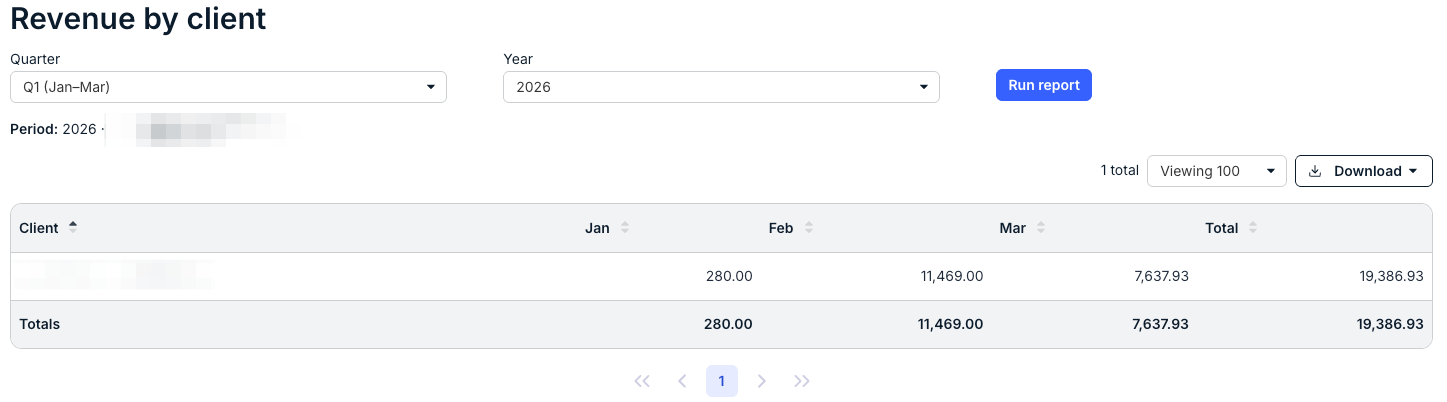
The Reports tab in Counsel Exchange lets you view key insights and analytics from your data. Here's how to use reporting in Counsel Exchange:
Accessing Reporting in Counsel Exchange
- Within the Standard Client View in Counsel Exchange, click on the Reporting feature on the left-hand side menu.

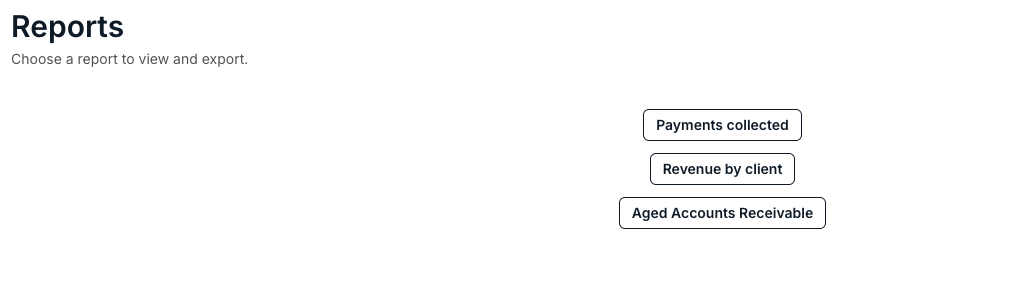
- The main screen will display available Reports.
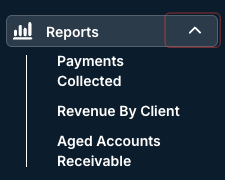
- Note that you can also click the drop-down arrow next to the Reports menu feature to go directly to the reports
- The main screen will display available Reports.
Available Reports
Available reports include:
- Payments Collected
- Revenue by Client
- Aged Accounts Receivable
Within each report, select the Date Range and/or other variables and click Run Report to run the report. The report will generate at the bottom of the screen. Click on the up/down arrow next to each column to sort by that column. You can also use the Viewing drop-down menu to customize the amount of data you see, and the Download button to download the information as an Excel file.