Here's how to edit and resubmit a disputed invoice in Counsel Exchange for OnitX:
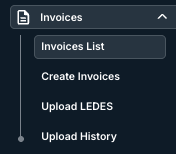
- Go to the left-hand side menu and open up "Invoices List" under the "Invoices" menu.
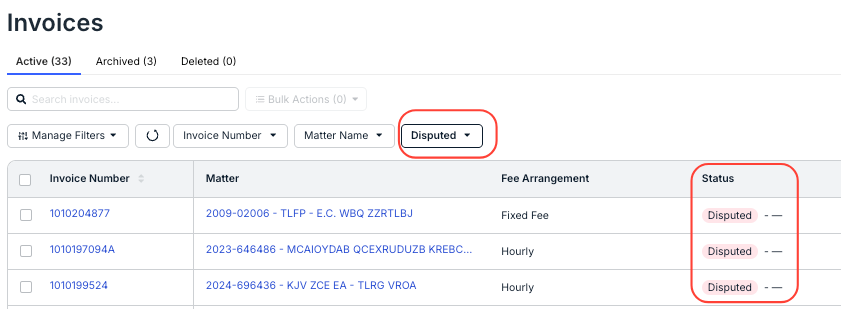
- Find and open the disputed invoice you want to work on.
You can sort the invoices by status or use the drop-down menu to filter by the Disputed status.
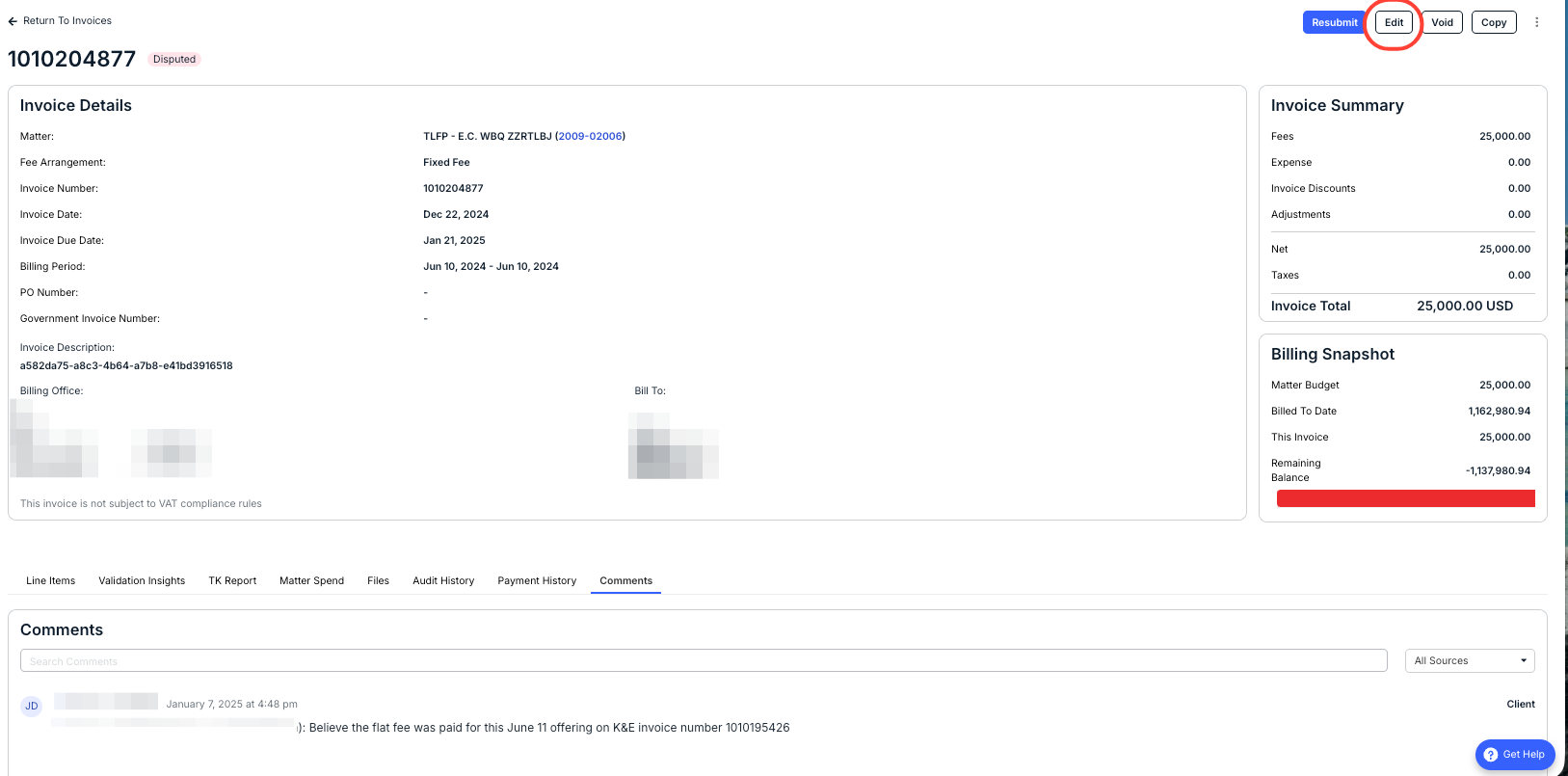
- Make the necessary edits to the invoice.
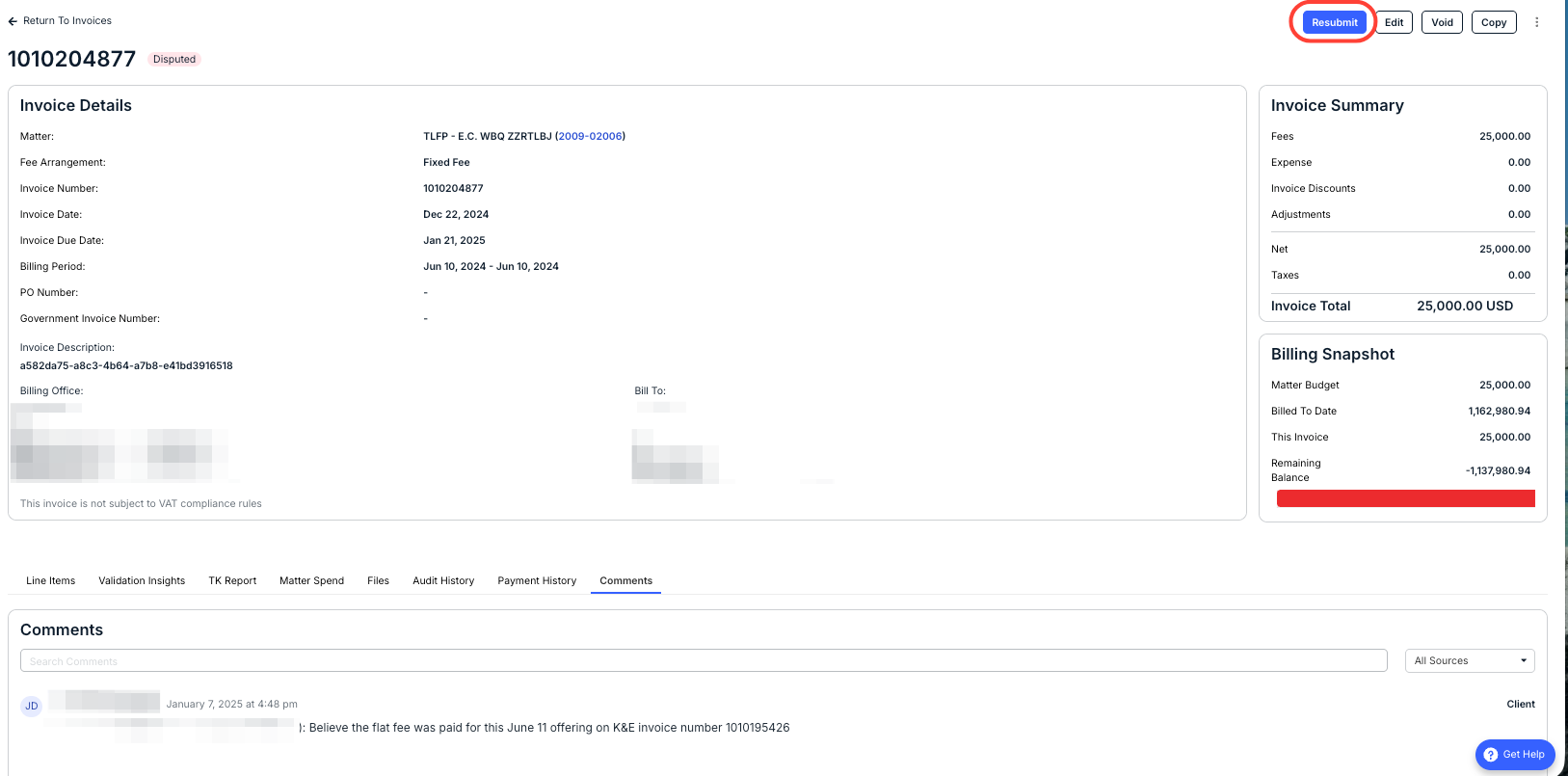
When the client disputes an invoice, they should leave a comment indicating the reason for the dispute; you can see any comments under the Comments tab. An email notification with the comment will be sent to the Billing Contact for your account.
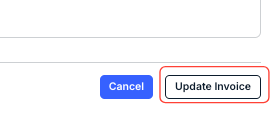
After editing the invoice, click Update Invoice.
- Click Resubmit to send the invoice back to the client.
- Alternatively, you can use the Void Invoice button to void the disputed invoice and then upload or create a new version of the invoice and submit.