Here's how to resubmit a disputed client timekeeper rate after updating a timekeeper profile:
- The billing contact for your firm will receive an email notification if your client disputes a timekeeper rate.
If the client requires updates to the timekeeper profile information (default/rack rate, date BAR passed, ethnicity, etc.), you will need to void the disputed rate.
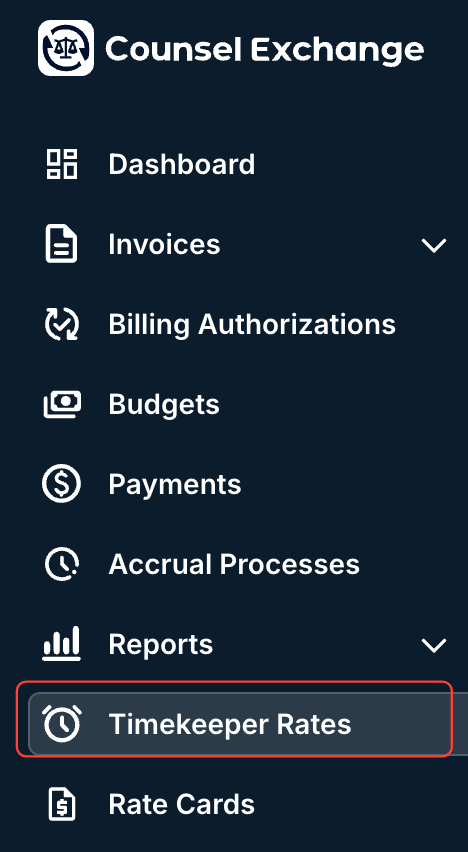
- Go to the "Timekeeper Rates" section of the left-hand side Counsel Exchange menu.
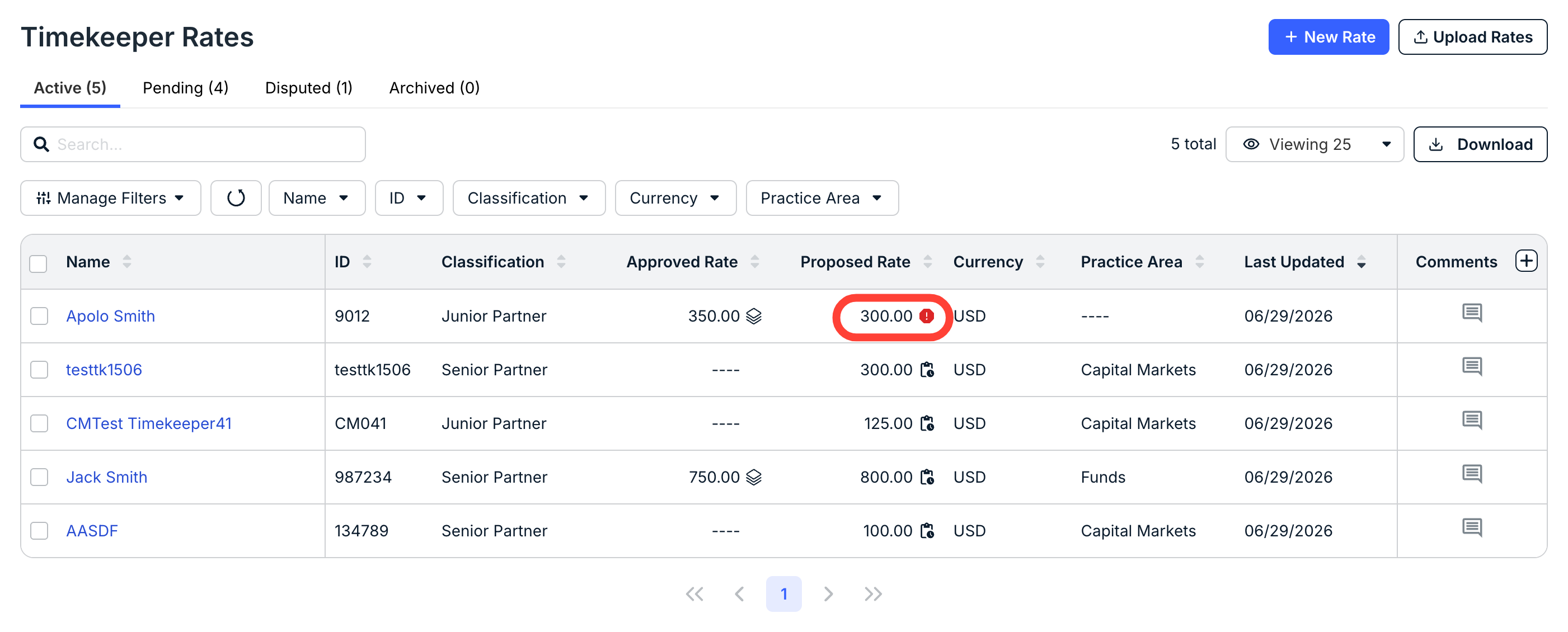
- Find the disputed rate you need to adjust.
You can see rates in dispute marked with a red Alert button on the first (Active) tab.
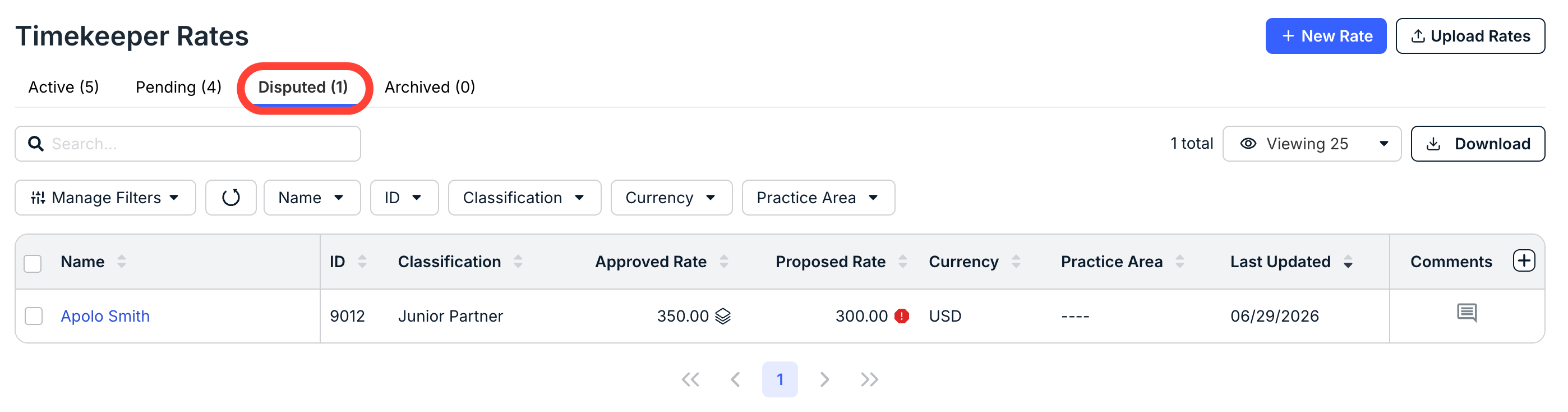
You can also click on the Disputed tab to go directly to the disputed rates.
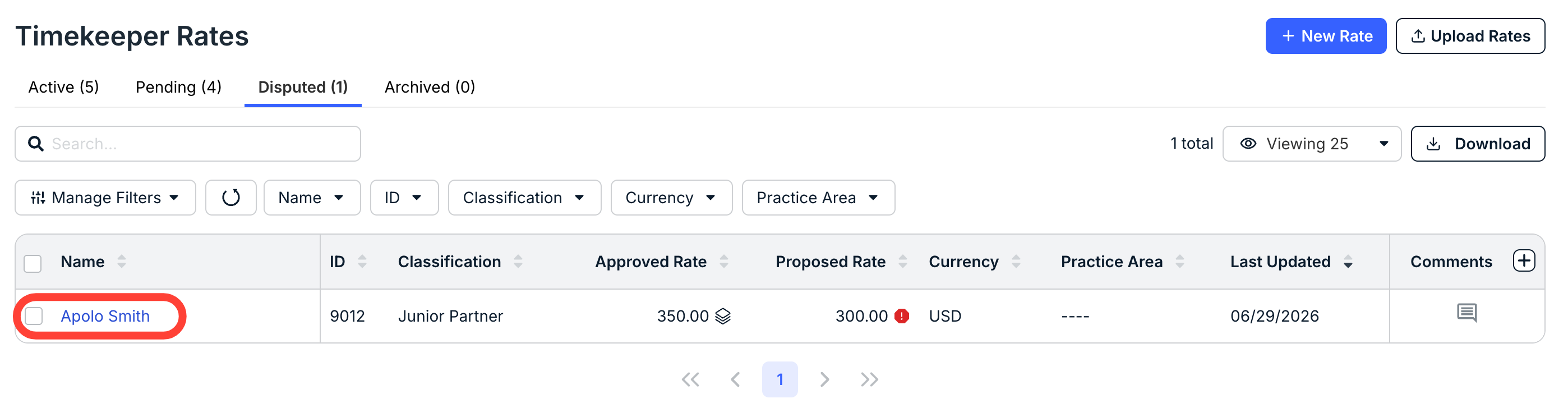
Click the name of the timekeeper with the disputed rate to open the timekeeper's page.
- Click "Mark as Void" to void the rate.
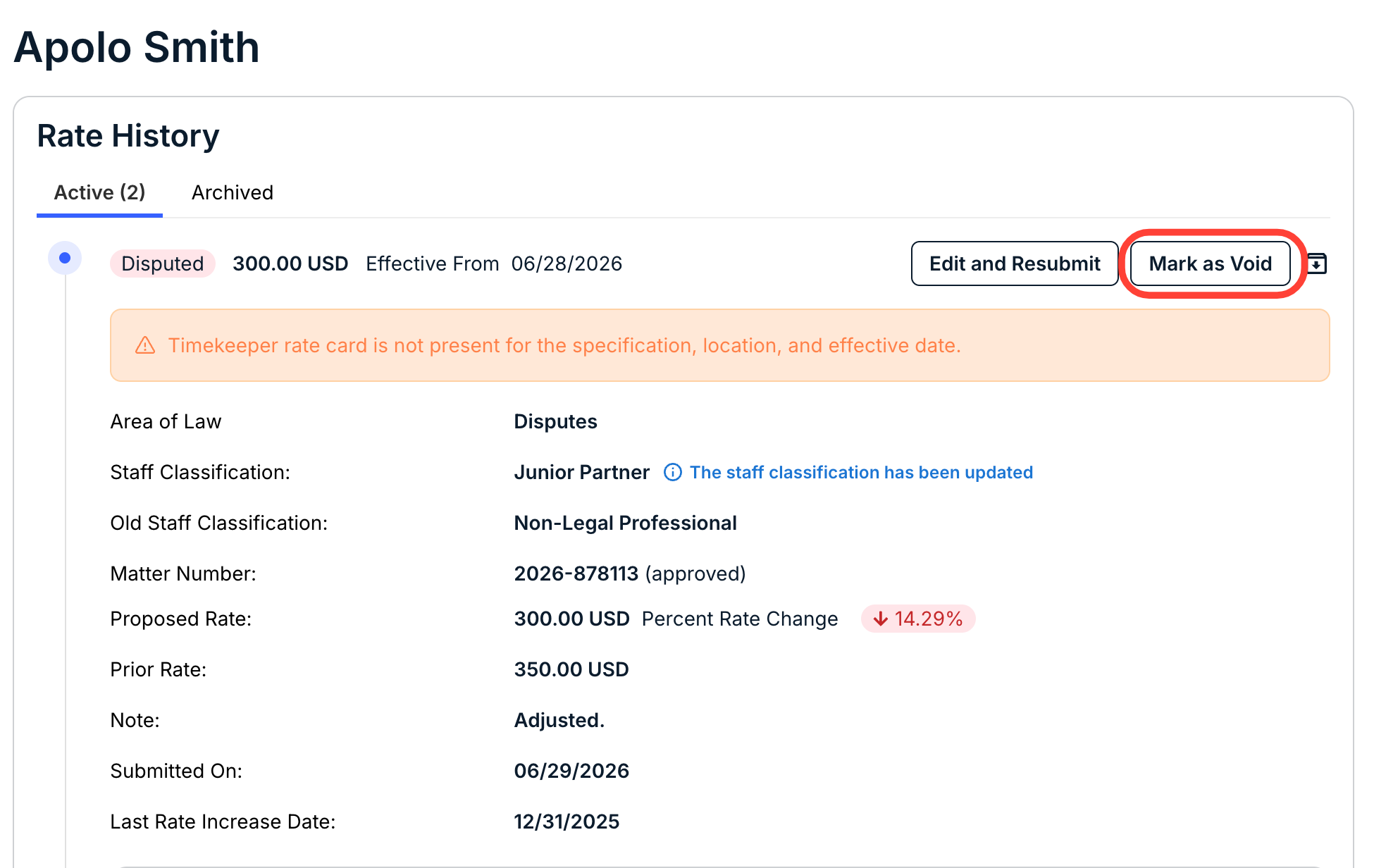
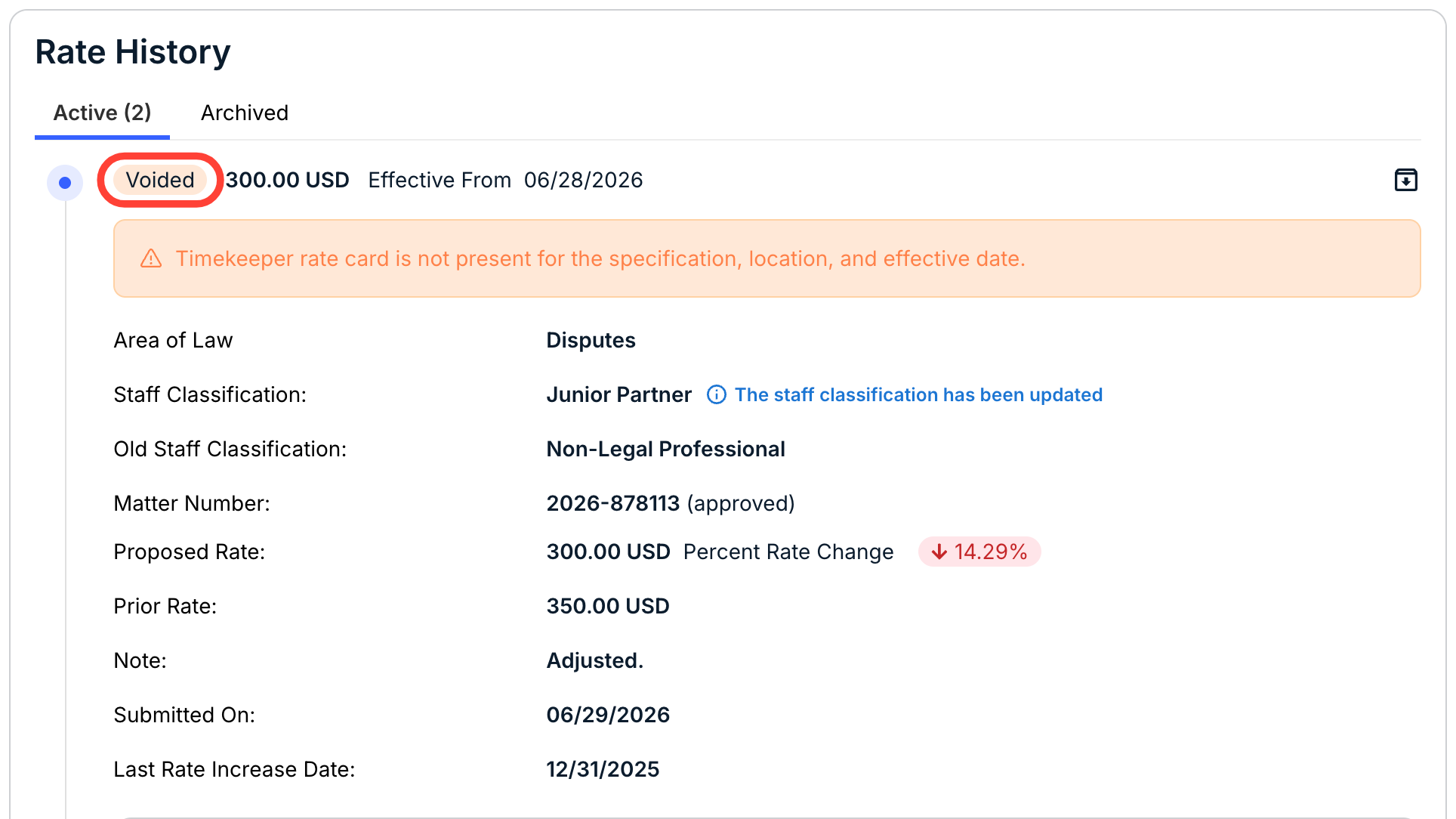
You'll receive a message confirming the rate is void; you'll also see it marked as Voided.
- Update the timekeeper's profile as needed.
- Fill out a new timekeeper rate for that timekeeper.
- Once the client has approved the rate, the rate will then show in the Approved Rate column, and you can bill for that timekeeper at that rate.