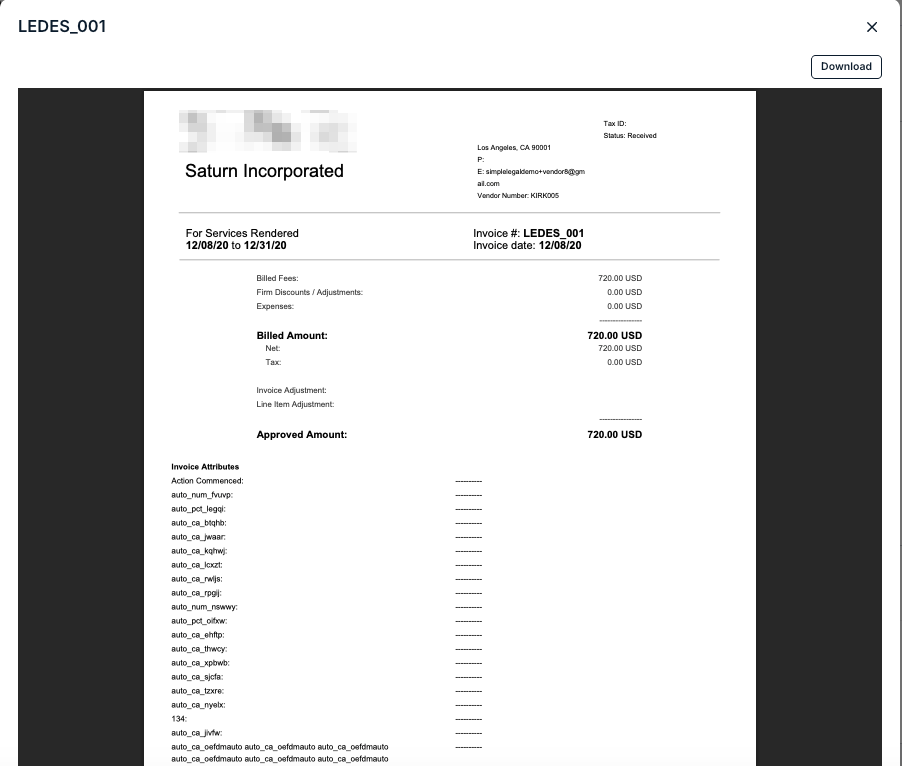
There are two methods to download or print invoice data within Counsel Exchange. We'll go over both methods here.
NOTE: Both methods require you to be in the standard client view within Counsel Exchange.
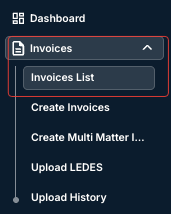
- Go to the "Invoices List" section within the left-hand menu.
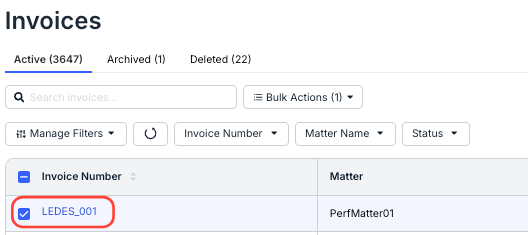
- Click the invoice you need to download the data for.
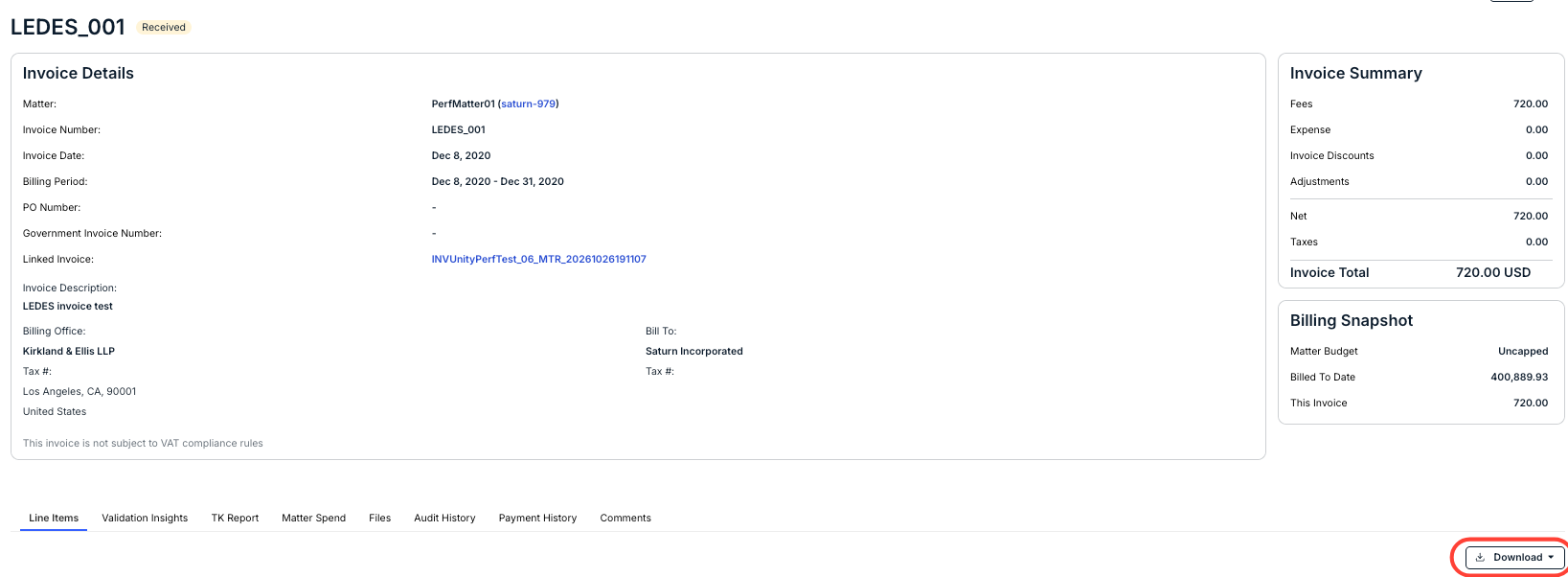
- On the Invoice Details screen, click the "Download" button to download invoice line-item data as an Excel file.
- Click the three-dot menu in the upper right, then select "Print."
Selecting Print opens a preview of the invoice. Click Download to save it as a PDF, or click X to close the preview.