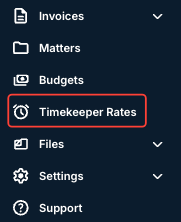
- Go to the Timekeeper Rates section of the left-hand side menu.
- Click Download to download an Excel file of all client rates.

This includes pending and approved timekeeper rates. You can also click the Include timekeeper profiles for all account timekeepers box.
Click Cancel to back out.
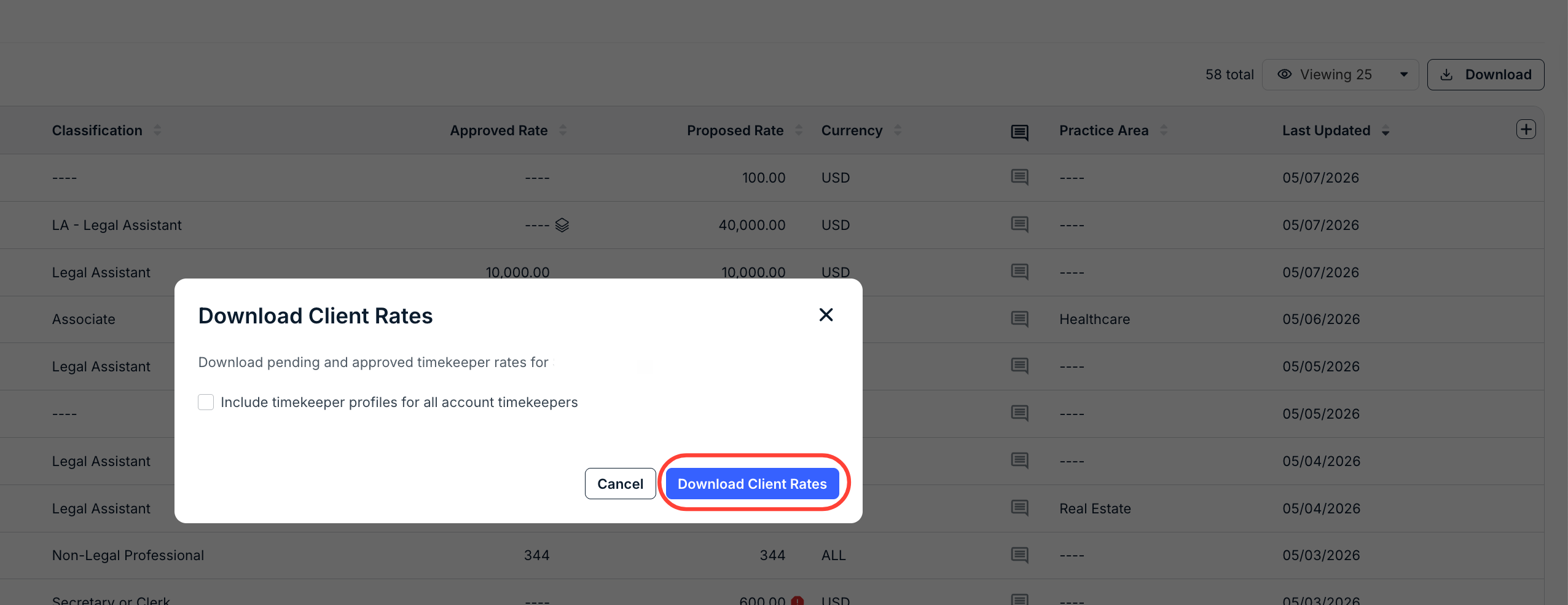
- You will download an Excel file with all your current timekeepers (with pending or approved rates) for that client. You can remove any rows of timekeepers that do not require updates.
You can also download blank templates here:
add_timekeeper_rate_template_w_div.xlsx11.46 KB Download - Update any needed information on the downloaded document and save your changes.

- Click on the Upload Rates button in the upper-right-hand corner of the screen.

- The Upload Rates screen will appear.
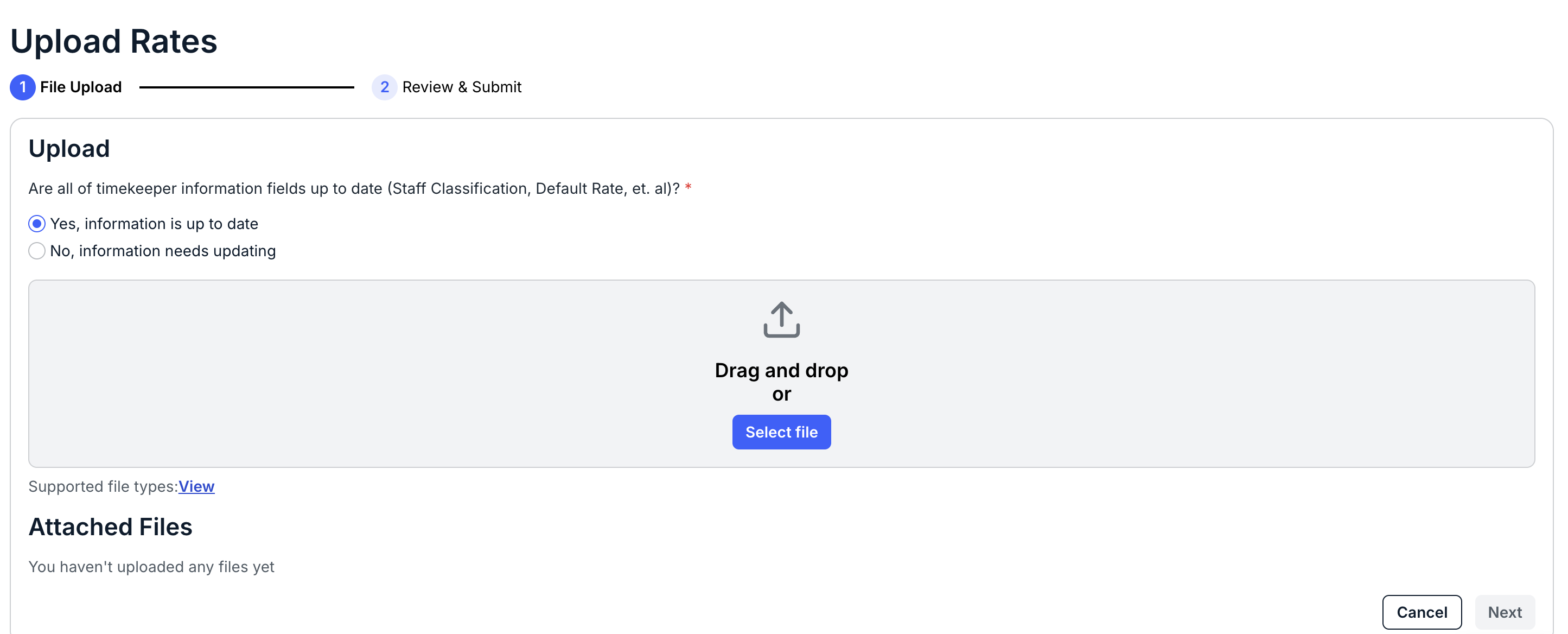
- Certify that all timekeeper information fields (staff classification, default rate, etc.) are up to date.
If not, back out of the page and revise.
- Select the file to upload, or drag-and-drop it onto the screen.
Supported files are .XLS and .XLSX. Click the X to remove the uploaded file.
You'll get a message if any errors pop up. Click the Show details toggle button to display any errors; if there are errors, revise the file and re-upload it.

Once your file is marked as Ready to Continue, click Next to move on to the next screen, or click Cancel to back out.

- Certify that all timekeeper information fields (staff classification, default rate, etc.) are up to date.
- Review the rates and click Submit.
You can also click Cancel to back out.

Your new rates will show up in the main Timekeeper Rates section.
