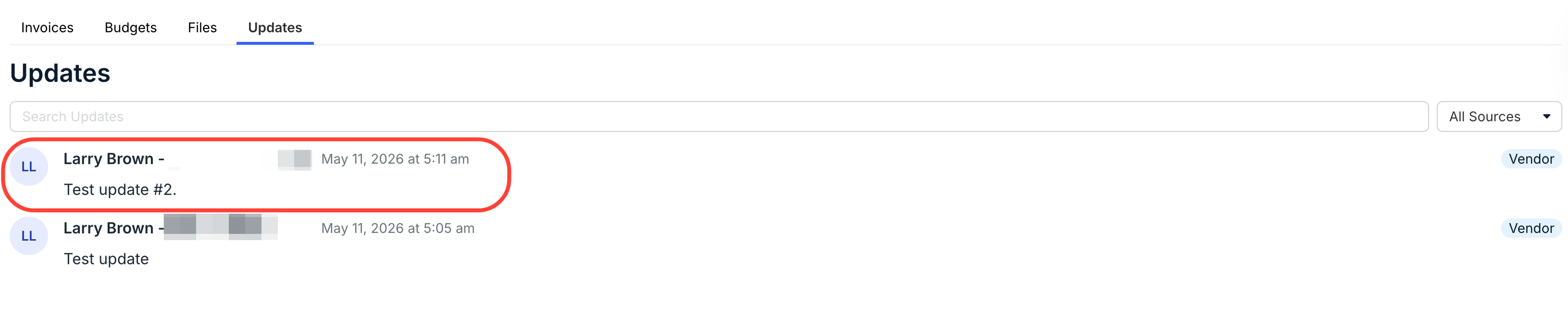
The Matter Updates feature within Counsel Exchange allows vendors and clients to exchange communications about a matter.
Here's how to access the Updates feature, review updates, and post a new update:
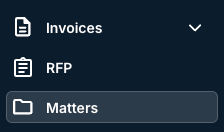
- On the main left-hand side menu, click on "Matters."
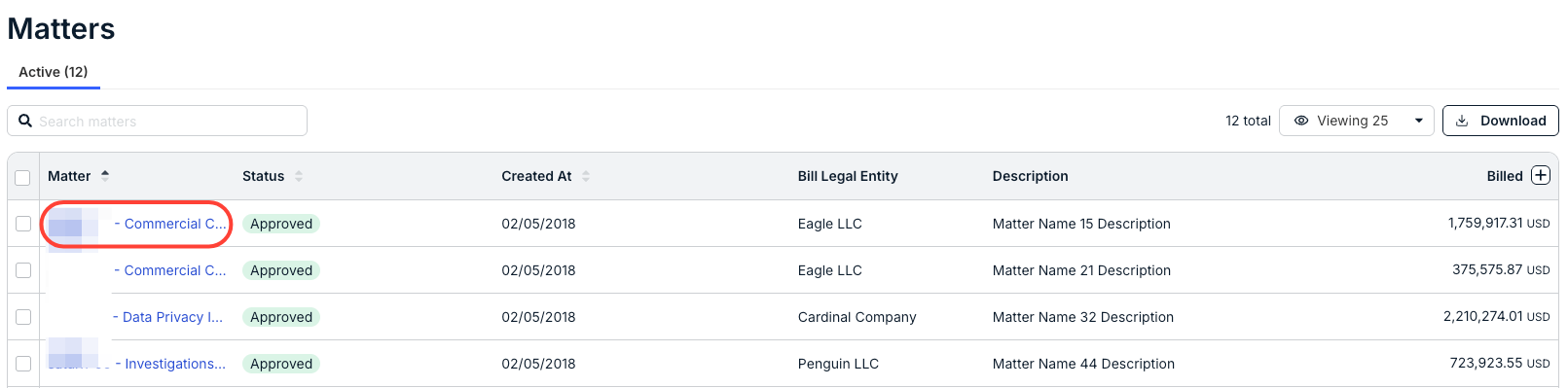
- Open the matter you need to work on.
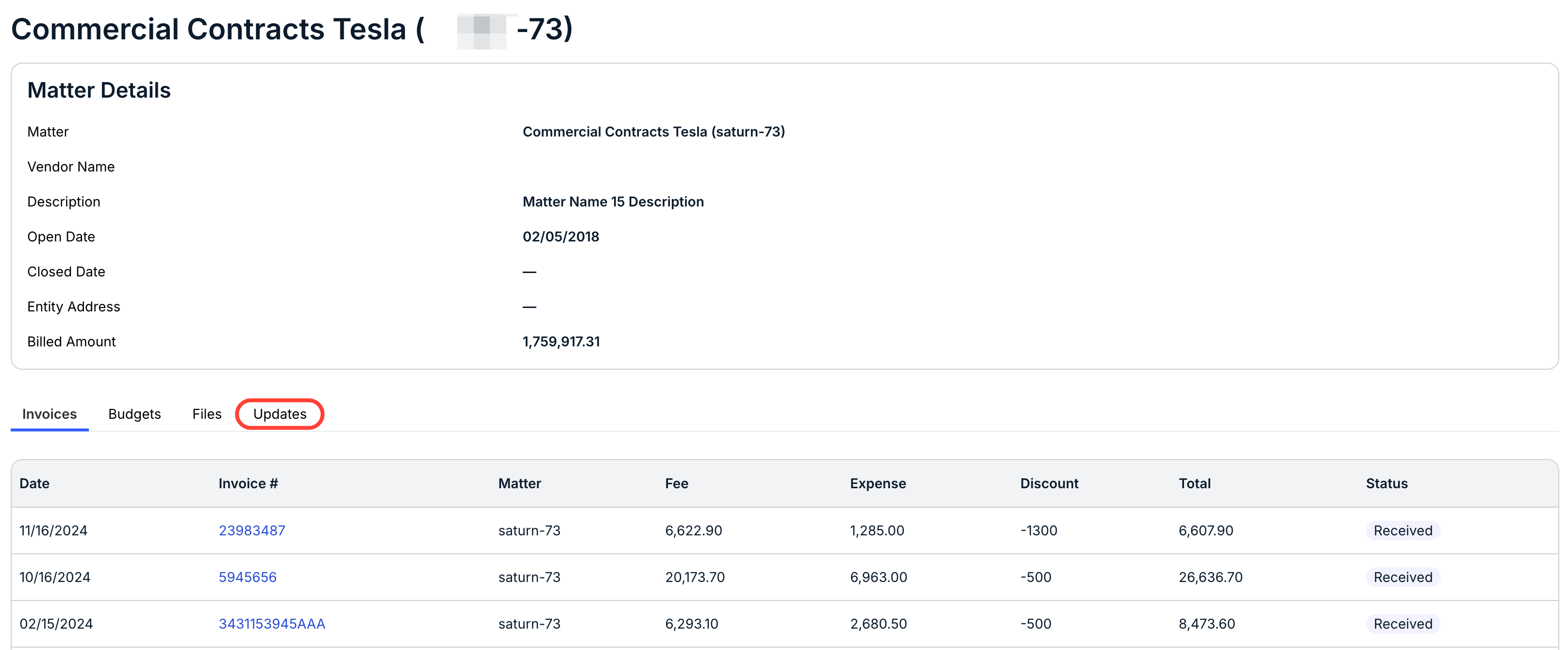
- The matter detail page will open; click on "Updates" on the bottom tabs.
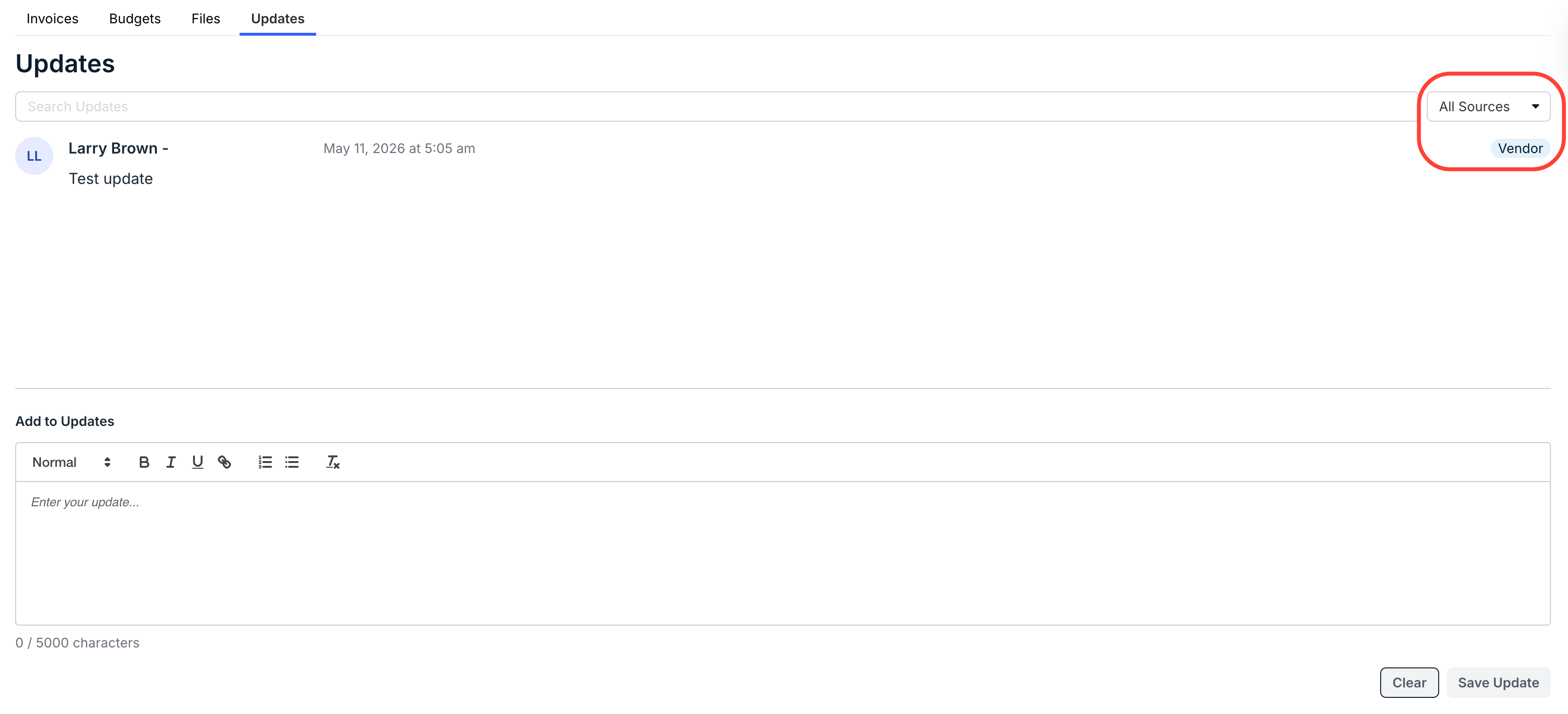
- The main Updates screen will show all existing updates.
Use the drop-down menu on the right to filter between Client and Vendor updates, or updates from All Sources. Update sources will be marked on the right-hand side of the page. Use the Search Updates field to search through the updates.
- To add an update, fill in your message in the "Add to Updates" field.
You can use the formatting bar to customize your message. Click Save Update to save the update.
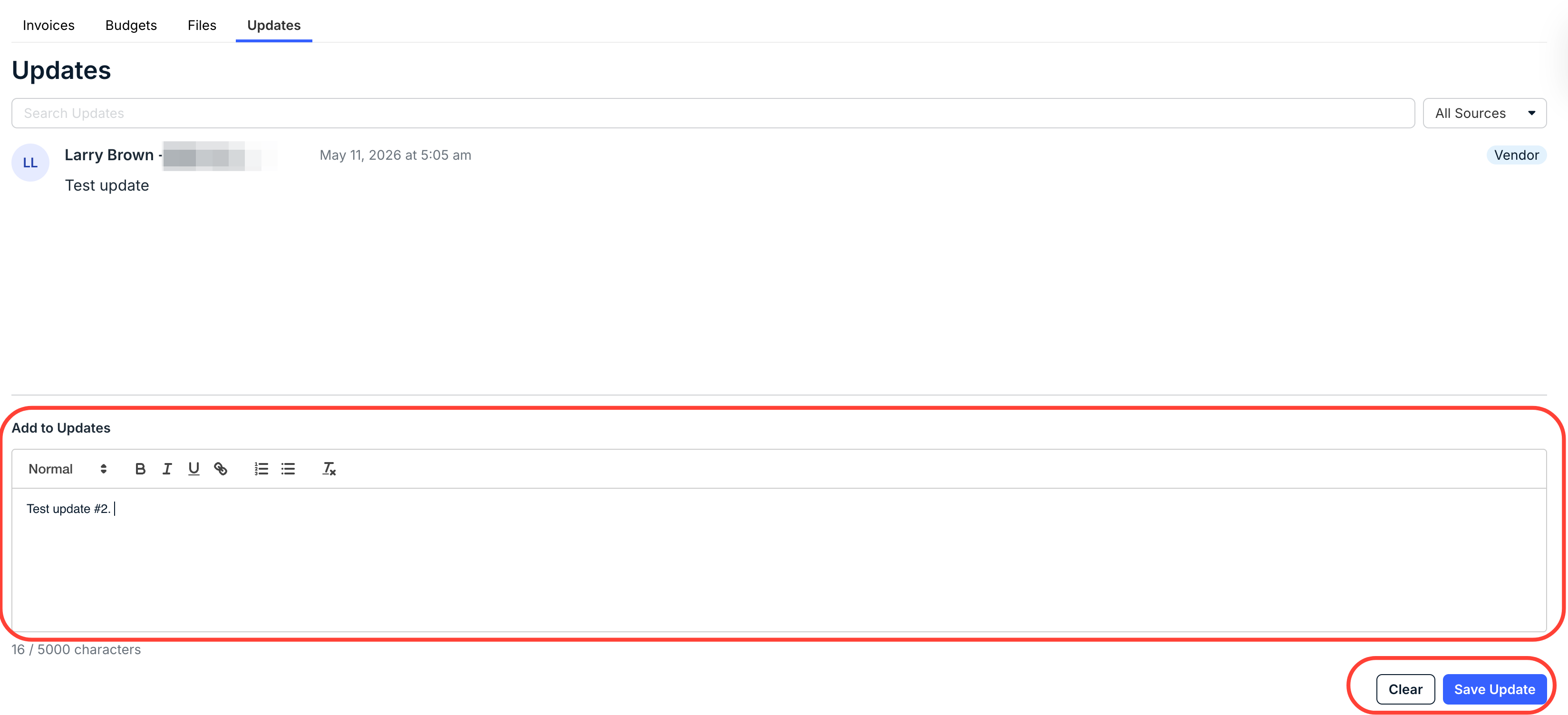
The newest update will appear at the top of the Updates page.