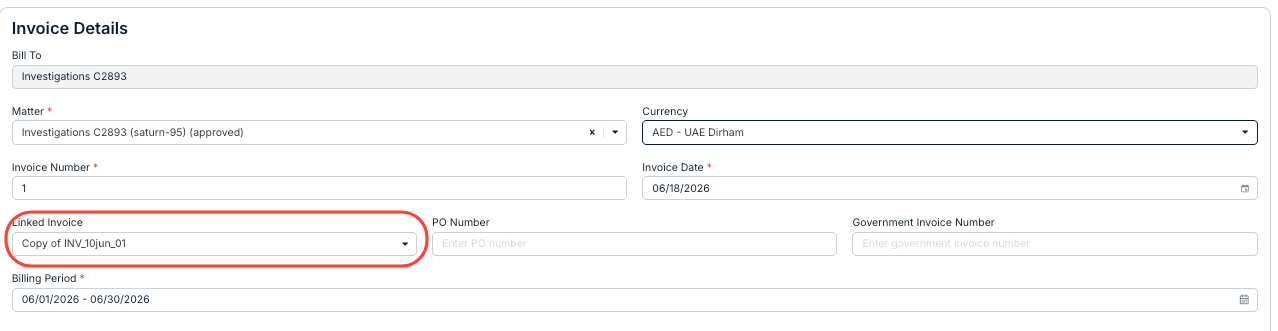
You can resubmit a rejected invoice in Counsel Exchange by linking it to the original invoice. You can either:
A. Upload the corrected/updated LEDES file and link it to the original invoice
B. Make a copy of the manual/non-LEDES invoice, link it to the original invoice, and correct/update the relevant fields and amounts (do this for minor changes only)
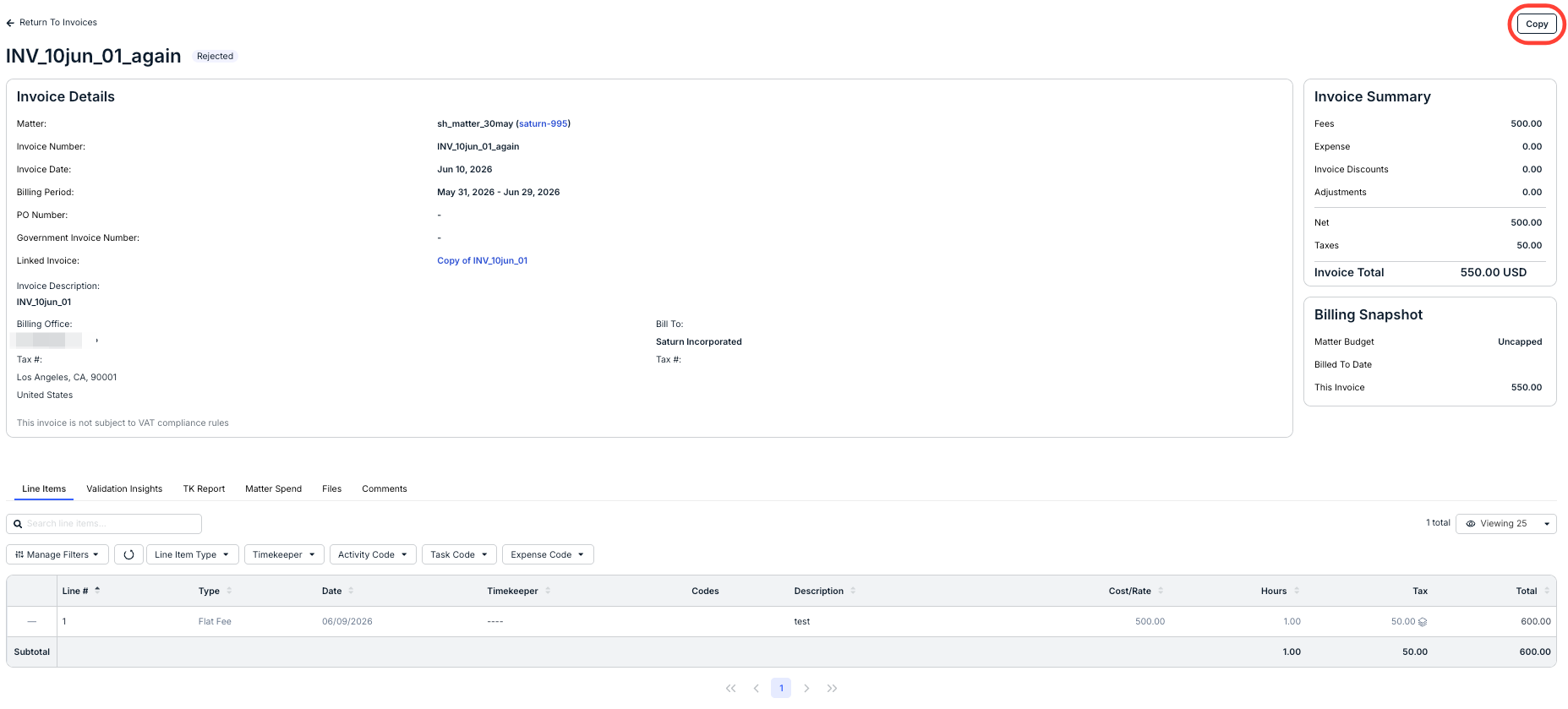
- In this case, you can click Copy on the upper-right-hand portion of the screen for the rejected invoice.
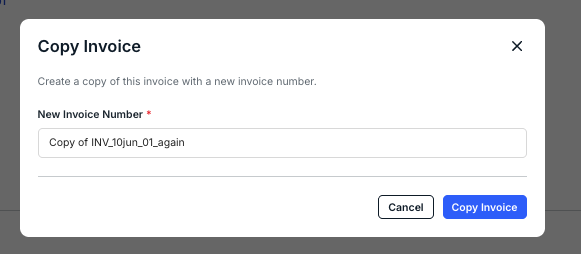
- Fill in the new invoice number and click "Copy Invoice."
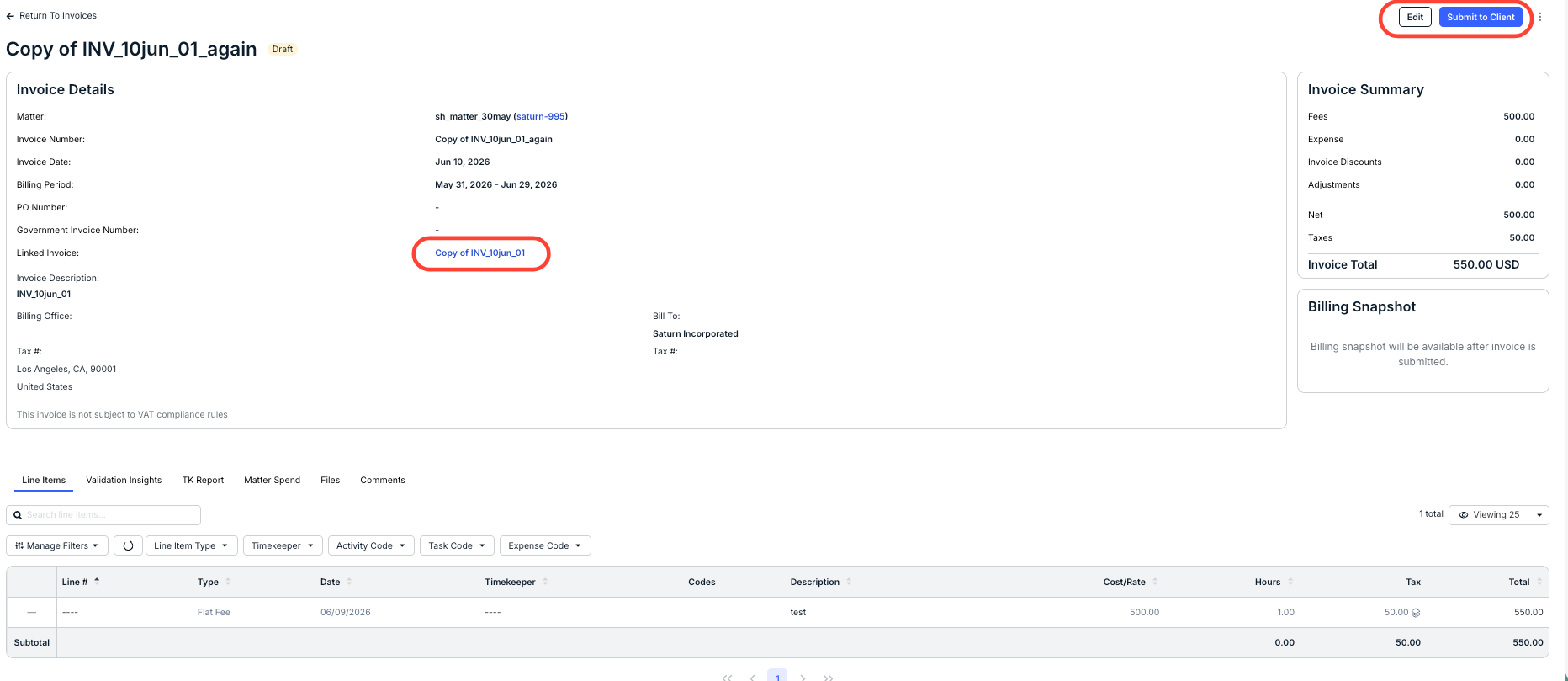
- Edit the invoice and resubmit to the client.
You'll notice that the original invoice is already linked on the screen.
C. Create a new manual/non-LEDES invoice, link it to the original invoice, and fill in the relevant fields and amounts (recommended if you need to start the invoice over)