Here's how to archive an inactive timekeeper within Counsel Exchange:
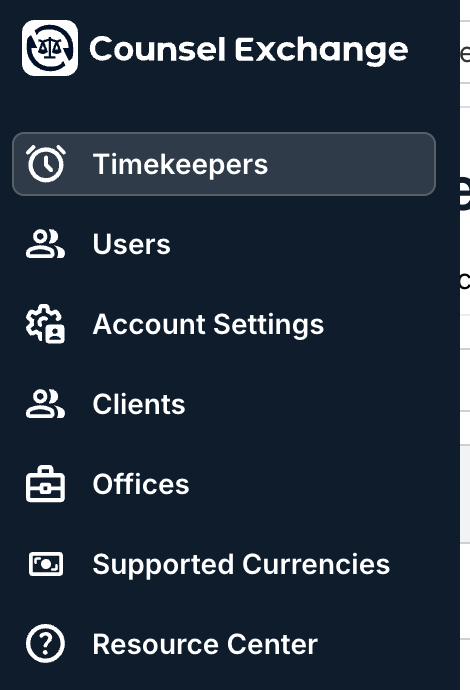
- Go to the Timekeepers section on the left-hand side Counsel Exchange menu.
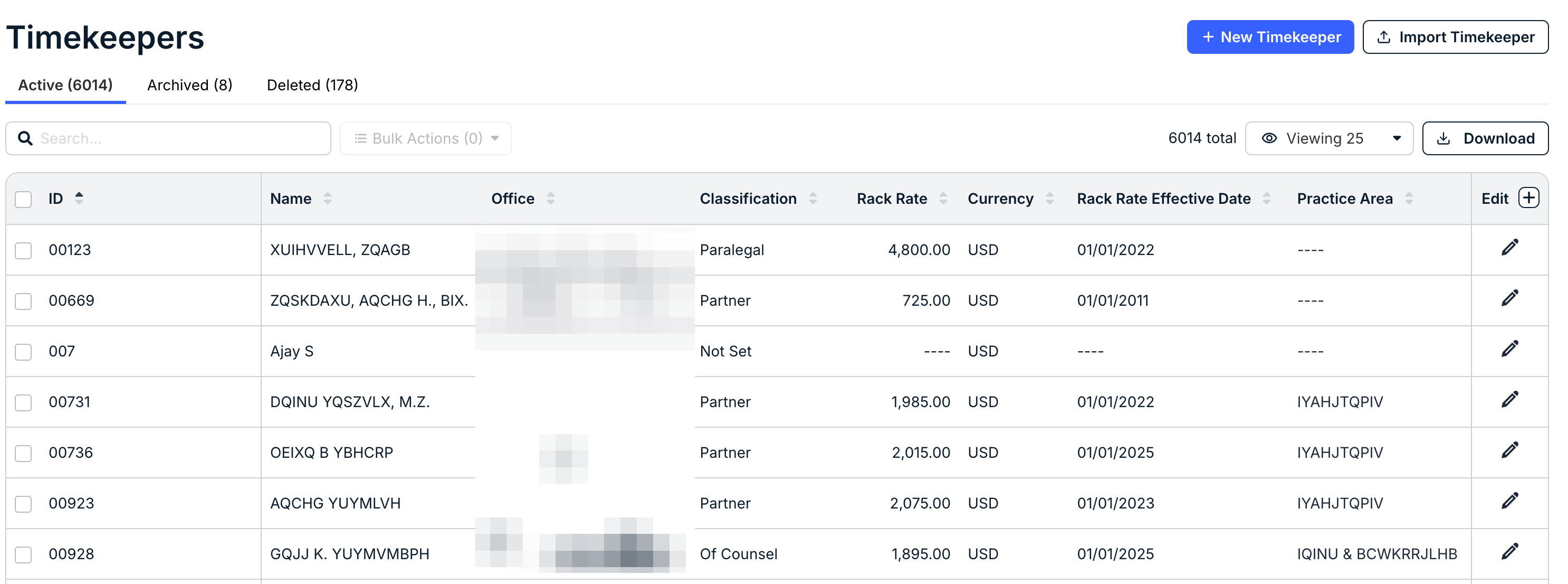
- You'll see the full directory of timekeepers.
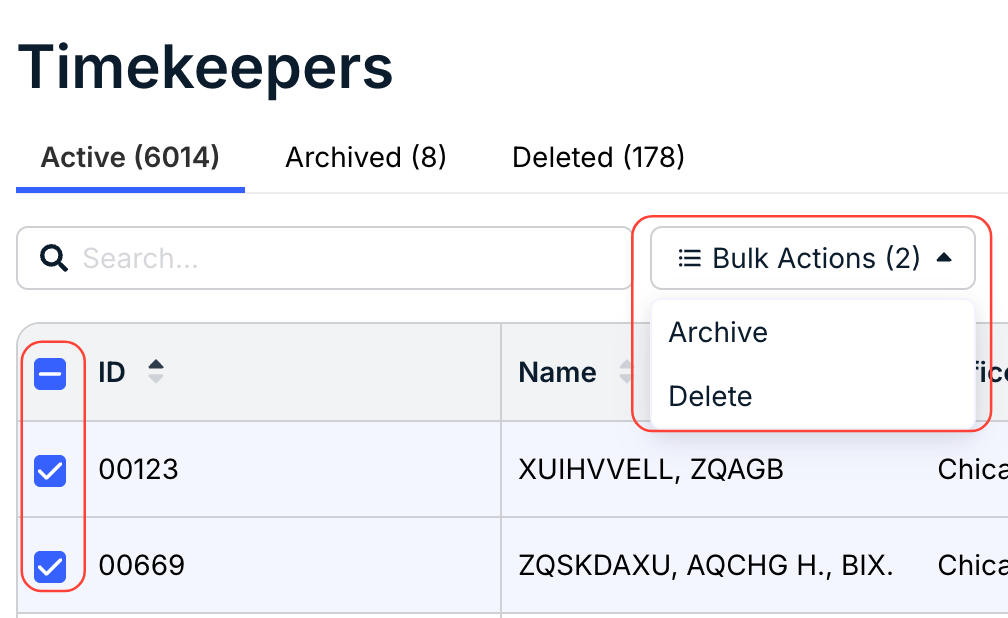
- Click the check boxes next to the timekeeper(s) you want to archive and use the "Bulk Actions" button to archive the timekeepers.
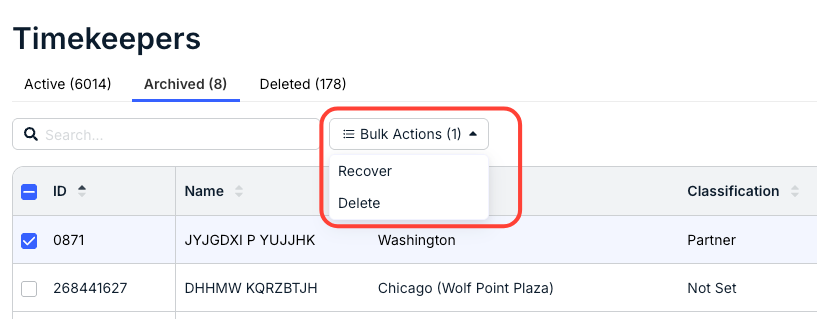
You can click on the Archived timekeepers tab to view the archived timekeepers. Use the check boxes and the Recover or Delete options under Bulk Actions to Recover (move the timekeeper back to Active status) or Delete (delete the timekeeper).