Here's how to update your profile in Counsel Exchange:
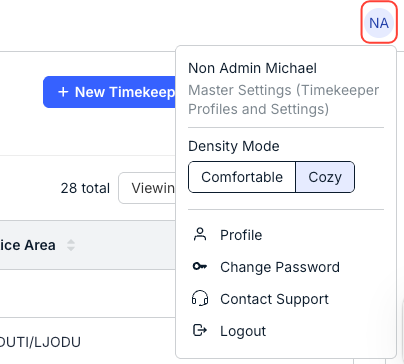
- Click on the circle icon in the upper-right-hand corner to open the Counsel Exchange menu.
- Click on Profile to open the profile menu.
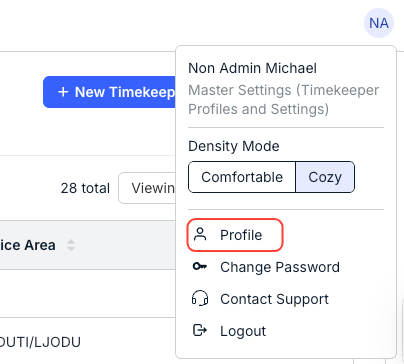
- Click on Profile to open the profile menu.
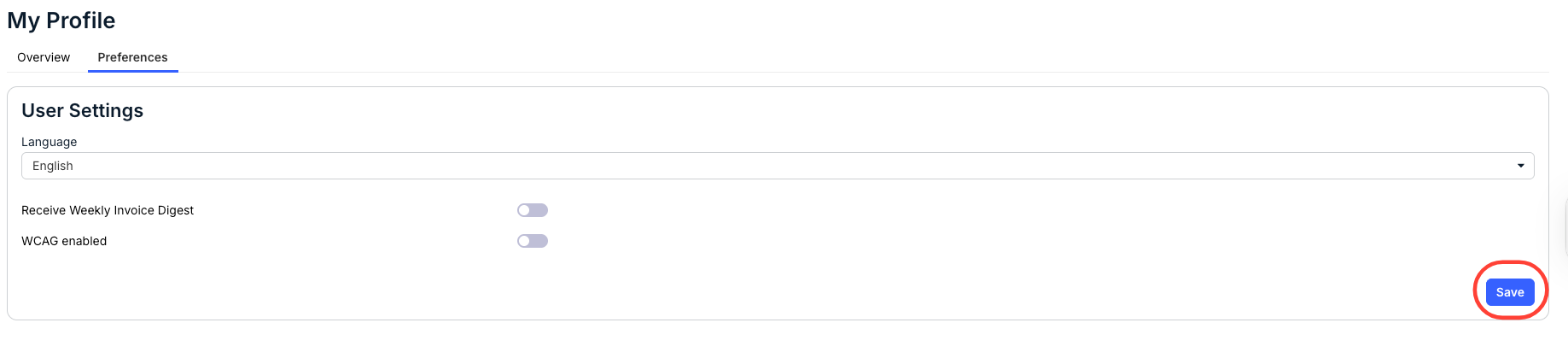
- Click on Preferences to adjust your profile.
You can edit the Language (from the drop-down menu), and choose whether you want to Receive a Weekly Invoice Digest or have WCAG (Web Content Accessibility Guidelines) enabled.
Click Save to save your preferences.
- Click on Overview to see basic profile information.
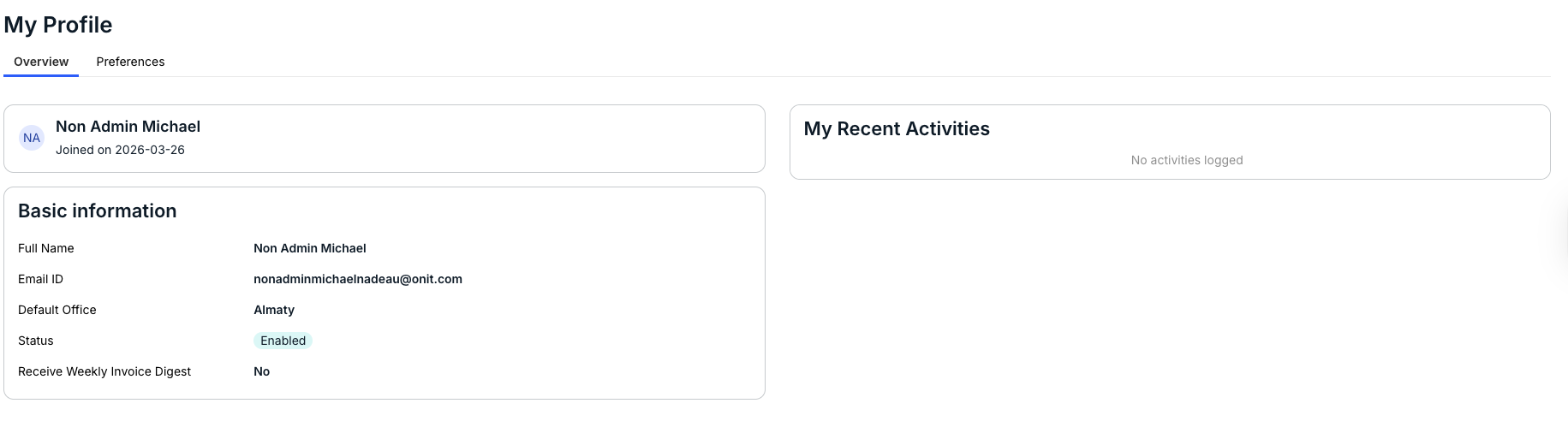
- Click on Overview to see basic profile information.