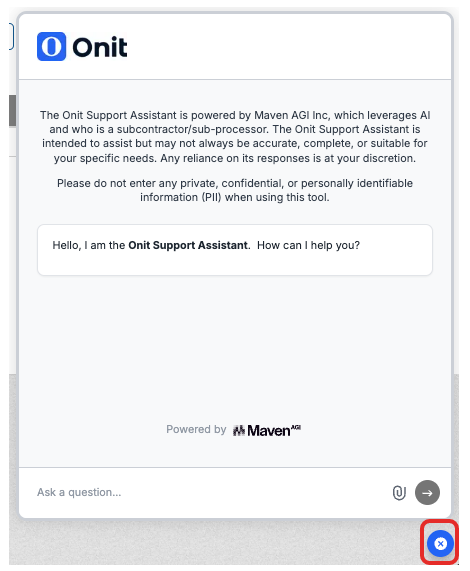
Counsel Exchange's Support Assistant provides users with AI-powered chat support. This support chat quickly answers basic how-to questions about Counsel Exchange; it supports multiple languages, allowing users to receive support in their preferred language.
Here, we'll show you how to use the Onit Support Assistant within Counsel Exchange.
Using the Support Assistant
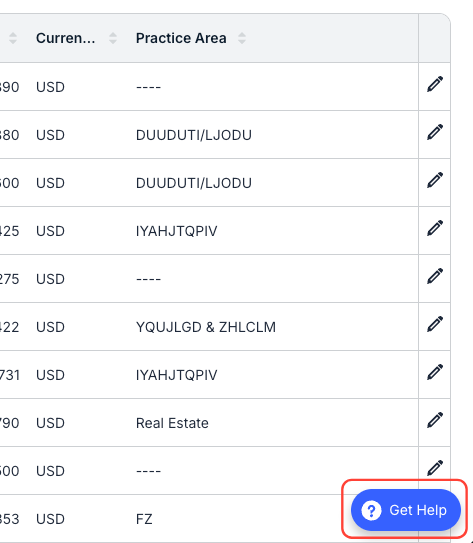
To open the Support Assistant, click on the Get Help button in the bottom right of the Counsel Exchange screen.
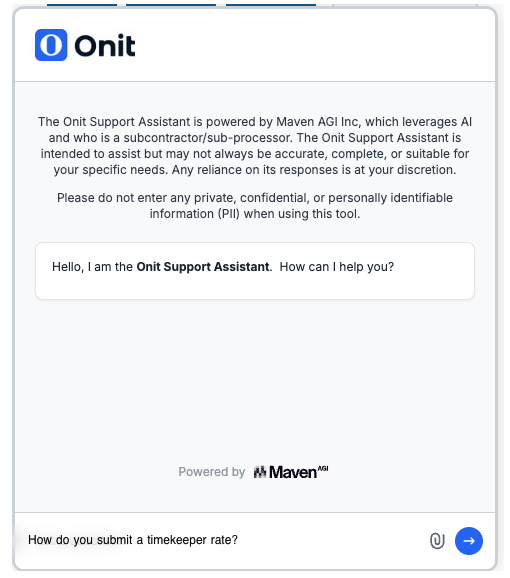
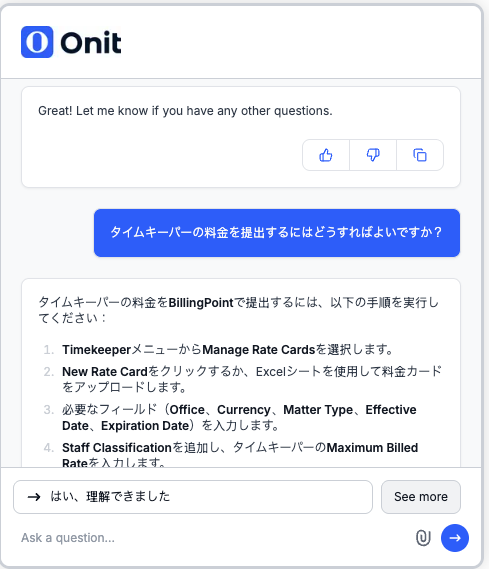
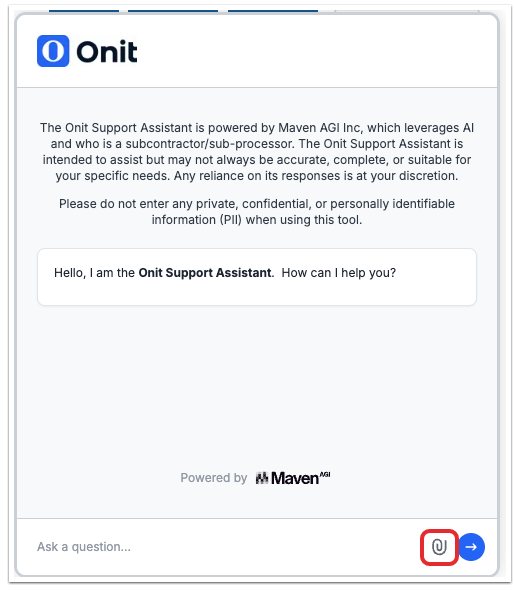
The support agent chat window will appear on the screen. Type in your query in the bottom "Ask a question" field and click the blue "next" button.
The chatbot will pull an answer from the uploaded knowledge base.
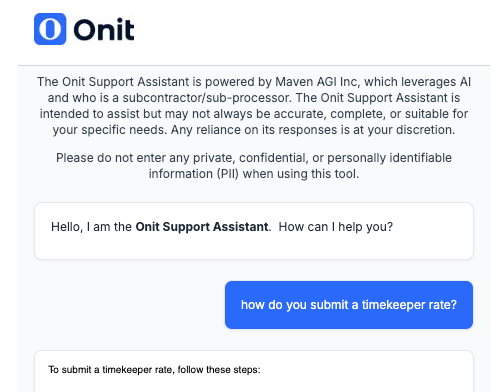
The agent supports multiple languages; ask a question in your preferred language, and you'll get an answer back in that language.
You can also click on the paperclip icon to upload a file to the Support Assistant.
To close the Onit Support Assistant, click on the blue X on the bottom-right of the screen.