What Is Two-Factor Authentication?
Two-Factor Authentication (2FA) is a security feature that provides an extra layer of protection when logging into a system. It helps ensure that only authorized users can access sensitive data or systems—even if someone else obtains their password. Two-Factor Authentication requires a user to verify their identity by entering your usual password and then confirming their identity with a temporary verification code sent to your email.
Why Is 2FA Important?
Passwords can be guessed, stolen, or leaked. 2FA significantly reduces the risk of unauthorized access by requiring a second form of verification. Even if someone knows your password, they still can’t log in without access to the second factor.
How 2FA Works in Counsel Exchange
When 2FA is enabled for your account:
- Log in as usual by entering your username and password.
- You'll be prompted to enter a verification code, which will be sent to your registered email.
- Once the code is verified, you’re logged in securely.
If you’re using a trusted device, you may be able to skip the second step for future logins.
Enabling 2FA in Counsel Exchange
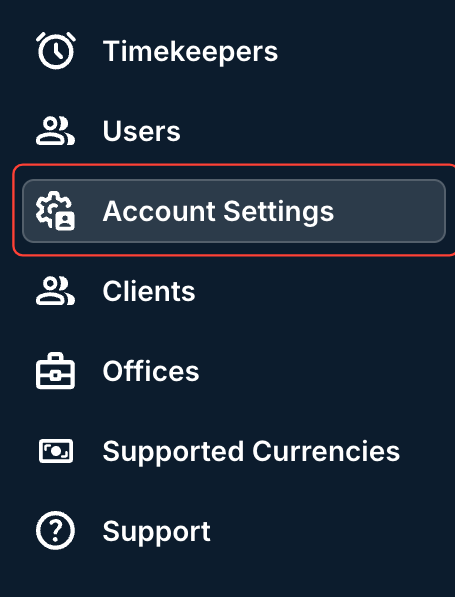
- After logging into the Master Settings, click on Account Settings.
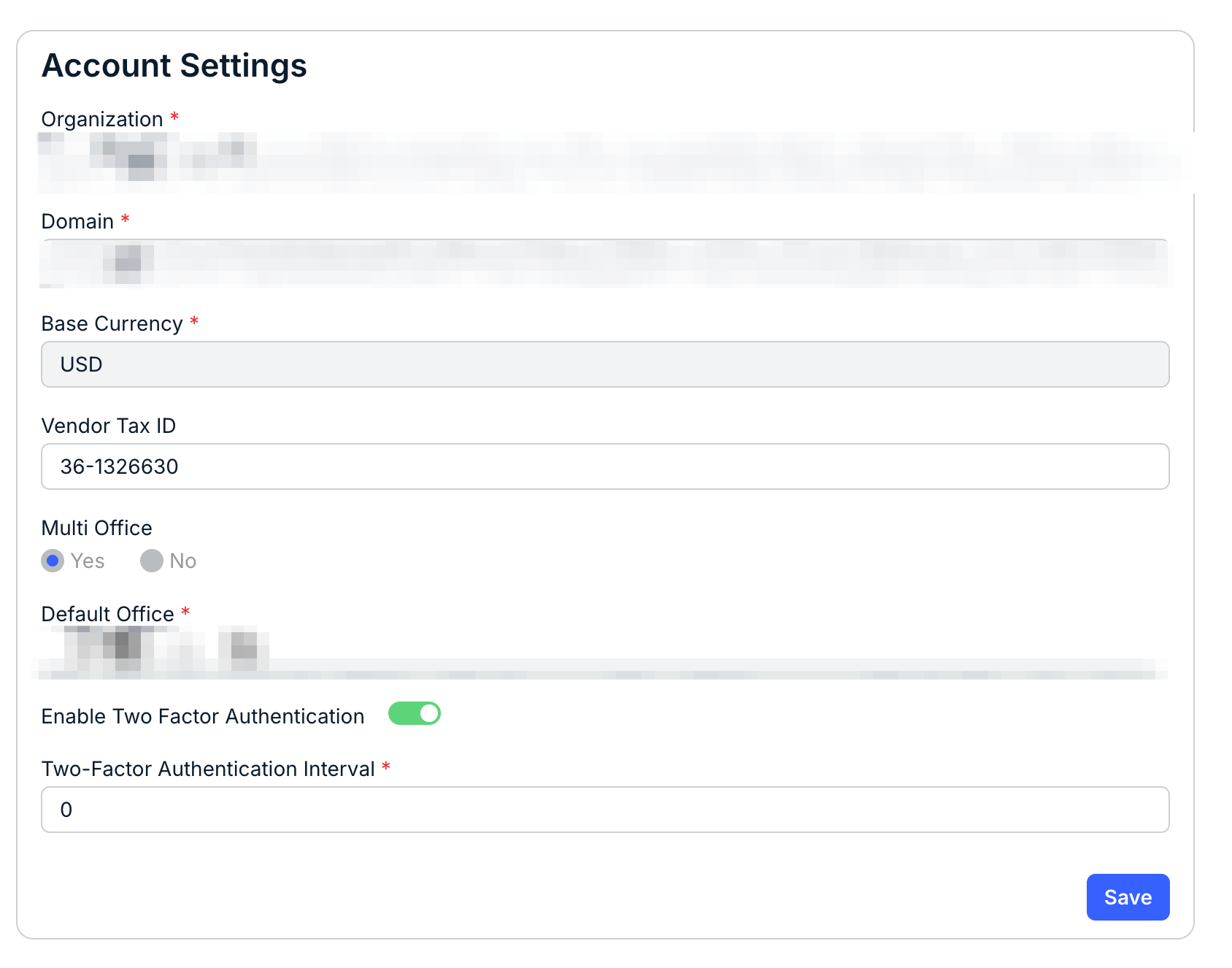
- Click on "Enable Two-Factor Authentication" and select the Two-Factor Authentication Interval.
Click Save to finalize the setting.