Here's how to bulk-upload timekeeper profiles in Counsel Exchange.
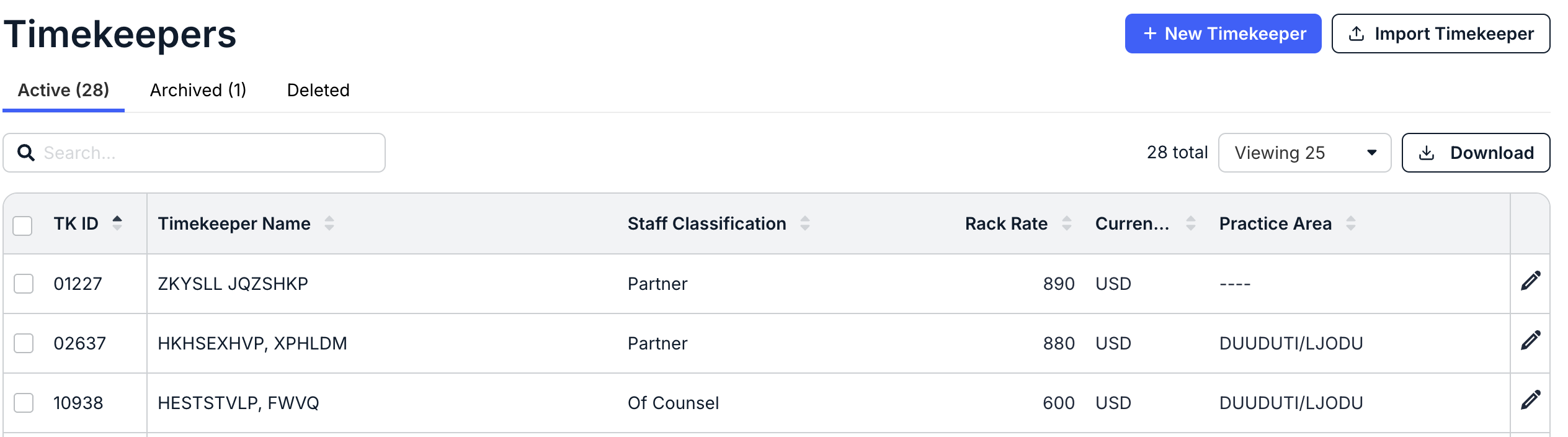
- After switching to Master Settings, go to the Timekeepers screen.

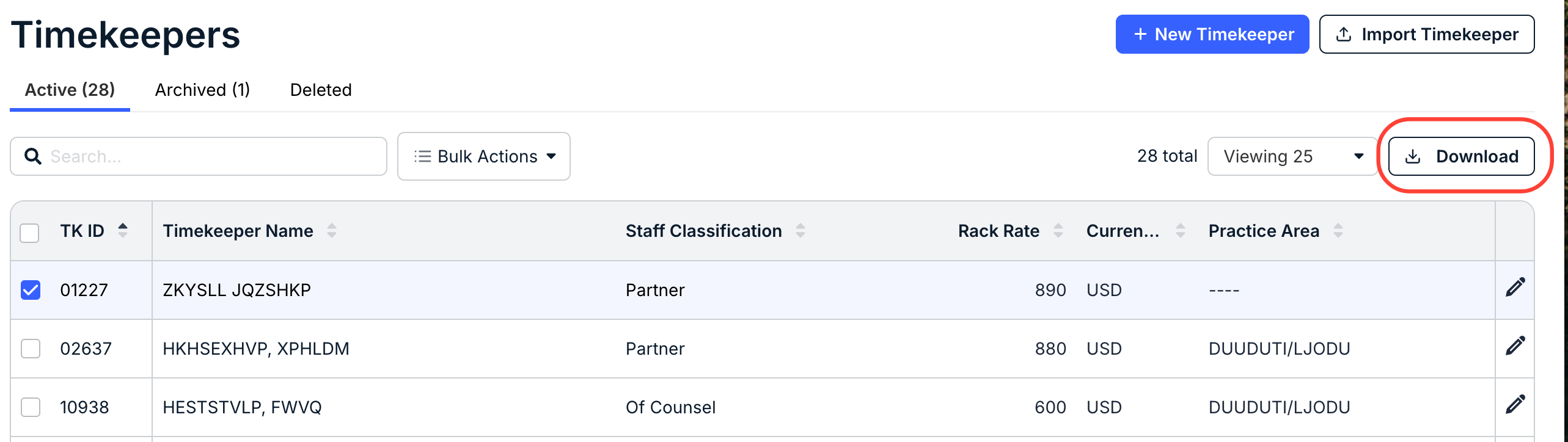
- Click Download to download timekeeper information as an Excel file.
You will receive a downloaded Excel document with all your current timekeepers for that client. You can remove any rows of timekeepers that do not require updates.
Alternatively, a blank template is linked below (red fields are required).
- Update any needed information EXCEPT the client timekeeper ID and the timekeeper ID.
All required fields must be completed for re-upload, even if they are currently blank.
- Save your changes. Your file must be an .xlsx file.
- Choose Import Timekeeper within the Client Timekeepers list.

- On the Upload Timekeepers page, click Select File to find the updated Excel file, or drag-and-drop the file into the screen.
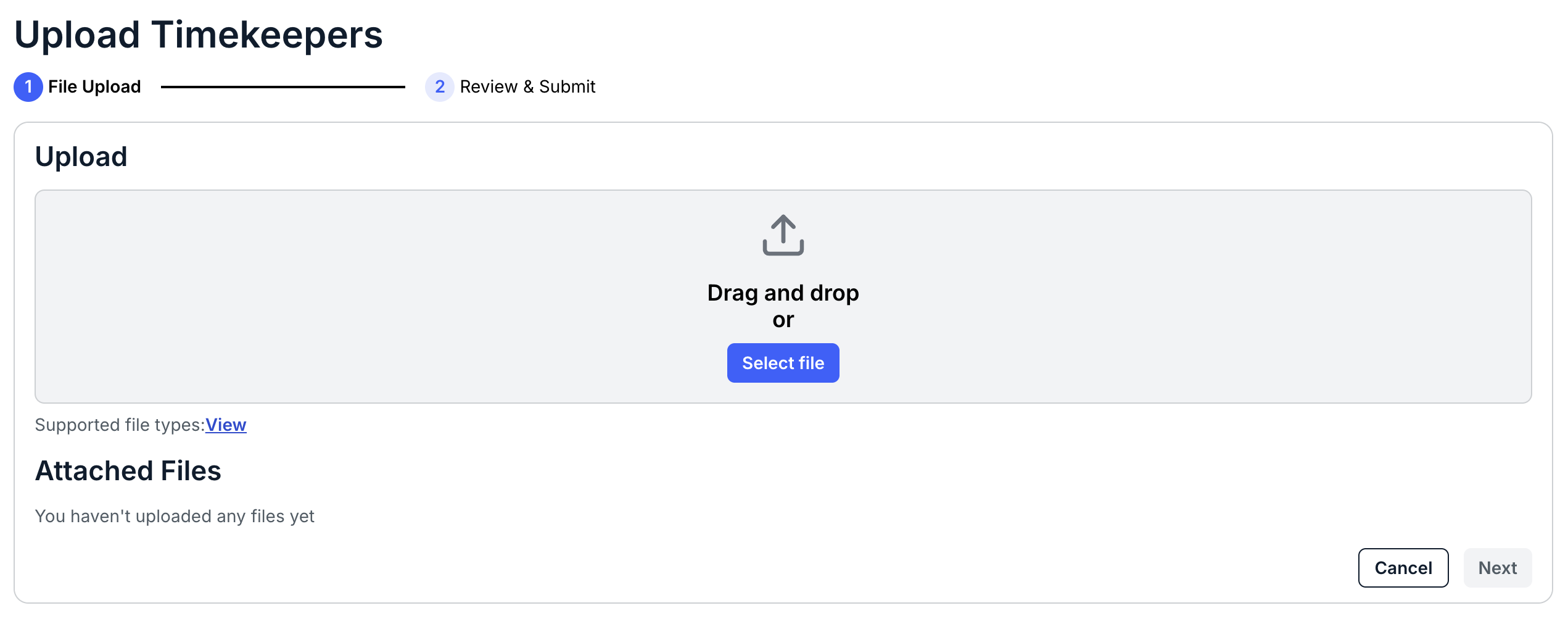
- Once uploaded, any errors will appear under "Attached Files."
Toggle "Show Details" to show the processing errors. If you get an error, revise the Excel file and resubmit.

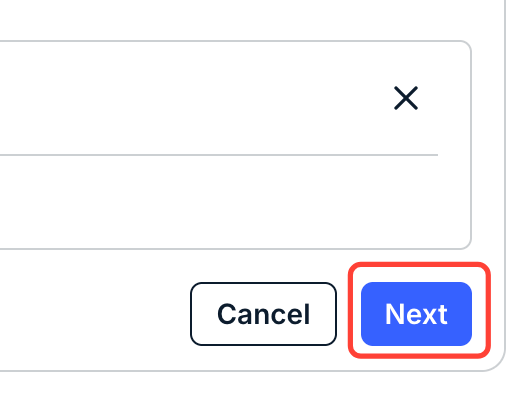
- Click "Next" when you're ready to upload the Timekeepers.
You can also click "Cancel" to back out.
- Once uploaded, any errors will appear under "Attached Files."
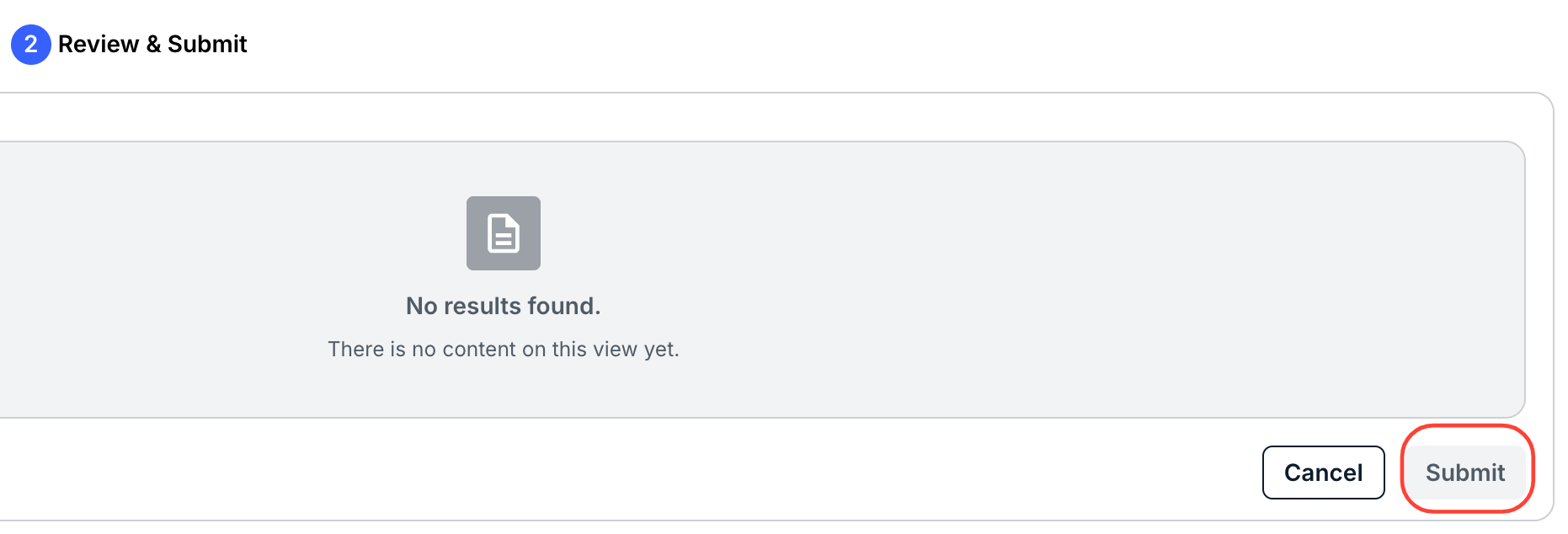
- Review your upload and click "Submit" to bulk import the timekeepers.
You can also click Cancel to back out.
- Updated timekeepers will appear in the main Timekeepers section.
These timekeepers are not yet approved for billing any client; this process only creates their profile.
- Updated timekeepers will appear in the main Timekeepers section.