This resource contains some common Frequently Asked Questions — and answers— we see from our users.
FAQ Directory
Does BillingPoint have a customer-facing API?
It does not; as a result, we do not have API documentation to share.
How can you change a fee arrangement for a Billing Authorization Request?
Vendors do not update fee arrangements on matters. Fee Arrangements are set by the customer and not the vendor. If a fee arrangement needs to be updated, the vendor must request an update from the customer, and the customer must take the necessary actions.
How can I update the administrators in a BillingPoint account?
You can find directions on updating the administrators here.
What is the BillingPoint session timeout length?
The BillingPoint session timeout length is 120 minutes. After that time, you'll have to log in again.
Do invoices need to be in English?
No. BillingPoint also supports German, Portuguese, Spanish, Italian, French, and Japanese.
How can a vendor edit an approved invoice?
Either contact the customer (who will then contact Onit support) or contact Onit support directly so our team can coordinate with the customer to approve.
How can a vendor alter an adjustment on an approved/paid invoice?
Contact the customer directly. They will then (pending the customer's judgment) contact support to request a workaround.
How can a BillingPoint user update the vendor billing contact?
This type of edit occurs in Onit, not in BillingPoint; a BillingPoint user cannot update it directly. Contact support for additional assistance.
How does restricting user access work?
You can only restrict user access on an office-by-office basis; however, this does not always translate to restricting a user on a customer-by-customer basis.
How can I check BillingPoint's current operational status?
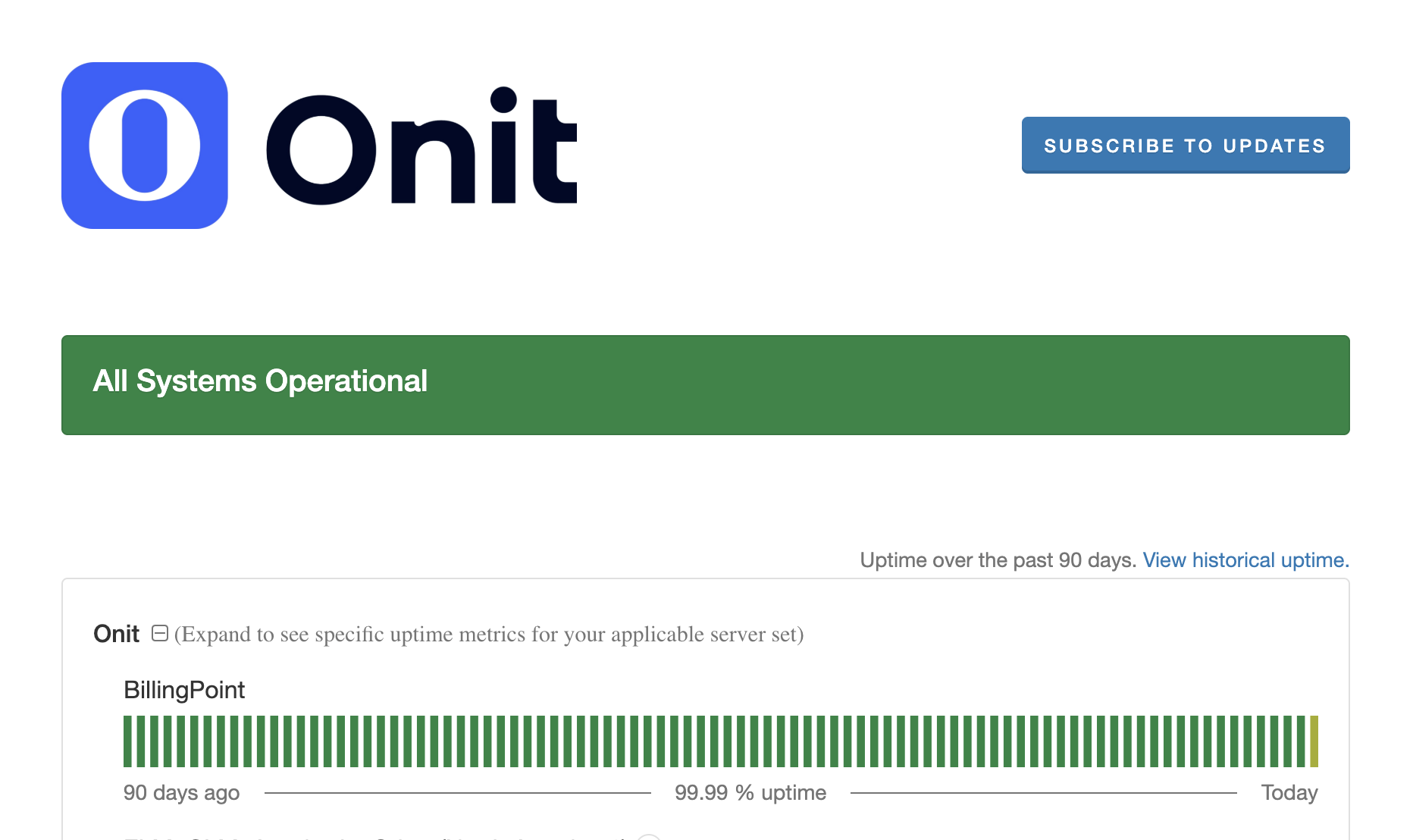
To check BillingPoint's current operational status — and to learn about any downtime issues impacting BillingPoint — go to https://onitstatus.com and click the plus button next to Onit.
BillingPoint status information will appear under the Onit menu. Any updates to BillingPoint (or other Onit systems) will appear at the top of the screen. Click on Subscribe to Updates to get email notifications of Onit system updates.
How can I update a firm contact between a customer and a vendor?
You cannot update a firm contact between a customer and vendor within BillingPoint. Contact the customer to ask for an update.
How does BillingPoint ensure uniqueness across individual client/vendor relationships?
BillingPoint updates invoice numbers by appending alphanumeric characters to non-uniquely entered invoice numbers to ensure uniqueness across these client/vendor relationships.
How can we update a firm contact between BillingPoint and the vendor?
You cannot update a firm contact between a BillingPoint and a Vendor. Contact support for assistance with this ask.
How do you change the currency in which you submit invoices for a particular matter?
The vendor does not. The vendor must contact the customer and request the currency to be changed.
I'm having trouble deleting my invoice that's in a "Pending" or better state.
Once an invoice has been submitted to a client, it can no longer be deleted.
Do I need to manually mark off invoices as "paid" in BillingPoint?
No. Once the customer approves and pays out on their side, the integration between onit and BillingPoint will automatically update the payment status of your invoice.
How do I change the default currency for my account?
A default currency can be set on the office level, but requires support assistance to do so. Please submit a case with our support team for further assistance.
How do I merge vendors?
The vendor merge process takes all of the data from separate accounts - timekeepers, invoices, users, etc. - and condenses it into one account.
For Onit, the vendor is responsible for submitting a formal request to BillingPoint to initiate the work. They will also set the requirements for the main account moving forward and when the merger should be completed.
How do I adjust notifications for vendors?
Notification recipient preferences are not configurable inside Billing Point; vendors or clients who need recipients added must contact support or their client directly.