Please note: these instructions only apply to matters with a Life of Matter fee arrangement, which is not applicable to all clients. If your client has a custom configured budgeting solution in Onit, please refer to their instructions.
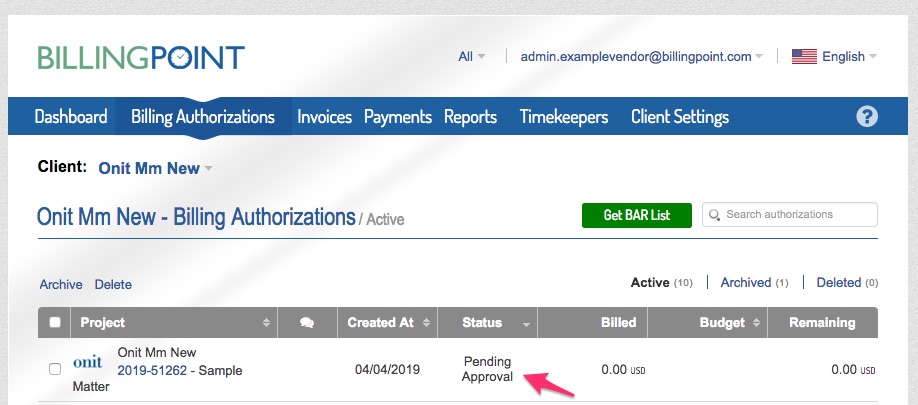
1. Sign into BillingPoint and choose the Billing Authorizations tab, find the matter assigned, it will be listed with a status of Pending. Click on the matter number (in blue) to open the submission form.
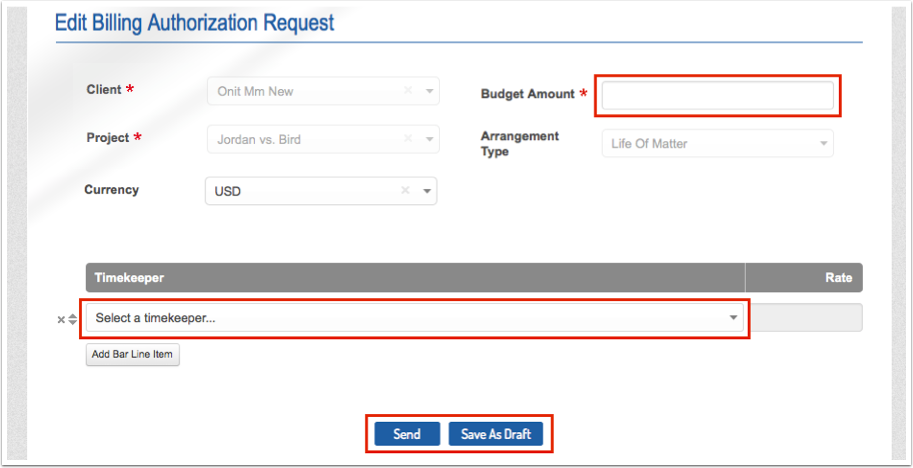
2. Enter the suggested budget, select at least 1 timekeeper that will work on the matter, and then click send (or save as draft if you are not ready to submit it to the client).
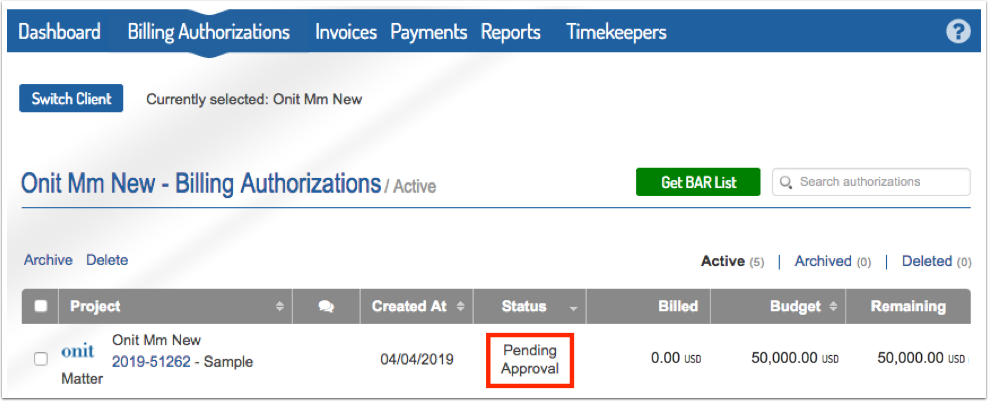
3. The phase will show Pending Approval after you have submitted it. Once the client approves the budget you will see the phase as Approved and you can begin submitting invoices against it.
Re-forecasting a Collaborative Budget When You Have a Life of Matter Fee Arrangement
Here's how to re-forecast a collaborative budget with a life of matter fee arrangement:
- Open the billing authorization for the life of matter fee arrangement and click on "Request a Change."
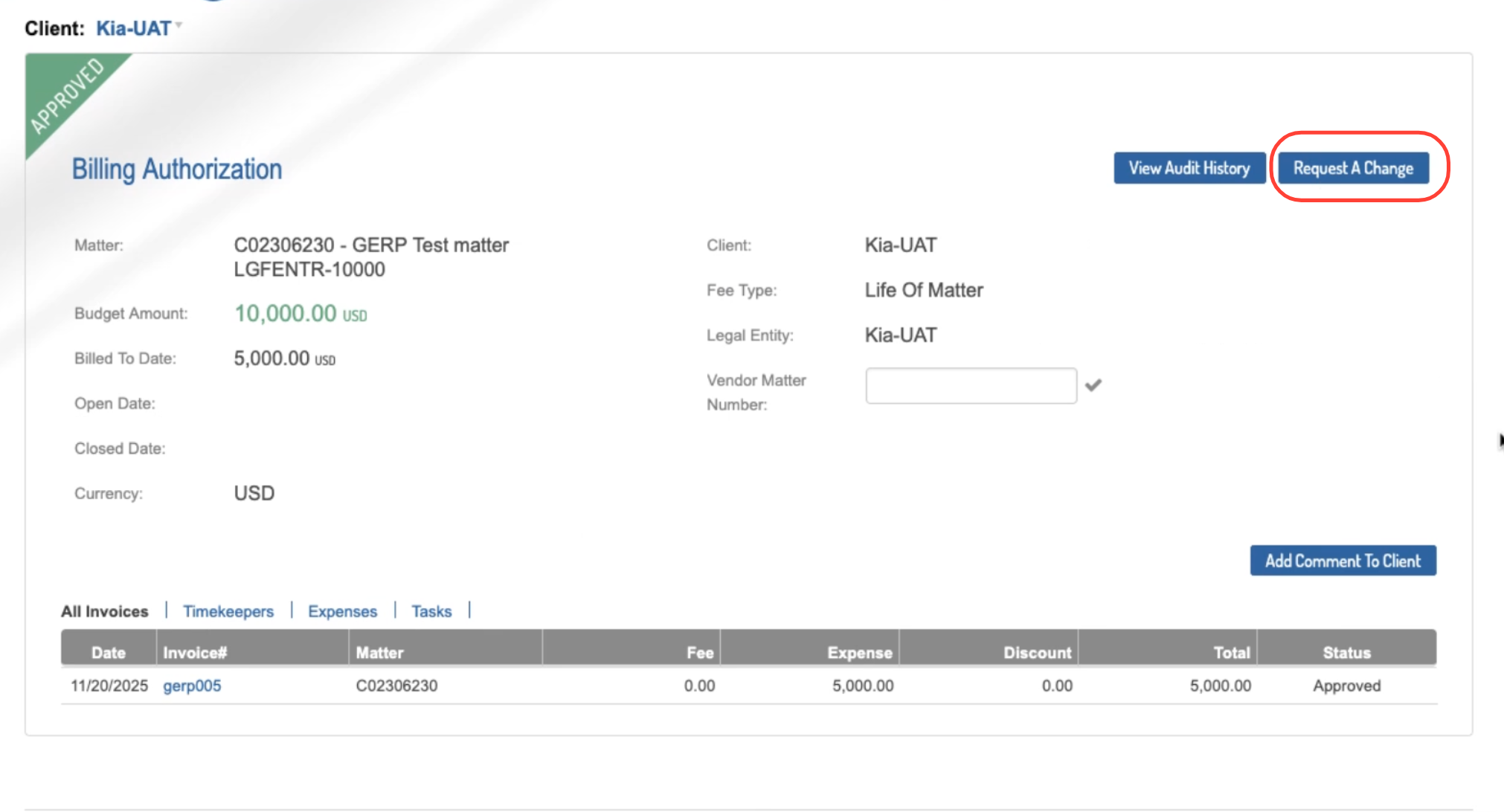
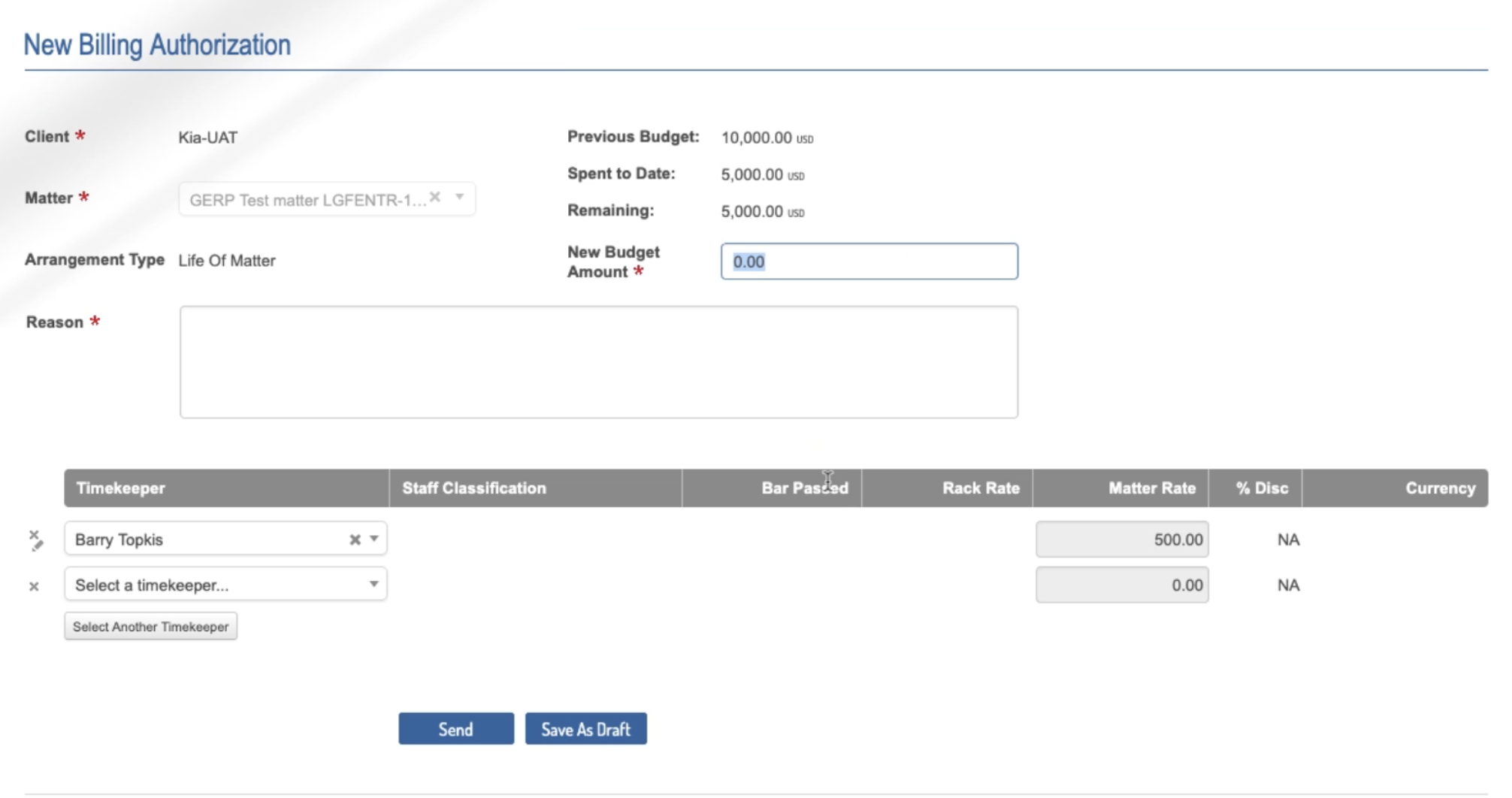
- The "New Billing Authorization" screen will appear.
Fill out the "New Budget Amount" for the change and click Send to send to the client or Save as Draft to save the draft and finalize later.