Available on Release
Enhancements
- Users can now open linked pages for matters, timekeepers, invoices, budgets, and vendors directly from relevant areas in Ask Unity. This makes it easier to move from information to the related record without manually searching for it.
- Ask Unity now reflects ELM data more quickly, so users can get answers based on more current information instead of waiting for a daily refresh. This is especially helpful for time-sensitive questions about invoices, budgets, matters, and other records.
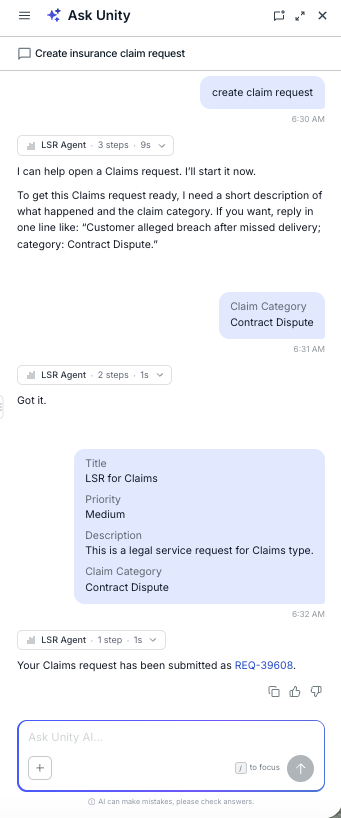
- Users can now use Ask Unity as a single chat experience for Legal Service Requests (LSR), including creating requests, checking status, analyzing request data, and asking product how-to questions. LSR queries continue to respect user access permissions, and users can export supported results in common file formats. Learn more here.
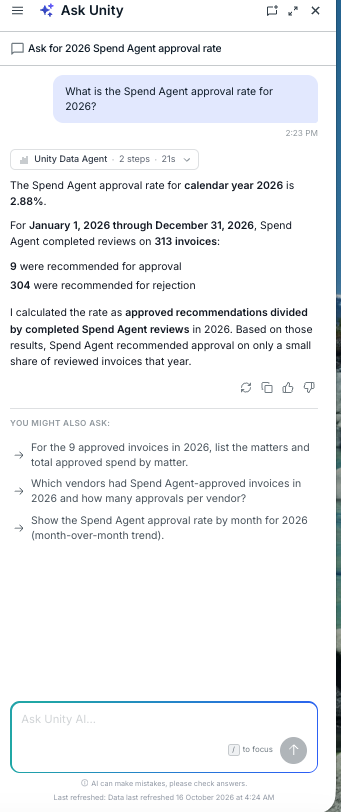
- Users can now ask Spend Agent questions and make data requests more fully through chat. This expands Ask Unity so users can work with Spend Agent information directly in the chat experience.
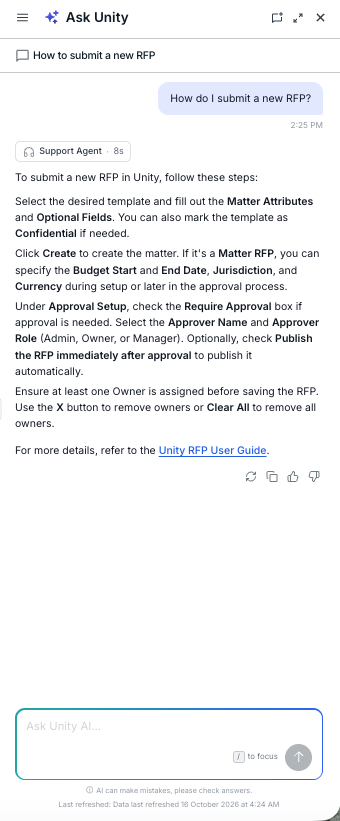
- Users can now use Ask Unity for Unity Request for Proposal (RFP)-related conversations, including product how-to questions and natural-language data queries. RFP results respect user permissions, and supported query results can be visualized and exported in common formats.
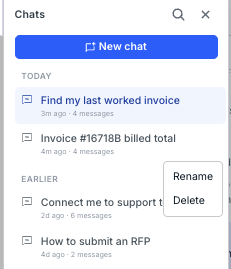
Users can now save prompts from conversations and reuse them later without rebuilding the same request each time. Saved prompts are personal to the user, can be edited or deleted, and remain available across sessions and pages.