Available on Release
Enhancements
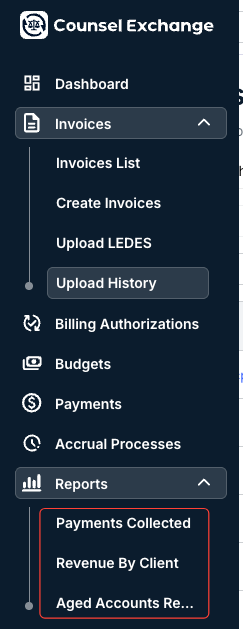
Vendors with the Unity client will now be able to access the reports menu in Counsel Exchange. Learn more about Reports in Counsel Exchange here.
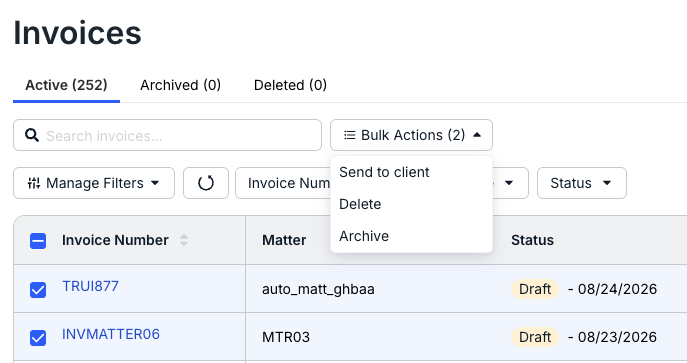
- Vendors will now be able to delete and archive invoices for Unity clients, creating a more consistent experience with existing OnitX ELM invoice management.
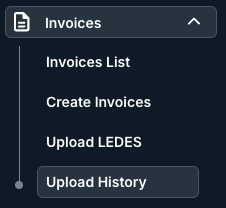
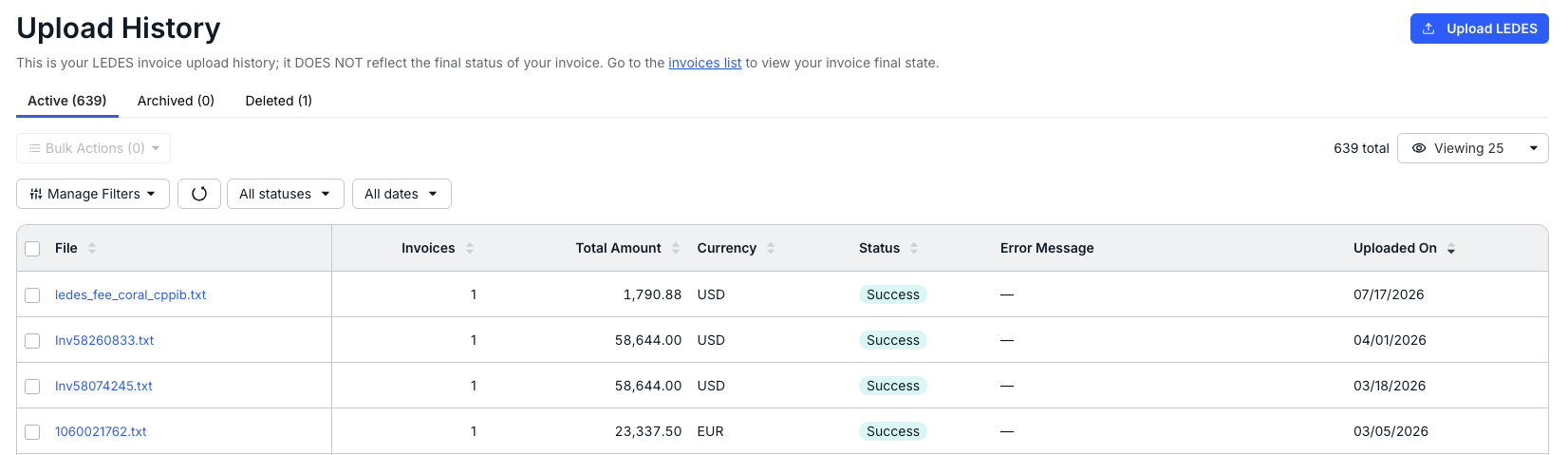
Vendors will now be able to see their LEDES upload history in Counsel Exchange, creating a more consistent experience with existing OnitX ELM invoice visibility.
Issues Resolved
Resolved an issue where vendors encountered an error when attempting to save changes in the "Fix Client Matter ID" popup during LEDES file submission. The popup now correctly updates the LEDES file and proceeds with validation, eliminating the need for manual file edits.
- Fixed a display bug where the internal classification ID was shown instead of the human-readable classification value after a timekeeper's profile was updated.
- Corrected an issue where raw HTML tags were visible in header error messages (for example, when exceeding daily hour limits). Error messages now render correctly for a cleaner user experience.
- Fixed the "Complete profile" button behavior in the Timekeeper Rates section. It now correctly opens the "Edit timekeeper profile" modal instead of the "Create" modal, ensuring existing data is preserved and accessible for updates.