Onit Documentation

Deleting a Timekeeper in BillingPoint

by Michael Nadeau Updated on

Here's how to delete a timekeeper in BillingPoint:

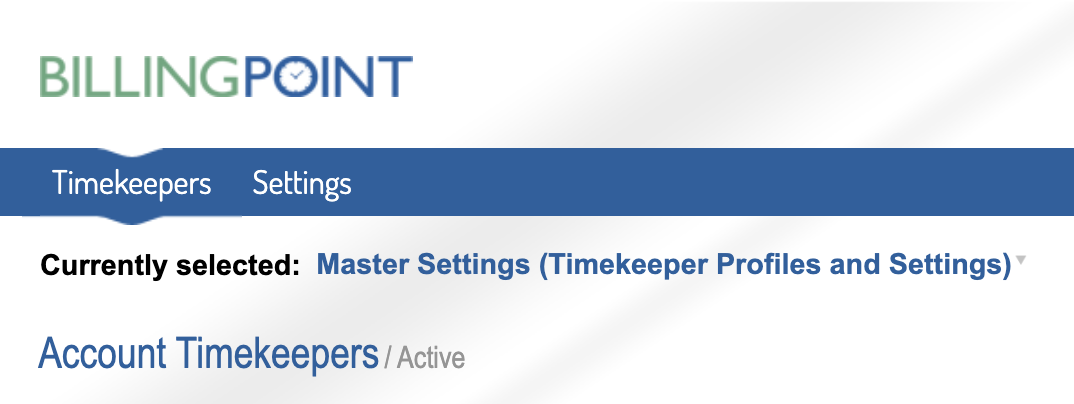
  1. Log in to the Master Settings view in BillingPoint and navigate to "Timekeepers" on the top menu
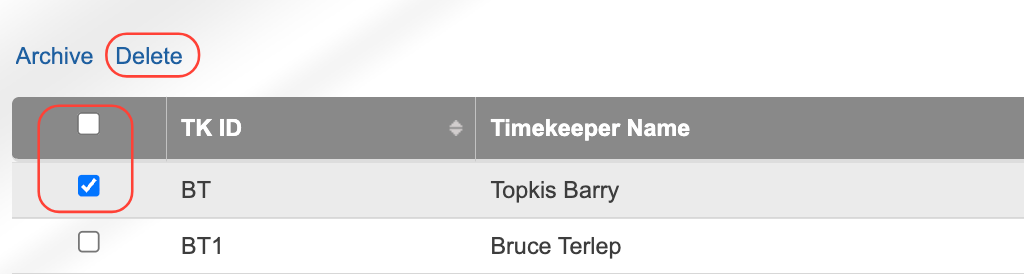
  2. Select the timekeeper(s) you'd like to delete and click "Delete" on the top menu.

    You can also click the top check box to select all the timekeepers on the page. 

  3. You can see the deleted timekeepers under the "Deleted" tab to the right of the page.


Previous Article Resubmitting Disputed Matter Level Timekeeper Rates
Next Article Using BillingPoint Academy

© 2026 Onit, Inc.

docs.onit.com contains proprietary and confidential information owned by Onit, Inc. that is subject to copyright. Onit presents it exclusively to you for your sole use in conjunction with using Onit products. No portion of the materials contained herein may be used for any other purpose. No portion of the materials contained herein may be shared with third parties or reproduced in any form.